

Описание
A Random Number adds a simple random number generator to WordPress. Add the «A Random Number» block in the block editor, or put the [arandomnumber] shortcode in any post, page or widget, and it prints a new random number every time the page loads. Use it as many times as you like on the same page.
Features
- Gutenberg block with minimum, maximum and thousands-separator settings and a live preview
- Random number generator shortcode for posts, pages and text widgets
- Custom range with the
minandmaxattributes (default 1 to 100) - Negative numbers and large ranges are supported
- Thousands separators on by default, switch them off with
comma=no - Insert button in the classic editor (visual and text mode)
- No settings page and no database tables to manage
How to use
In the block editor click the add-block button, search for «A Random Number» and set the range in the block sidebar.
Or add the shortcode wherever you want the number to appear. The default range is 1 to 100.
[arandomnumber]
Pick your own range with min and max:
[arandomnumber min=1 max=10000]
This prints a number between 1 and 10,000, for example 8,014.
[arandomnumber min=-500 max=-1]
This prints a number between -500 and -1, for example -232.
[arandomnumber min=50000000 max=60000000]
This prints a number between 50,000,000 and 60,000,000, for example 56,449,060.
To print the number without thousands separators use comma=no:
[arandomnumber min=100000 max=999999 comma=no]
This prints something like 456245.
Use cases
- Giveaway or contest placeholder numbers
- Lucky numbers, dice-style demos and games
- Test data and sample figures while you build a page
- Random values for form fields or URLs
- Checking whether a page is cached: the number changes on every uncached page load
Скриншоты
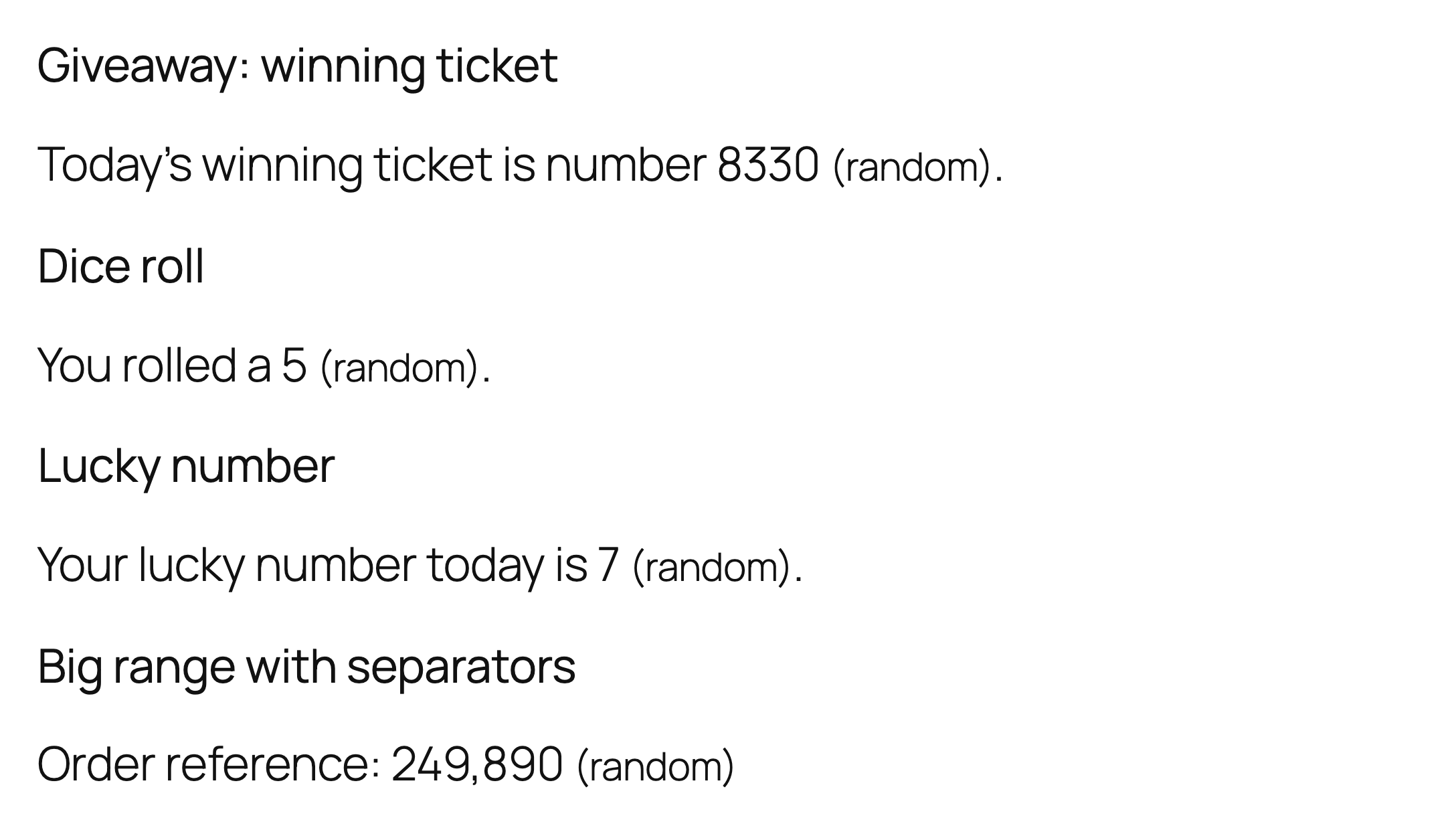

Блоки
Этот плагин предоставляет 1 блок.
- A Random Number Показывает случайное число между минимумом и максимумом; при каждой загрузке страницы число новое.
Установка
- Upload the plugin files to the
/wp-content/plugins/a-random-numberdirectory, or install the plugin through the WordPress plugins screen directly. - Activate the plugin through the ‘Plugins’ screen in WordPress
- Use the shortcode to display your magic number.
Часто задаваемые вопросы
-
How do I show a random number between two values?
-
In the block editor add the «A Random Number» block and fill in the minimum and maximum in the sidebar. With the shortcode use the
minandmaxattributes, for example[arandomnumber min=1 max=50]. If you enter min and max in the wrong order the plugin swaps them for you. -
Does the number change on every page load?
-
Yes. A new number is picked each time WordPress builds the page. If you use a page cache or a caching plugin, the cached copy of the page keeps the number that was generated when it was cached, so exclude that page from caching if you need a fresh value for every visitor.
-
Can I remove the thousands separators?
-
Yes, add
comma=no, for example[arandomnumber min=1000 max=9999 comma=no]. -
Can I use it for lotteries, passwords or security tokens?
-
No. The plugin uses the WordPress random number function, which is fine for display purposes, but it is not designed for security-sensitive uses or for draws that must be provably fair.
-
Does it work in widgets and page builders?
-
It works anywhere WordPress runs shortcodes: posts, pages and text widgets. In page builders, use a shortcode or text element and paste the shortcode into it.
-
Does the plugin store any data about my visitors?
-
The plugin does not collect personal data about visitors. It keeps one small internal option in your own database.
Отзывы


Участники и разработчики
«A Random Number» — проект с открытым исходным кодом. В развитие плагина внесли свой вклад следующие участники:
Участники
«A Random Number» переведён на 1 язык. Благодарим переводчиков за их работу.
Перевести «A Random Number» на ваш язык.
Заинтересованы в разработке?
Посмотрите код, проверьте SVN репозиторий, или подпишитесь на журнал разработки по RSS.
Журнал изменений
1.3.0
- New: Gutenberg block «A Random Number» with minimum, maximum and thousands-separator settings.
- Translation-ready: all strings use the a-random-number text domain.
- A review reminder in the admin after two weeks, dismissible.
- Requires WordPress 5.8 or newer.
1.2.2
- Hardening: direct-access guard, prefixed function names, shortcode min/max are cast to integers (non-numeric values no longer cause a fatal error on PHP 8), output of the stored link data is escaped, editor button accepts only whole numbers, WordPress random functions are used.
1.2.1
- Tested with WordPress 7.1. Outbound credit links now carry rel=»nofollow».
1.2
- Updated to the latest WordPress version.
1.1
- Added comma attribute to remove commas if needed.
- Released August 19, 2017
1.0
- Launched A Random Number into the Internets. It’s alive!
- Released January 8, 2016