

Описание
С помощью Redirect.txt вы можете предоставить простой список URL и их назначений без избыточных действий после создания, без ограничений и с помощью простого редактора.
Есть много хороших плагинов для переадресаций, которые разрабатывались годами и имеют мощную кодовую базу. Но нам не нравится идея создания отдельных записей для каждого правила переадресации. Нам просто нужно добавлять, удалять переадресации и управлять ими простым и массовым способом.
Конфиги .htaccess и Nginx в порядке, но мы не хотим редактировать конфигурации, размещенные где-то в каталогах сервера; мы хотим открыть нашу панель администратора и легко добавлять переадресации. Мы также не рискуем уронить сервер при некорректном сохранении файла конфигурации.
Быстрые ссылки
Возможности
- Переадресация путей
- Полная переадресация URL
- Переадресация ID записей
- Переадресации RegEx
- Журнал переходов
- Журнал 404
Применение
Откройте раздел Инструменты → Redirect.txt и предоставьте список URL. Вот пример доступного синтаксиса:
# The links below will automatically use 301 redirects.
/hello: /new-hello

# Support for custom status
# To make 301, 302, 303, 307, or 308 redirects, use a code like this:
308: # All redirections below will use 308 redirect status.

# Support for post ID's
# Redirect from post with ID 1 to post with ID 8:
1: 8

# Support for external redirects:
/external: https://google.com/

# Support for RegEx redirects (automatically detected when the string starts with ^):
^/news/(.*): /blog/$1

# You can use as many comments as you want to categorize your links better.
Те же правила без комментариев:
/hello: /new-hello

308:

1: 8
/external: https://google.com/
^/news/(.*): /blog/$1
Скриншоты


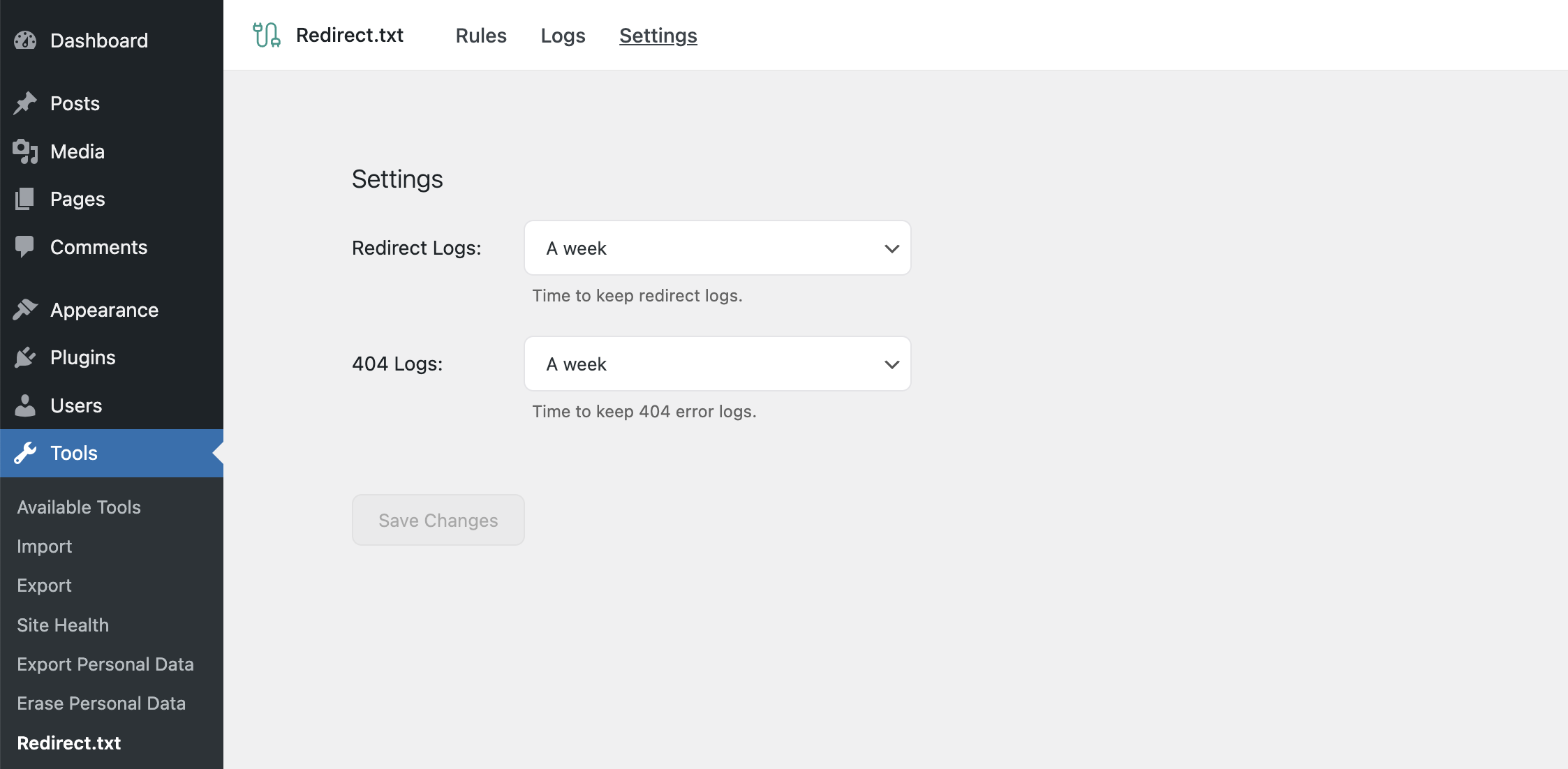
Установка
Автоматическая установка
Установите Redirect.txt либо через каталог плагинов WordPress, либо загрузив файлы на свой сервер по адресу wp-content/plugins.
Применение
Чтобы начать использовать Redirect.txt, просто откройте раздел админки Инструменты Redirect.txt и следуйте инструкциям.
Отзывы
Нет отзывов об этом плагине.
Участники и разработчики
«Redirect.txt» — проект с открытым исходным кодом. В развитие плагина внесли свой вклад следующие участники:
Участники
«Redirect.txt» переведён на 1 язык. Благодарим переводчиков за их работу.
Перевести «Redirect.txt» на ваш язык.
Заинтересованы в разработке?
Посмотрите код, проверьте SVN репозиторий, или подпишитесь на журнал разработки по RSS.
Журнал изменений
0.3.0 — Oct 24, 2026
- added WordPress 7.2 compatibility
- bump minimum PHP requirement to 8.3
- security: fixed a RegEx rule that builds the target domain from the request sending visitors to any site; a matched part can now only fill a subdomain of the domain written in the rule
- fixed rules losing
%-encoded characters and RegEx syntax such as named groups on save; an invalid RegEx is now refused with the line that fails - fixed URLs copied from the 404 log not matching in a rule
- fixed rules redirecting REST API requests on sites with plain permalinks or WordPress in a subdirectory
- fixed a numeric rule, such as
/123, also matching an author or term with that ID - fixed RegEx rules with non-Latin characters, such as
^/кафе$, never matching - the redirect log and the 404 log now keep the newest 1000 entries each
0.2.8 — Sep 23, 2026
- fixed redirects dropping the trailing slash and letter case written in the target URL
- fixed an endless loop when a redirect points a page to itself, such as
/about: /about/ - fixed redirects from or to the homepage
/not working - fixed path redirects not working when WordPress is installed in a subdirectory
- fixed RegEx redirects that contain
@not working
0.2.7 — Aug 26, 2026
- added WordPress 7.1 compatibility
0.2.6 — Jun 10, 2026
- added WordPress 7.0 compatibility
- migrate admin UI to React 18 createRoot API
- bump minimum PHP requirement to 7.4
0.2.5 — Nov 28, 2024
- added translation file
- check compatibility with WordPress 6.7
0.2.4 — Jul 3, 2024
- added support for redirects to links with hash
0.2.3 — May 26, 2024
- disable redirects from
wp-admin,wp-jsonandwp-login.phppaths
0.2.2 — May 17, 2024
- changed code editor to light mode by default, to prevent switch to dark when system is in dark mode
0.2.1 — May 12, 2024
- remove some dev folders from the plugin
0.2.0 — May 12, 2024
- Release