

Описание
Плагин фото галереи
Для создания красивой галереи в WordPress вам не нужно нанимать разработчика. Все, что вам нужно — это WoowGallery — легкий в использовании плагин для создания фотогалереи при помощи нескольких щелчков мыши.
WoowGallery is highly optimized for web and server performance because we understand the importance of speed when it comes to image and gallery load times, as well as SEO and conversion.
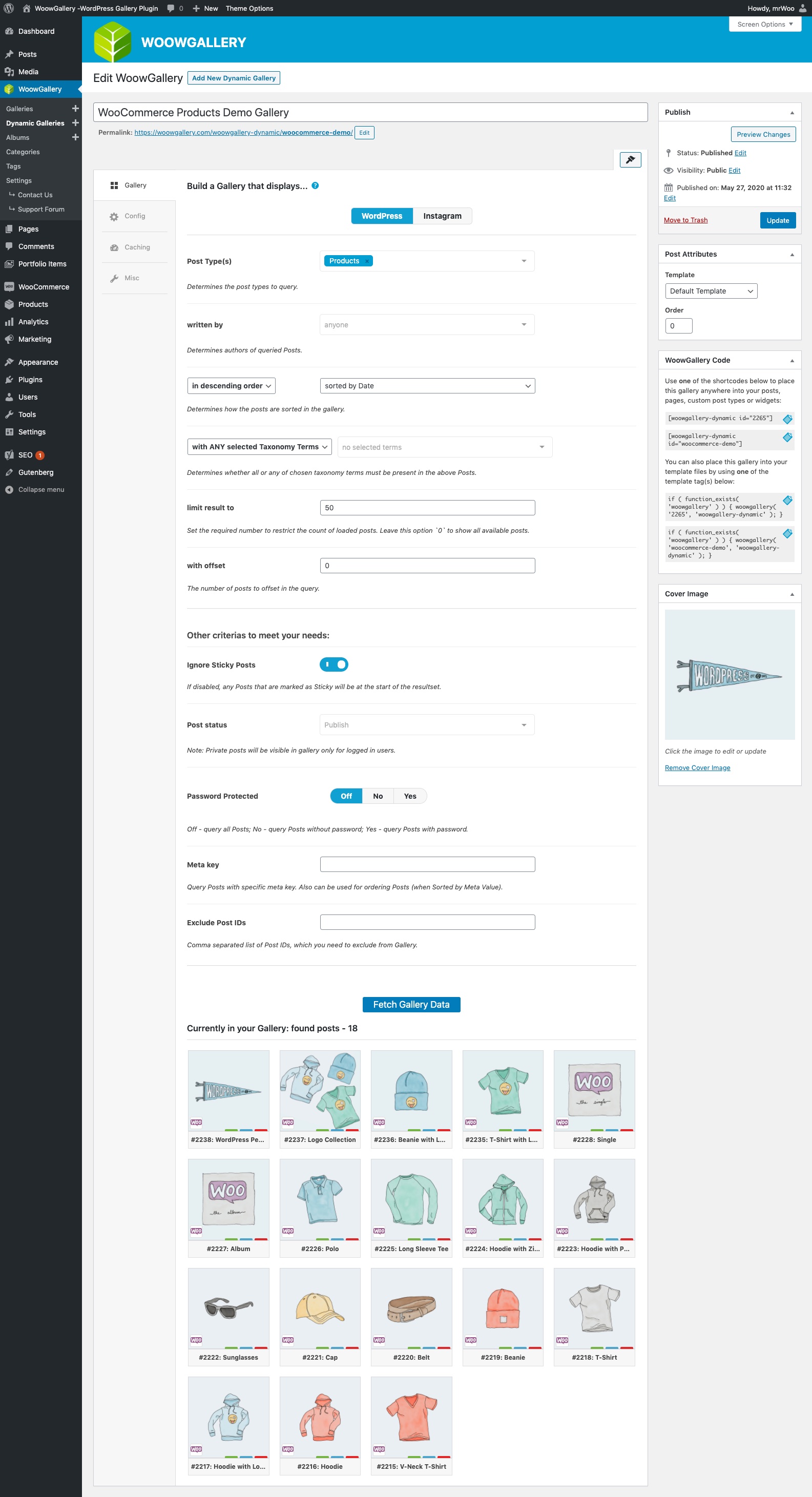
With WoowGallery you can show the blog posts on your website and display them in a masonry layout with tags filter. You can customize the way your posts look and manage settings like the featured image, the content you want to display, etc.
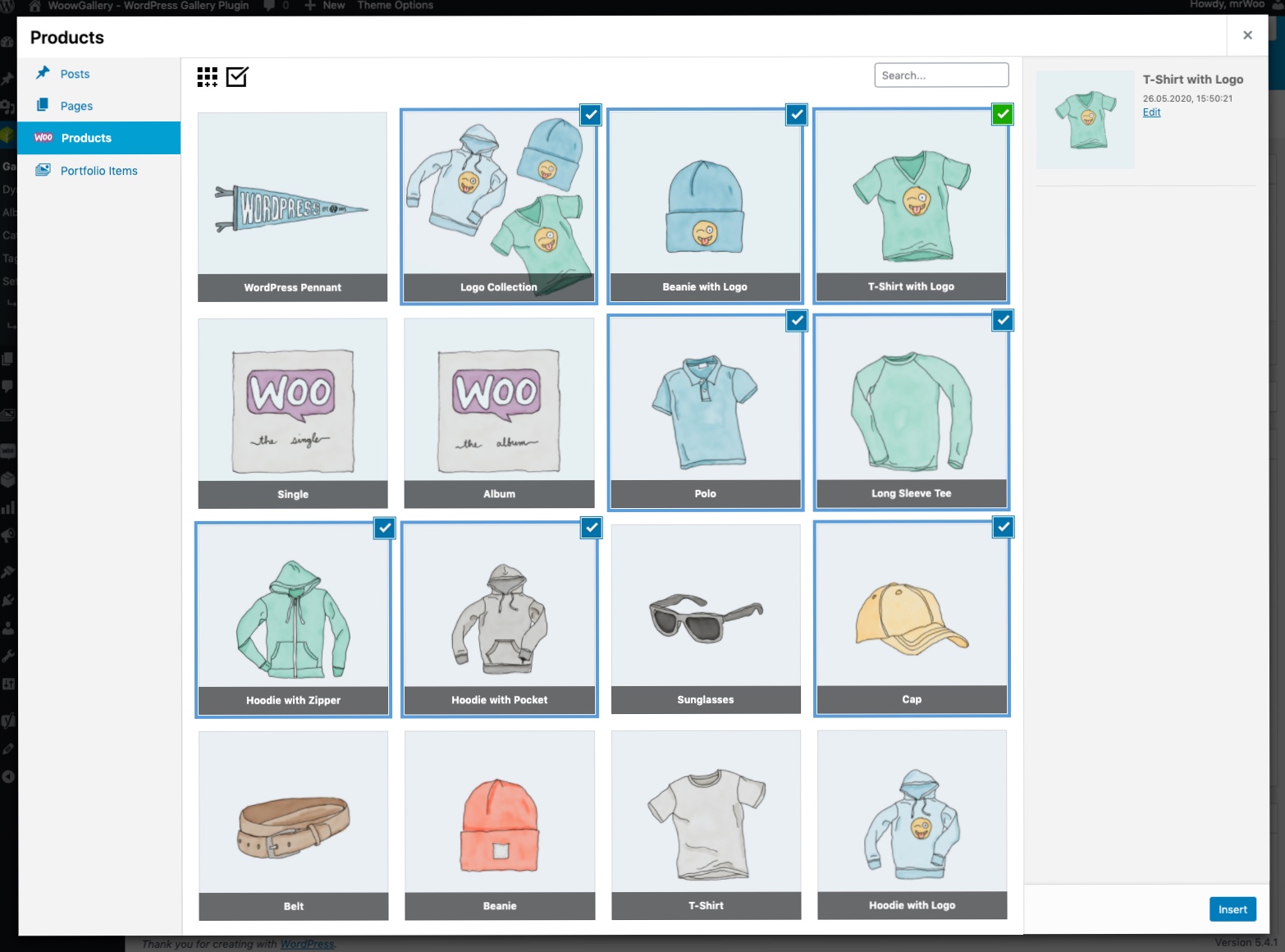
WooCommerce Products in a masonry layout looks fantastic. You can show any post type in a gallery with a link to their pages.
Free version includes everything you need and expect from the gallery:
albums, tags, social media integration, various templates and layouts, lazy load, content galleries with your posts, dynamic galleries, and tons more.
And with our widget you can put your best work anywhere on the page. Easily add it to your page via Elementor Editor, Classic Editor, Gutenberg or any other editor which support widgets or shortcodes.
Drag & Drop Builder
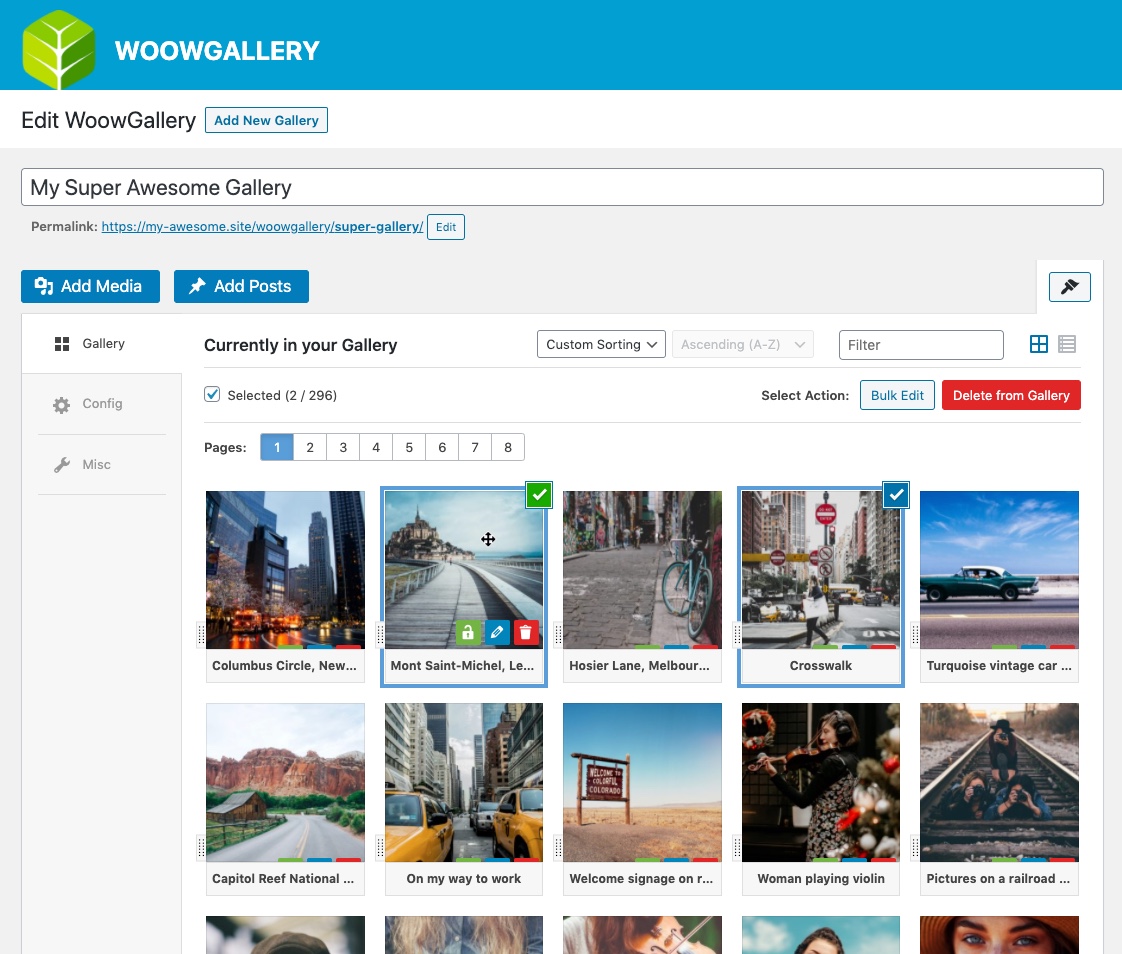
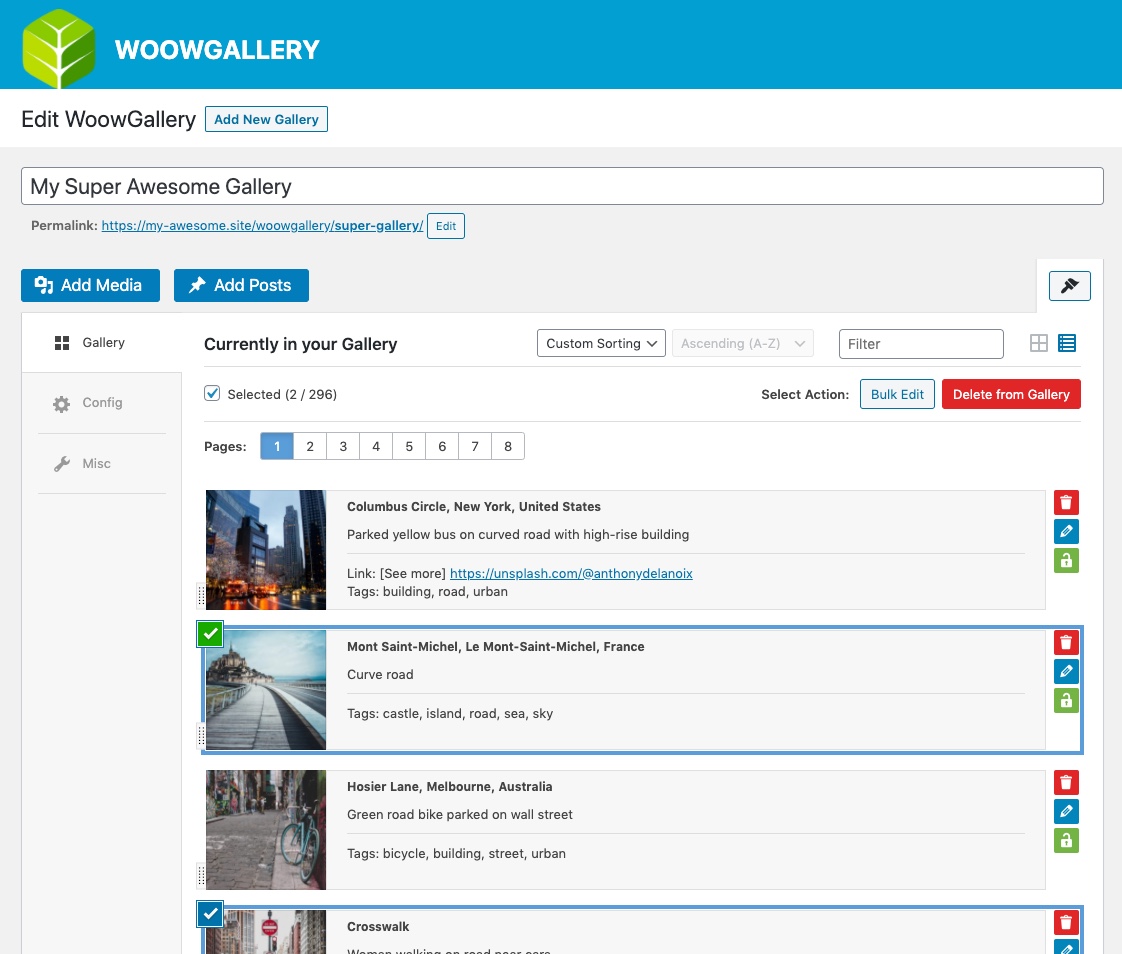
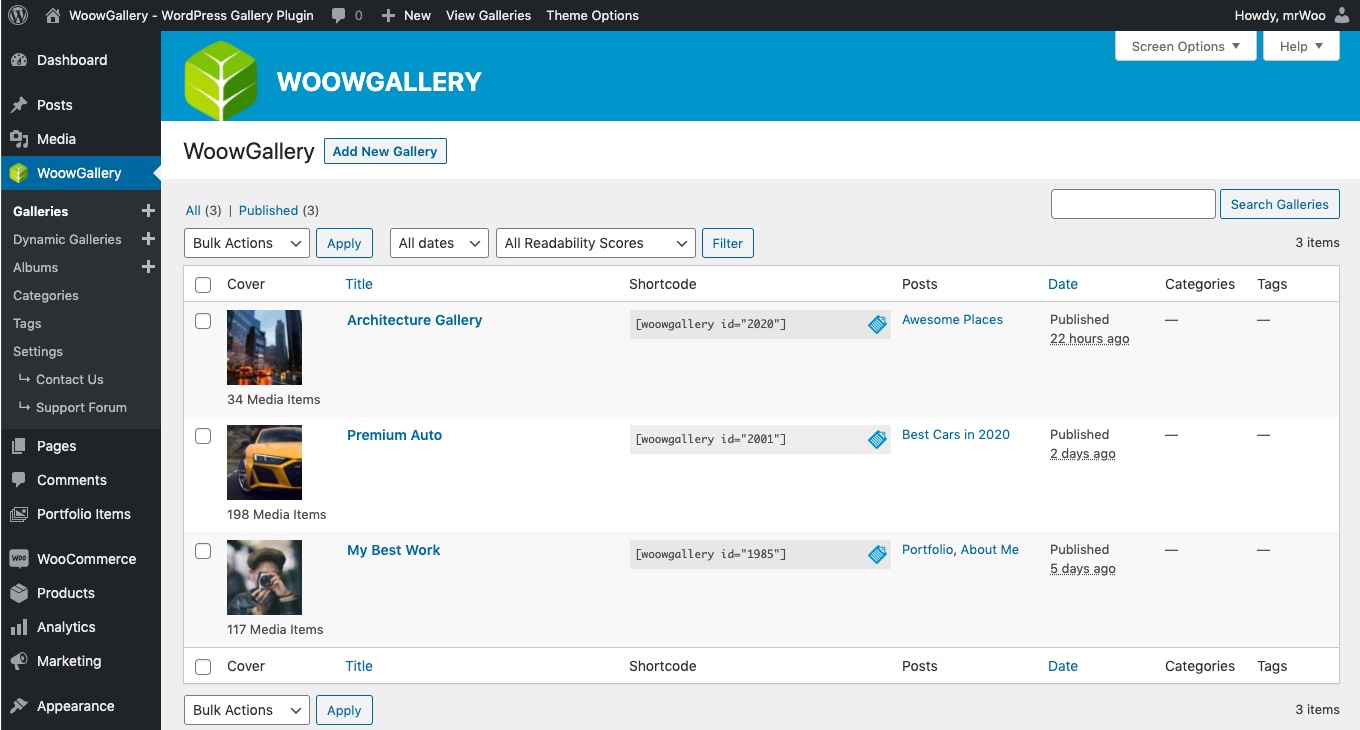
WoowGallery adapts to your workflow and allows you to create in minutes. By using our easy to use drag and drop builder, you can upload your photos, rearrange them, and create an impressive gallery with just a few clicks.
You can also create and edit right from the WordPress Gutenberg block editor.
If you’ve struggled with complex plugins that take video tutorials to learn, you’re going to love WoowGallery.
With WoowGallery Premium you can
create WooCommerce integrations, create Standalone gallery pages, add Standalone views inside Dynamic galleries, create presets for skins, etc.
Оптимизировано для мобильных устройств, SEO и скорости загрузки
Our solution is 100% responsive and mobile-friendly by default. We optimized every query on the front-end and the back-end to ensure maximum speed.
Делитесь и продавайте фотографии
Интеграция с социальными сетями и интеграция с WooCommerce.
Built-in Feature List
- Gutenberg Blocks for WordPress 5.8+
- Drag & Drop конструктор галерей.
- На 100% отзывчивая и оптимизированная для мобильных браузеров.
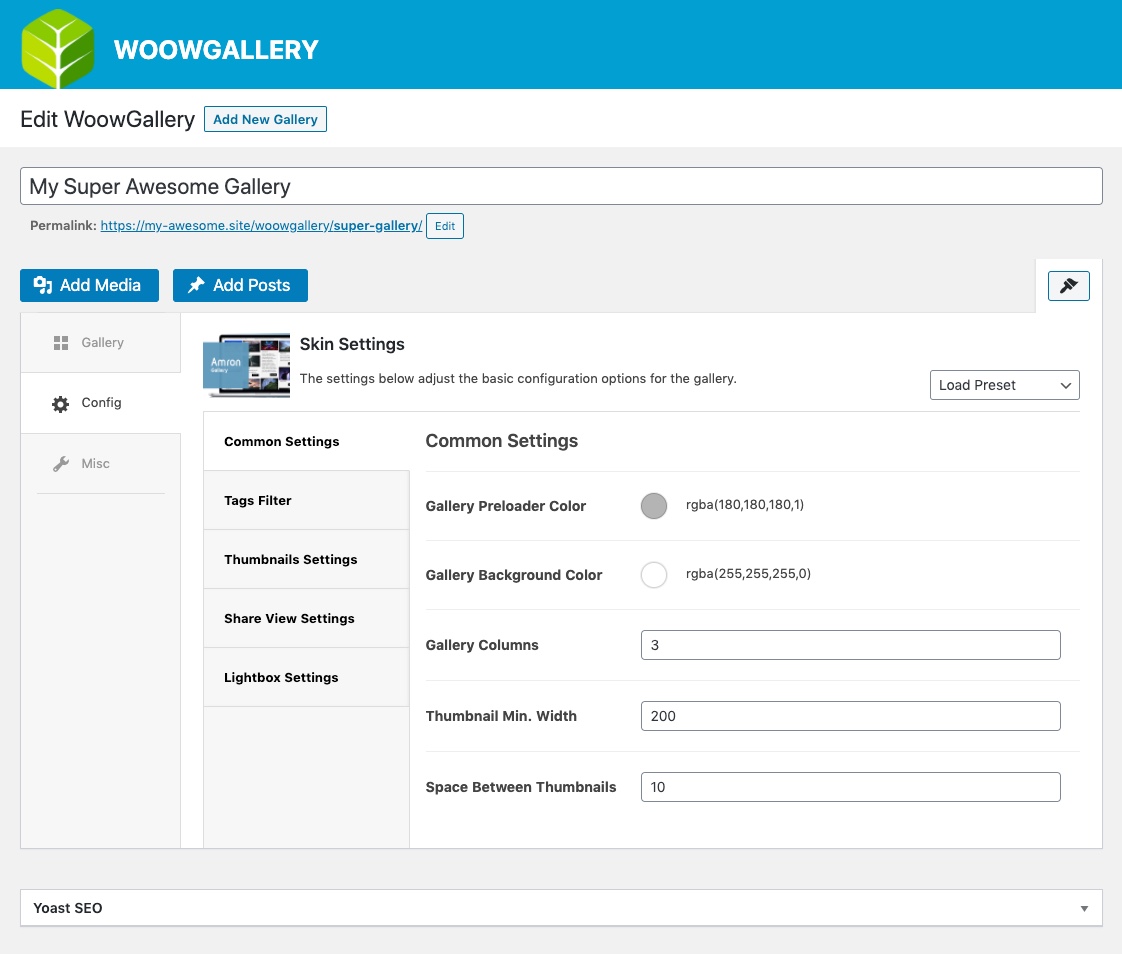
- Beautiful Skins for Customization
- Albums — Easily organize your collections, choose cover photos, and more.
- Featured Content Gallery — Easily create displays based on posts, pages, products, testimonials, portfolios, and other custom post types.
- Dynamic Gallery — Create content from various different sources (WordPress, Flagallery…). Show specific media category or folder from other plugins like: «Media Library Assistant», «FileBird», «Real Media Library», etc.
- Video Support — Not just for photos! You can add local videos and link your photos with video from YouTube and Vimeo.
- Slideshow — Add beautiful slideshows with autoplay, manual controls, and more.
- WooCommerce Product Integration — Replace default WooCommerce product display template with our skin.
- Image Tags — Organize your WordPress photos with tags for easy search and display that are also filterable.
- Социальные сети — легко делитесь своими фотографиями в Facebook, Twitter и Pinterest.
- Image Protection — Protect your images from theft by disabling right mouse click.
- Lazy Load — Load large collections with lazy loading to improve page speed and user experience.
- Deeplinking — Make your content SEO friendly and easily link to individual items.
- Полноэкранный режим — воспользуйтесь встроенным полноэкранным режимом отображения в Lightbox.
- Photo Zoom — Zoom images for up close browsing.
- Метаданные EXIF — отображение EXIF данных, включая модель камеры, диафрагму, выдержку и т.д.
- Downloads — Ability to download your images and collections with an easy to use download button.
Premium Feature List
- Интеграция с WooCommerce — мгновенно продавайте свои фотографии или любые другие продукты с помощью нашей галереи и самого популярного плагина для электронной коммерции в Интернете.
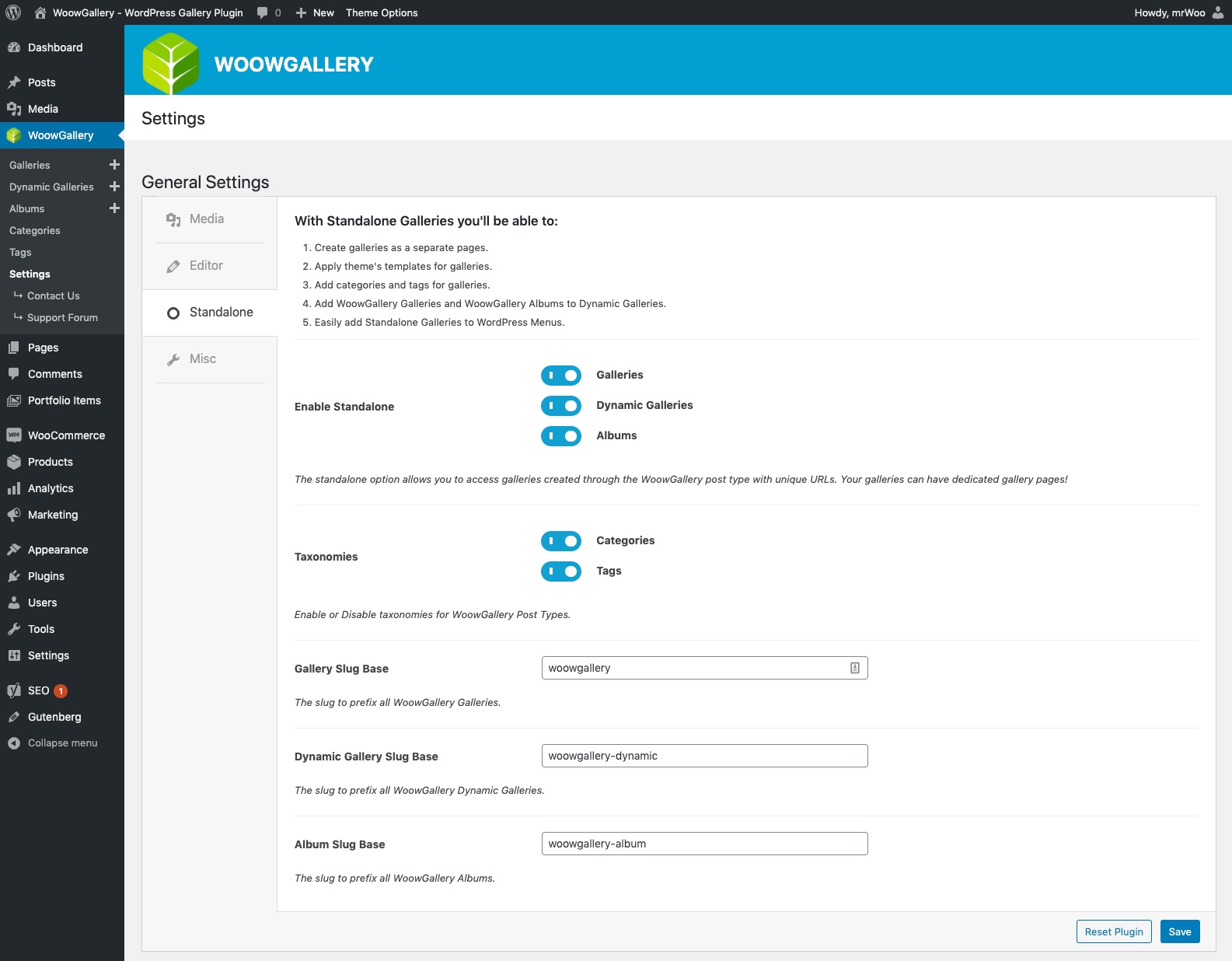
- Standalone Gallery — Create independent galleries that are not tied to your posts.
- Password Protection — Prevent unauthorized access to your standalone galleries.
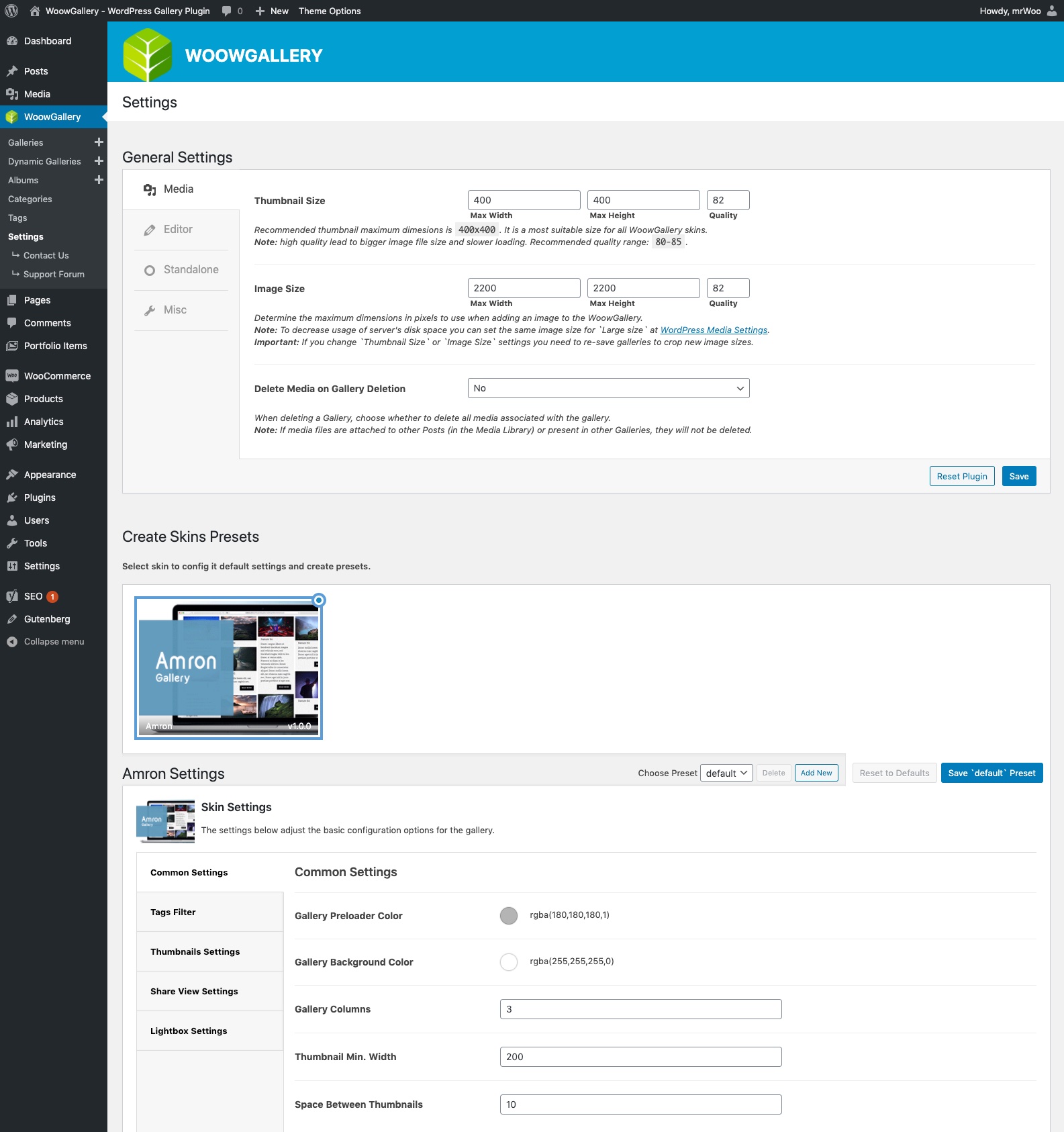
- Skin Presets — Speed up the creation process by saving your default settings.
- Пользовательские стили CSS — настройте свое портфолио, добавив пользовательские стили CSS.
- Хотите, чтобы мы добавили что-то еще? Напишите нам, и мы постараемся реализовать это!
When it comes to WordPress media plugins, WoowGallery has no equal.
Демо галерей
Amron skin:
MultiGrid skin:
Скриншоты



Блоки
Этот плагин предоставляет 1 блок.
- Woowplugins Woowgallery
Установка
- Install WoowGallery either via the WordPress.org plugin repository or by uploading the files to your server.
- Activate the plugin.
- Navigate to the WoowGallery tab in the admin menu and click «Add New» to begin creating, or you can create directly inside any post/page.
Часто задаваемые вопросы
-
Для кого подходит WoowGallery?
-
WoowGallery идеально подходит для фотографов, дизайнеров, блоггеров и малого бизнеса.
-
Do I need to have coding skills?
-
Точно нет. Вы можете создавать и настраивать красивые фото и видео галереи без каких-либо знаний в области программирования. Это делается очень просто.
-
Какие галереи я могу создать с WoowGallery?
-
Here are the types of content you can manage:
Photo Showcase
Video Collection
Audio Playlist
Image Albums
e-Commerce Store
Digital Downloads
Featured Posts
Content Gallery
Mixed Media
Custom Posts with filter
Image Tags
WooCommerce Products
Portfolio
Protected Content
Private Display
Standalone Page
Gutenberg Block
Flagallery Integration -
Is it translation ready?
-
Yes, it has full translation and localization support via the
woowgallerytextdomain.
Отзывы


Участники и разработчики
«WoowGallery» — проект с открытым исходным кодом. В развитие плагина внесли свой вклад следующие участники:
Участники
«WoowGallery» переведён на 2 языка. Благодарим переводчиков за их работу.
Перевести «WoowGallery» на ваш язык.
Заинтересованы в разработке?
Посмотрите код, проверьте SVN репозиторий, или подпишитесь на журнал разработки по RSS.
Журнал изменений
1.2.6 — 22.10
- Security: Updated the bundled Freemius SDK to 2.13.5.
1.2.5 — 23.08
- Security: Admin AJAX endpoints now require a valid nonce and an editing capability. Previously a logged-in user without editing rights could request gallery query results that included titles and excerpts of non-public posts (CWE-862).
- Security: Dynamic gallery queries validate post statuses and post types server-side, respect per-post read permissions, and no longer expose captions of password-protected posts.
- Fixed: Button icons were misaligned in the admin under recent WordPress core button styles.
- Fixed: An empty caption bar was painted over gallery thumbnails in the editor on recent WordPress versions.
- Improved: Resolved all Plugin Check code errors and raised the minimum supported WordPress version to 5.5.
- Updated: Tested up to WordPress 7.1.
1.2.4 — 22.01
- Fixed: Keyword stuffing in readme.txt and plugin name to comply with WordPress.org guidelines.
- Updated: Tested up to WordPress 6.7.1.
- Enhanced: Added additional checks for PHP 8 compatibility.
- Updated: Switched to
gmdate()for timezone-independent date handling. - Improved: Translations updated and corrected text domains to
woowgallery. - Improved: Input sanitization and validation in admin actions.
- Added: New helper methods for EXIF GPS data extraction.
- Improved: Used taxonomy-specific
get_terms()parameters. - Miscellaneous: Minor code refactors and cleanup.
1.2.1 — 27.01
- Freemius SDK update
1.2.0 — 05.07
- Fixed: PHP 8 compatibility
- Freemius SDK update
1.1.9 — 17.03
- Fixed: PHP 8 compatibility
- Removed: Instagram gallery (temporary)
1.1.8 — 28.09
- Fixed: Instagram gallery
1.1.7 — 29.01
- Fixed: RTL for skins
- Fixed: Gutenberg block (interaction with skin)
- Fixed: Instagram fetch timeout
- Improved: Woow Lightbox
- New Skin: Parallax
1.1.6 — 25.01
- Fixed: Woocommerce variable product JS fix
- Improved: CSS color preview for transparancy
1.1.5 — 22.10
- Fixed: Edit gallery items
- Fixed: Edit newly added gallery items
- Fixed: Update tags list after exit edit window
1.1.4 — 21.10
- Added Image EXIF keywords automatically saved as Media Tags for uploaded picture
- Fixed: Existing tags not showed on edit image if an image was just added to the gallery
1.1.3 — 20.10
- Fixed bug when other administrator can’t edit gallery
1.1.2 — 30.09
- Added WooCommerce Product gallery settings
1.1.1 — 08.09
- Added affiliate program
1.1.0 — 01.09
- Added MultiGrid Premium Skin
- Fixed deep links for galleries
- Fixed PHP Notice for register_rest_route()
1.0.9 — 14.08
- Fixed add media without title to the gallery
- Compatibility with WordPress v5.5
1.0.8 — 07.08
- Fixed add media to the gallery
- Fixed saving global default lightbox settings
1.0.7 — 04.08
- Global default settings for Lightbox
1.0.6 — 09.07
- Lightbox now is a separate script from Amron skin (less js file size)
- Added separate Lightbox Setting tab on edit gallery page
- Prepare code for other lightbox scripts in the future
1.0.5 — 26.06
- New version of Amron skin
- Added option to hide Read More button
- Make thumbnail with a link clickable
- CSS improvemnets
1.0.4 — 24.06
- Fixed instagram video preview in the admin
- Fixed compatibility with lazy load plugins
1.0.3 — 10.06
- Added option for select Flagallery plugin galleries in WoowGallery Dynamic Gallery
- Improved loading speed for Amron skin galleries
- Improved preview for dynamic standalone galleries
1.0.2 — 05.06
- Fixed update error
- Added gallery widget
- Adapted widget for Elementor editor
- Fixed words misspelling
- Fixed preview of private standalone galleries
- Changed textdomain to plugin slug
- Minimized admin vuejs script
1.0.0
- Initial release.