

Описание
Bluesky Feed lets you embed a user’s latest posts from the Bluesky network onto your WordPress site. Just add a shortcode to any post, page, or widget. The feed is cached for performance and customizable via plugin settings.
- Display latest posts from any Bluesky handle
- Lightweight and styled with CSS
- Caches results for performance
- Works with shortcodes:
[bluesky_feed handle="@yourhandle" limit="5"]
Arbitrary section
This plugin was built to help developers and creators showcase their Bluesky content on WordPress.
Скриншоты
Example frontend output of the feed 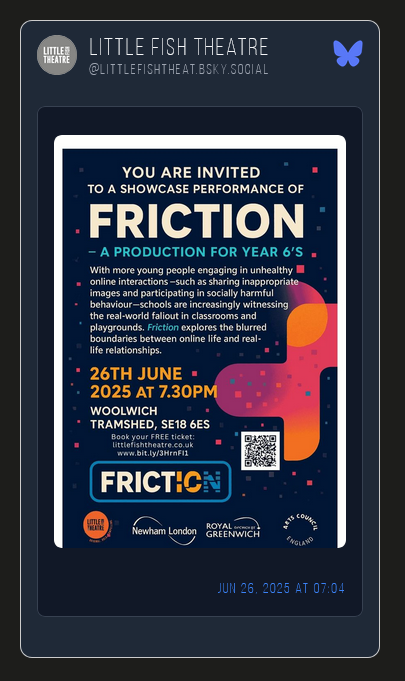
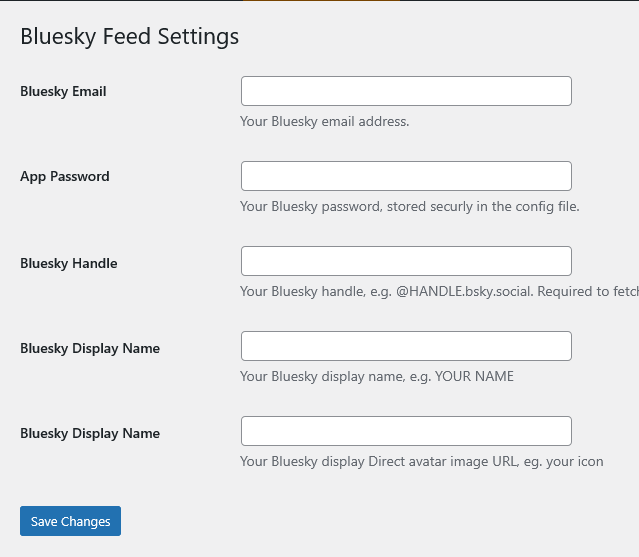
Settings screen to add your Bluesky credentials 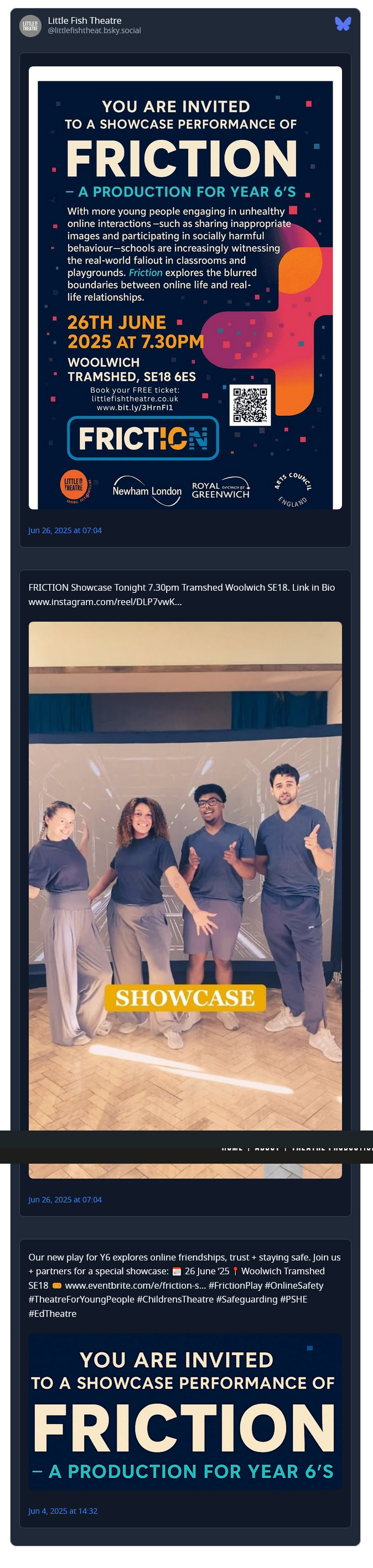
Установка
- Upload the plugin files to the
/wp-content/plugins/bluesky-feeddirectory, or install it through the WordPress plugins screen directly. - Activate the plugin through the ‘Plugins’ screen in WordPress.
- Add your Bluesky credentials in the plugin settings page.
- Use the
[bluesky_feed handle="@example"]shortcode in posts or pages.
Часто задаваемые вопросы
-
Where do I get my Bluesky handle and app password?
-
You’ll need to create a Bluesky App Password in your Bluesky account settings.
-
Can I style the feed?
-
Yes, the plugin includes a
style.cssfile you can customize or override in your theme.

Участники и разработчики
«ORQADESIGN Bluesky Feed» — проект с открытым исходным кодом. В развитие плагина внесли свой вклад следующие участники:
Участники
Перевести «ORQADESIGN Bluesky Feed» на ваш язык.
Заинтересованы в разработке?
Посмотрите код, проверьте SVN репозиторий, или подпишитесь на журнал разработки по RSS.
Журнал изменений
1.0.1
- Fix: Settings could not be saved due to an early return preventing register_setting() from running.
- Fix: Prevent Bluesky API authentication from running during plugin load.
1.0
- Initial release