
Описание
The J2W Migration plugin provides a comprehensive solution for migrating your Joomla website content to WordPress.
Key Features
- Database Connection Testing — Test and validate your Joomla database connection before migration
- User Migration — Import Joomla users to WordPress with Same Password
- Article Migration — Convert Joomla articles to WordPress posts with Gutenberg and Elementor support
- VirtueMart Product Migration — Import VirtueMart products to WooCommerce
- HikaShop Product Migration — Import HikaShop products to WooCommerce
- Review Migration — Import product reviews from VirtueMart and HikaShop
- Order Migration — Import order history to WooCommerce
- Progress Tracking — Real-time progress bars during migration
- SEO Support — Yoast SEO meta description and focus keyword migration
Joomla to WordPress Migration (Elementor Ready)
VirtueMart to WooCommerce Migration
Privacy & Usage Improvement
This plugin includes an optional opt-in feature to help us improve the plugin experience (disabled by default). If you choose to participate, anonymous technical environment info such as WordPress version, PHP version, and plugin version is shared.
No personal data, admin credentials, or customer information is ever shared.
Privacy Policy: https://beatbrainsolutions.com/privacy-policy/
Скриншоты
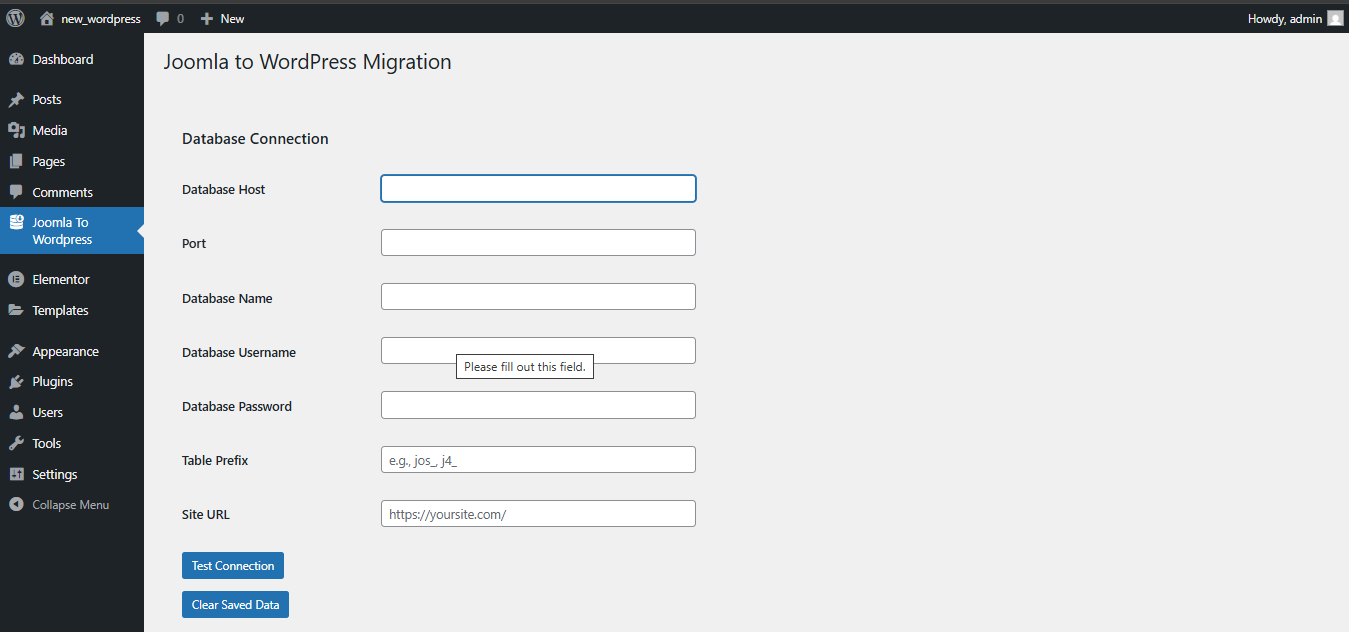
Database connection configuration and testing interface 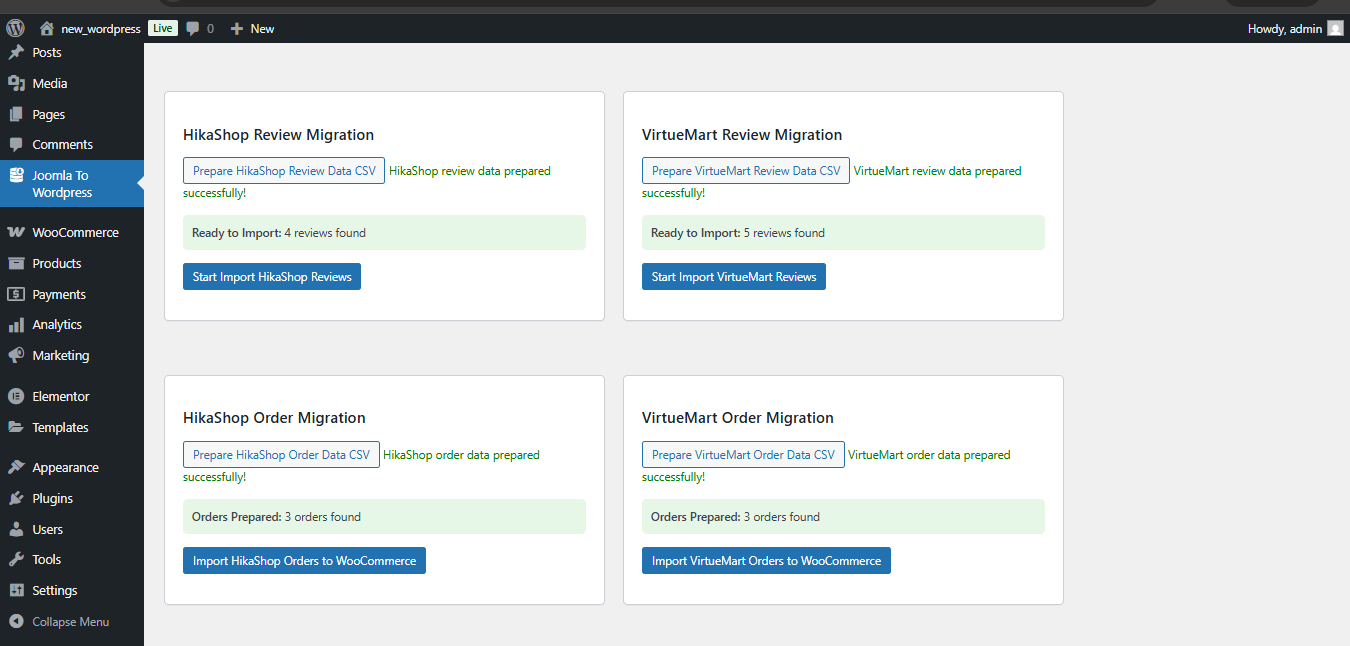
User migration with batch processing and progress tracking 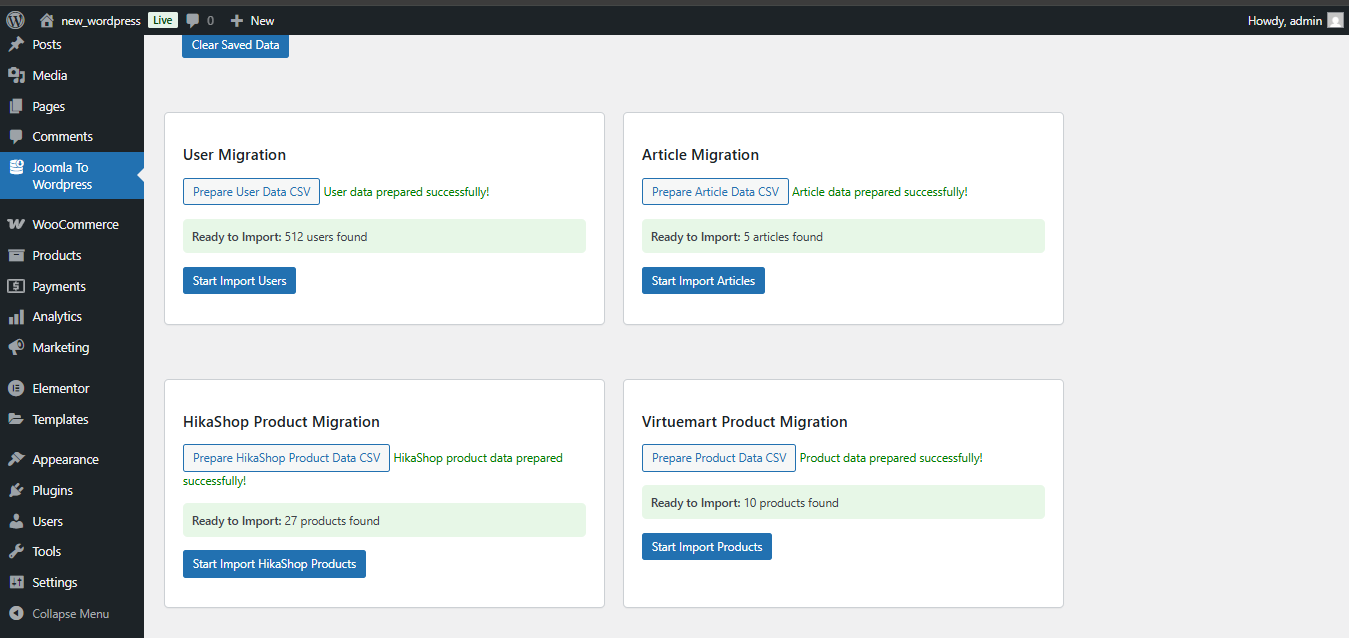
Article migration with category and tag mapping 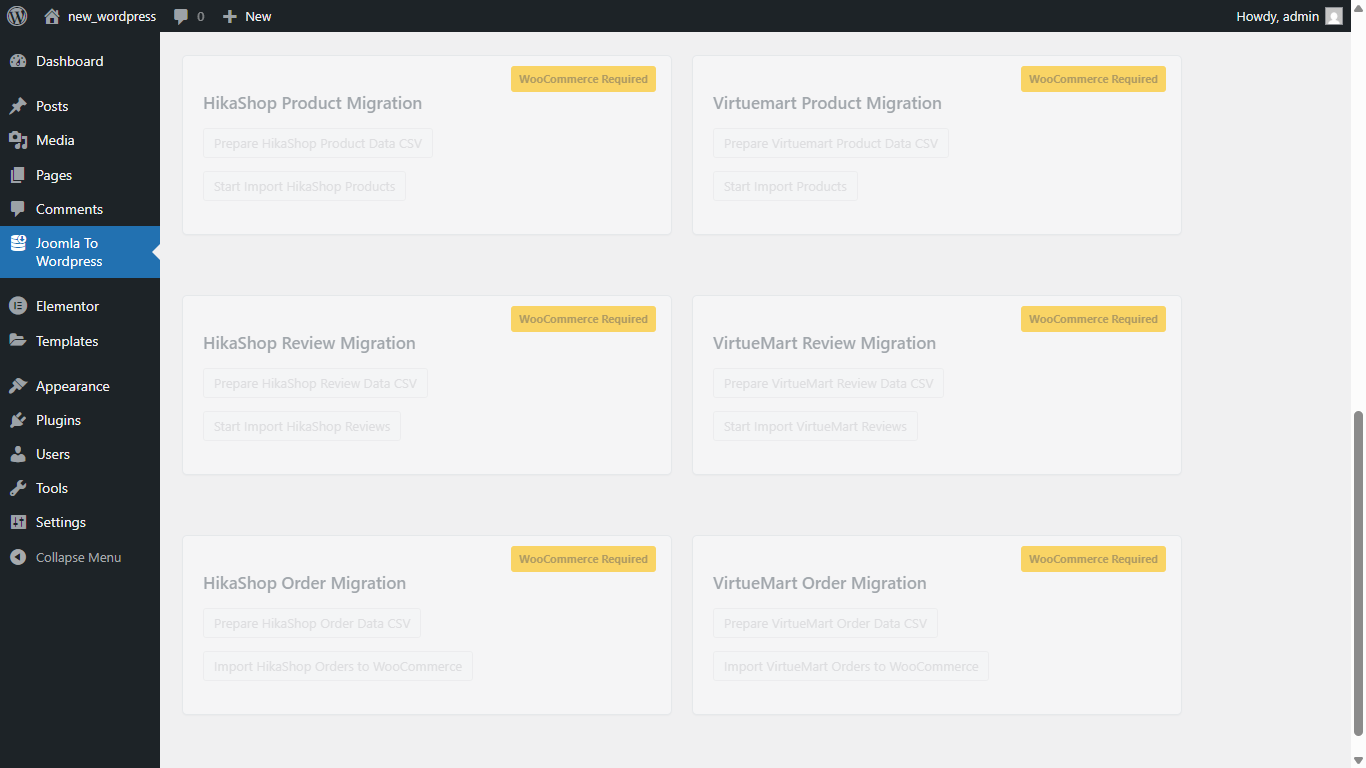
VirtueMart product migration with image handling 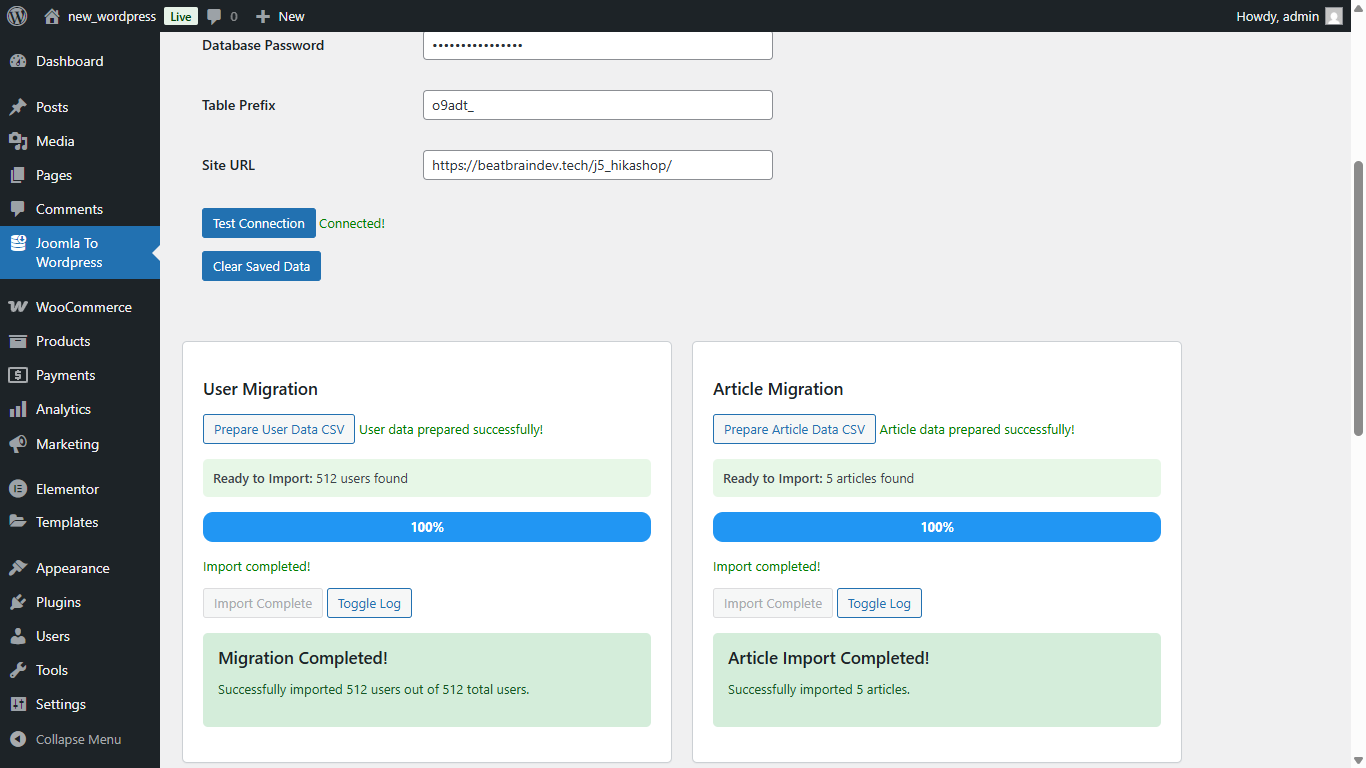
HikaShop product migration interface
Установка
- Upload the
beatbrain-joomla-migrationfolder to/wp-content/plugins/ - Activate the plugin through the Plugins menu
- Navigate to Joomla To WordPress in your admin menu
- Configure your Joomla database connection and start migrating
Часто задаваемые вопросы
-
What Joomla versions are supported?
-
The plugin supports Joomla 3.x, 4.x and 5.x+ installations with standard database structures.
-
Do I need direct database access?
-
Yes, you need MySQL database connection details (host, username, password, database name) for your Joomla site.
-
Are images migrated automatically?
-
Yes, the plugin automatically downloads and imports images to your WordPress media library during the migration process.
-
Can I migrate specific data types only?
-
Yes, you can choose to migrate users, articles, products, reviews, or orders independently.
-
Are custom fields supported?
-
Yes, VirtueMart and HikaShop custom fields are migrated as WooCommerce product attributes and meta fields.
-
Does the plugin support Elementor page builder?
-
Yes, articles migrated from Joomla are fully compatible with Elementor. The plugin generates a clean Elementor grid layout so your content looks great immediately after migration without any manual rebuilding.
-
Does the plugin support Gutenberg (Block Editor)?
-
Yes, the plugin also supports WordPress Gutenberg editor. Migrated articles are structured using Gutenberg grid blocks, preserving your content layout out of the box.
-
Can I use both Elementor and Gutenberg?
-
Yes, the plugin automatically detects which editor is active on your WordPress site. If Elementor is installed and active, articles migrate with Elementor layout. If only Gutenberg is available, the plugin uses Gutenberg grid blocks instead.
-
Is Yoast SEO supported?
-
Yes, the plugin is compatible with Yoast SEO. Meta descriptions and focus keywords from your Joomla articles are migrated automatically when Yoast SEO is active. If Yoast SEO is not installed, SEO fields are skipped without affecting the rest of the migration.
-
What e-commerce platforms are supported?
-
The plugin supports both VirtueMart and HikaShop. Products, categories, reviews, orders, variants, and custom fields from both platforms are migrated to WooCommerce.
-
Are product variants and attributes migrated?
-
Yes, product variants from HikaShop and custom attributes from VirtueMart are fully migrated as WooCommerce variable products and product attributes.
-
Are order histories migrated?
-
Yes, order history from both VirtueMart and HikaShop is migrated to WooCommerce with status mapping, customer details, and product line items.
-
Are user passwords preserved during migration?
-
Yes, Joomla user passwords are preserved during migration so your users can log in to WordPress using their existing credentials without needing to reset their password.
-
What happens if a migration fails midway?
-
The plugin provides detailed error logging so you can identify exactly which records failed and why. You can re-run the migration for failed items without duplicating already imported records.
-
Is there a limit on how many records I can migrate?
-
No, the plugin processes data in batches with real-time progress tracking, so it can handle large Joomla databases without timeout issues.
Отзывы
Нет отзывов об этом плагине.
Участники и разработчики
«J2W Migration» — проект с открытым исходным кодом. В развитие плагина внесли свой вклад следующие участники:
Участники
Перевести «J2W Migration» на ваш язык.
Заинтересованы в разработке?
Посмотрите код, проверьте SVN репозиторий, или подпишитесь на журнал разработки по RSS.
Журнал изменений
1.3
- Updated compatibility and tested version for WordPress 7.0
- Fixed bugs and improved plugin performance and stability
1.2
- Articles now migrate to blogs with Gutenberg grid block
- Added Yoast SEO support for meta description and focus keyword
1.1
- Articles migrate with Elementor layout integration
- Fixed product dimension issues
- Fixed SKU generation for product variants
1.0
- Initial release