

Описание
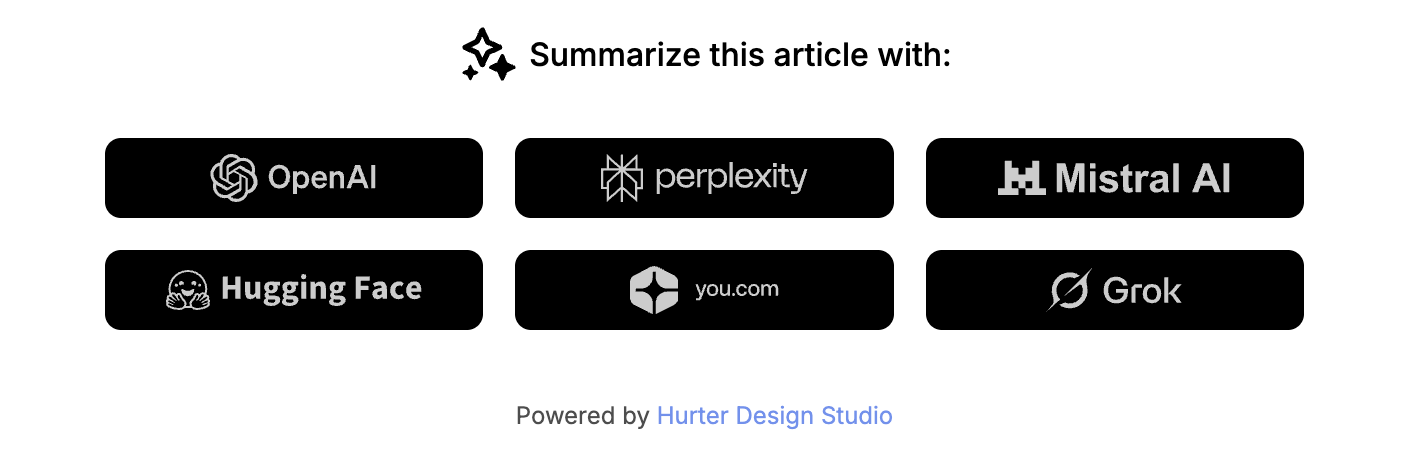
Blog AI summarize is a WordPress plugin that adds a customizable block to single posts, allowing readers to quickly summarize articles using various AI services.
Features
- Add AI summarization links to single posts
- Support for multiple AI services: ChatGPT, Perplexity, Mistral, HuggingChat, You.com, Grok
- Customizable title text
- Enable/disable individual AI services
- Choose display position: top, bottom, or both
- Customizable colors: background, primary, and secondary colors
- Responsive design
- Dark and light theme support
AI services supported
- ChatGPT (OpenAI)
- Perplexity
- Mistral
- HuggingChat
- You.com
- Grok (xAI)
Скриншоты
Установка
- Upload the plugin files to the
/wp-content/plugins/blog-ai-summarizedirectory, or install the plugin through the WordPress plugins screen directly. - Activate the plugin through the ‘Plugins’ screen in WordPress.
- Go to Appearance > Customize > AI Summarize to configure the plugin settings.
Часто задаваемые вопросы
-
Does this plugin require an API key?
-
No, this plugin uses direct links to AI chat services. No API keys are required.
-
Can I customize the appearance?
-
Yes, you can customize the colors (background, primary, secondary) and the title text through the WordPress Customizer.
-
Where can I display the AI block?
-
You can choose to display the block at the top of articles, at the bottom or both.
-
Can I disable certain AI services?
-
Yes, you can enable or disable each AI service individually through the Customizer.
Отзывы
Нет отзывов об этом плагине.
Участники и разработчики
«Blog AI summarize» — проект с открытым исходным кодом. В развитие плагина внесли свой вклад следующие участники:
Участники
Перевести «Blog AI summarize» на ваш язык.
Заинтересованы в разработке?
Посмотрите код, проверьте SVN репозиторий, или подпишитесь на журнал разработки по RSS.
Журнал изменений
1.0.0
- Initial release
- Support for multiple AI services (ChatGPT, Perplexity, Mistral, HuggingChat, You.com, Grok)
- Customizable colors and positioning
- Enable/disable individual AI services
- «Display Powered by» option (disabled by default)