

Описание
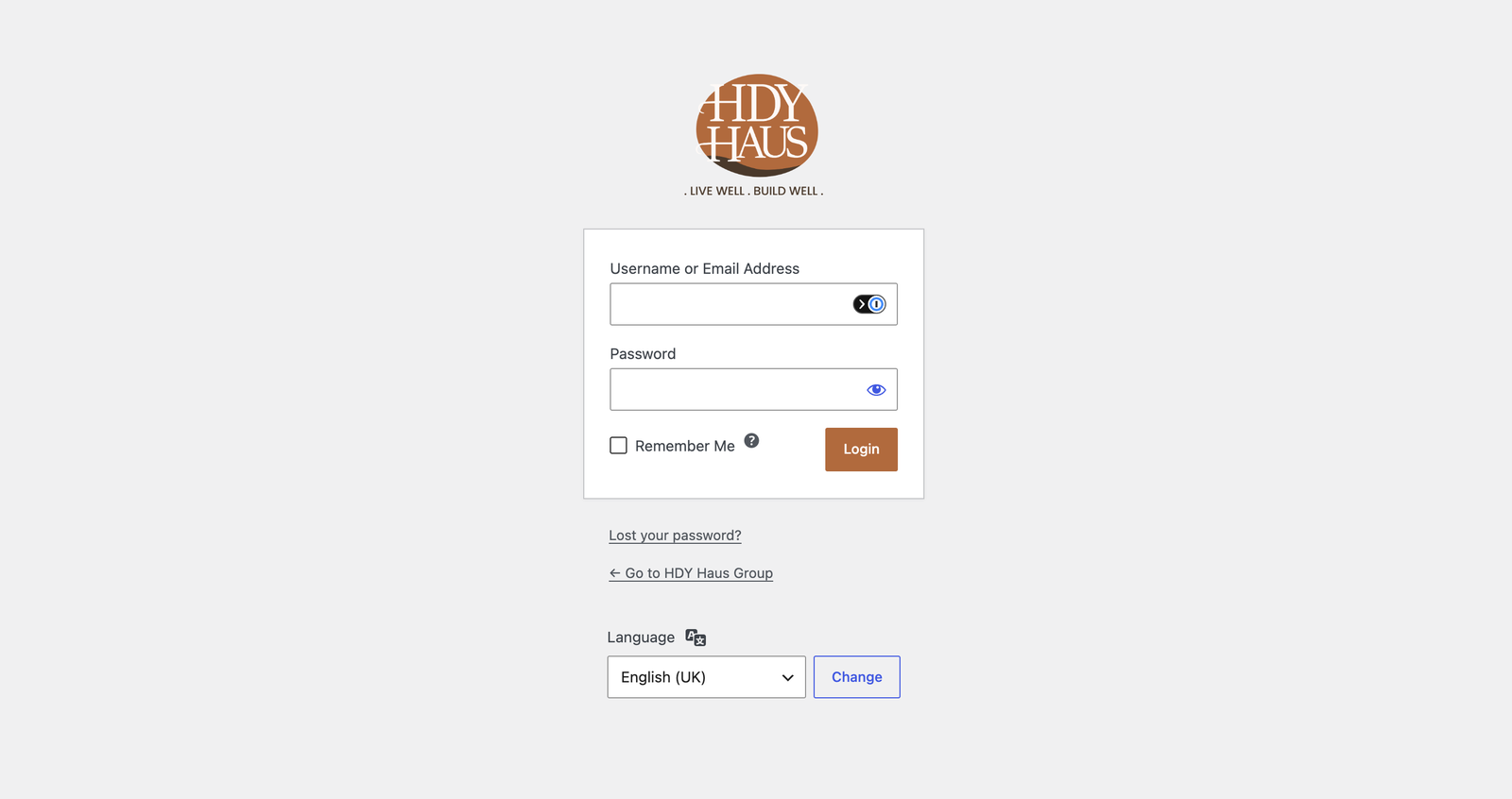
Customize the WordPress login screen without touching code.
Features:
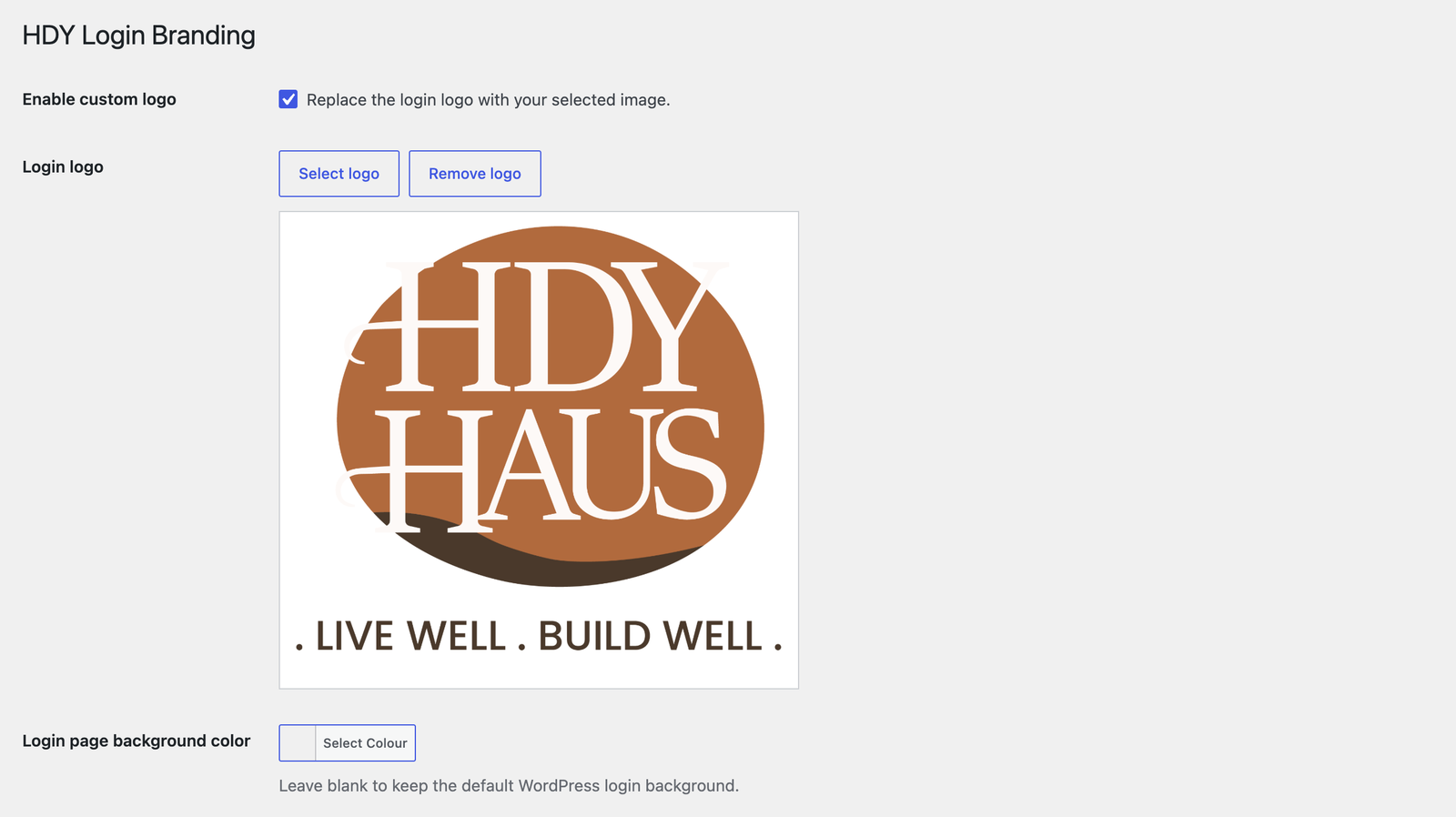
* Enable or disable the custom login logo.
* Choose a logo from the Media Library.
* Logo links to the site homepage when enabled.
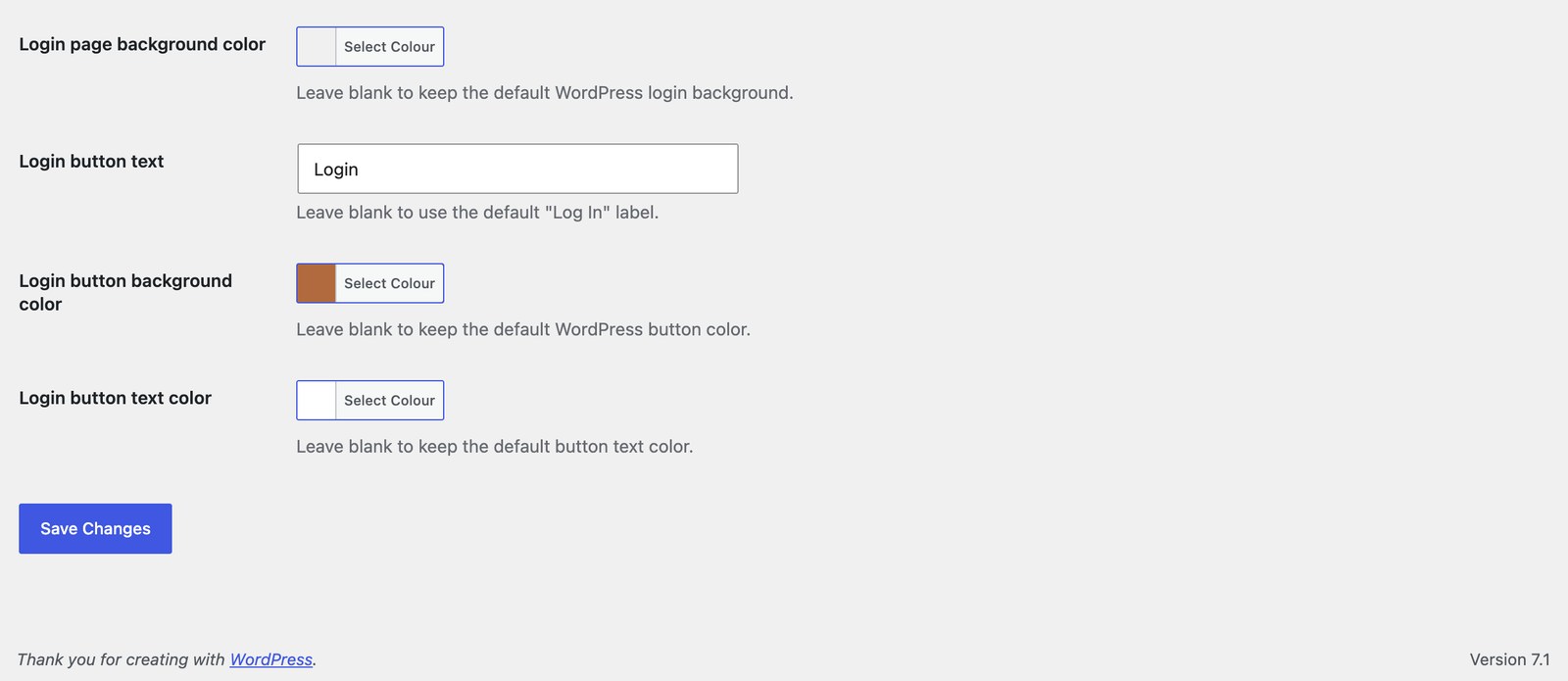
* Customize the login page background color.
* Customize the login button label, background, and text color.
Скриншоты
Установка
- Upload the
hdy-login-brandingfolder to/wp-content/plugins/Or in your WordPress admin, go to Plugins > Add New > Upload. - Activate the plugin through the Plugins screen in WordPress.
- Go to Settings > HDY Login Branding.
- Enable the logo and select an image from the Media Library.
Часто задаваемые вопросы
-
What size should the logo be?
-
The login screen uses a 320×120 box. Larger images are scaled to fit.
-
Where does the logo link to?
-
When the custom logo is enabled and set, it links to the homepage.
Отзывы
Нет отзывов об этом плагине.
Участники и разработчики
«HDY Login Branding» — проект с открытым исходным кодом. В развитие плагина внесли свой вклад следующие участники:
Участники
Перевести «HDY Login Branding» на ваш язык.
Заинтересованы в разработке?
Посмотрите код, проверьте SVN репозиторий, или подпишитесь на журнал разработки по RSS.
Журнал изменений
1.0.3
- Added a Settings action link on the WordPress Plugins screen.
1.0.2
- Renamed plugin to HDY Login Branding for WordPress.org review.
- Updated prefixes, text domain, and asset handles for directory compliance.
- Removed bundled screenshot assets from the plugin package.
1.0.1
- Added login page background color customization with WordPress color picker support.
- Added screenshot assets and expanded screenshot descriptions.
- Updated plugin and readme license metadata to GPL-3.0-or-later.
- Improved coding standards compliance with local PHPCS/WPCS tooling.
1.0.0
- Initial release.