Описание
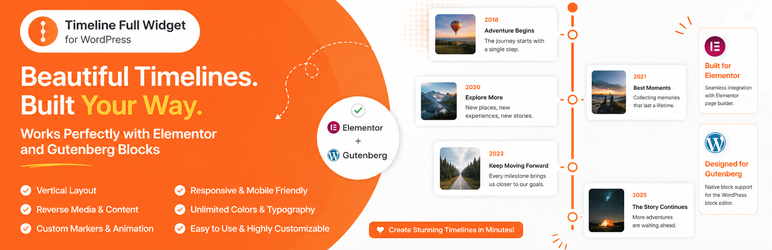
Timeline Full Widget is a lightweight and flexible WordPress timeline plugin that allows you to create timelines using both Elementor and Gutenberg.
The plugin provides a consistent editing experience across builders and gives you full control over layout, styling, and content without unnecessary complexity.
Key advantages:
- Works with Elementor and Gutenberg
- Clean and simple editing experience
- Customizable styles (colors, typography, spacing)
- Support for images and video
- Responsive layout
- Reusable styles between timeline items
You can use it for:
- Project timelines
- Roadmaps
- Company history
- Event timelines
- Milestones
Скриншоты

Timeline widget in Elementor. 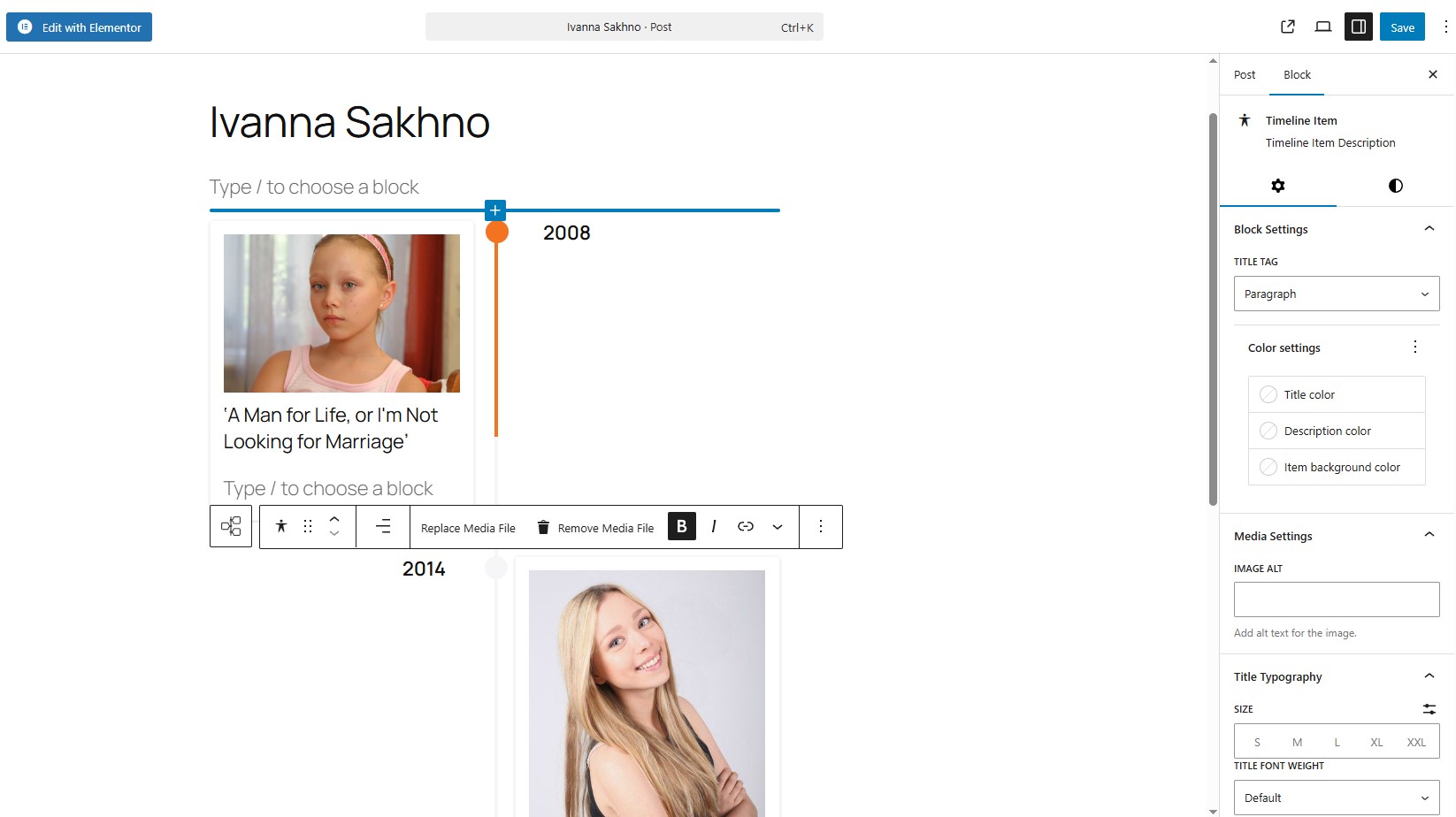
Timeline block in Gutenberg. 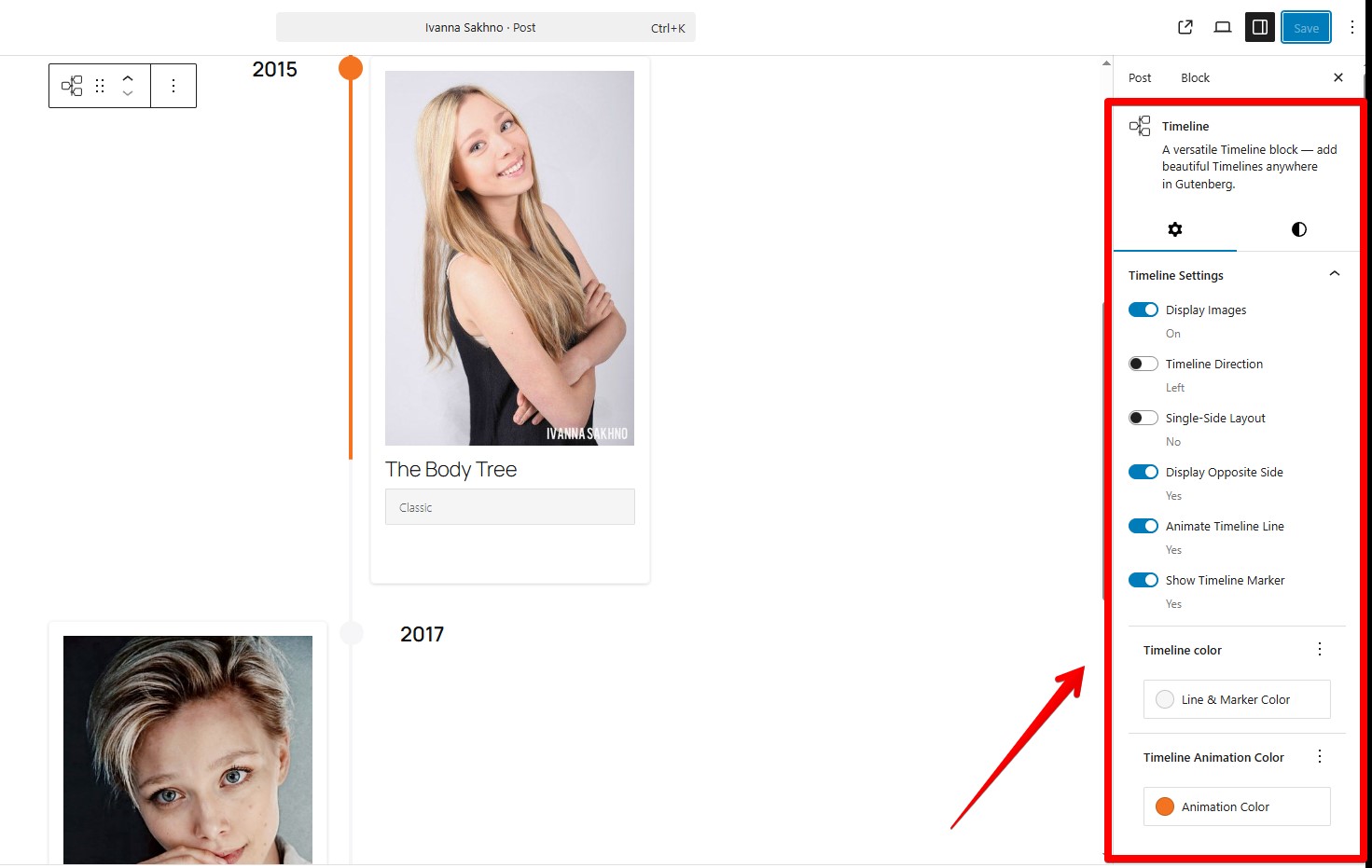
Timeline block in Gutenberg. 
Horizontal and vertical content layouts
Блоки
Этот плагин предоставляет 1 блок.
- Timeline Full Widget A versatile Timeline block — add beautiful Timelines anywhere in Gutenberg.
Установка
- Upload the plugin files to the
/wp-content/plugins/timeline-full-widgetdirectory, or install it through the WordPress plugins screen directly. - Activate the plugin through the ‘Plugins’ screen in WordPress.
- Use the Elementor editor or Gutenberg editor.
Часто задаваемые вопросы
-
Does it work with the latest Elementor?
-
Yes, tested with Elementor 4.0.3 and WordPress 6.9.
-
Does it support Gutenberg (block editor)?
-
Да, плагин включает в себя встроенный блок Gutenberg. Введите «/timeline»
-
Могу ли я изменить маркеры на элементах временной шкалы?
-
Да, можно. Используйте кнопку «Редактировать маркер». В разделе «Настройки маркера» выберите опцию «Уникальный маркер», после чего вы сможете установить персональный маркер, например, в виде изображения.
-
Можно ли настроить стиль элементов временной шкалы?
-
Да, вы можете управлять цветом, типографикой, интервалами и выравниванием для каждого элемента.
-
How to apply the same styles to all Timeline items in block component?
-
Use the «Apply item styles to other items» button. It copies styles from the current item to all other items.
-
Can I set a unique marker that is wider (width) than 30 px?
-
Да, но может потребоваться корректировка стилей временной шкалы. Пример:
@media (min-width: 701px) {
.tl-mark:has(img) {
max-width: 42px !important;
height: 30px;
left: calc(50% + 2px);
}
} -
Он адаптивен?
-
Да, расположение элементов на временной шкале адаптируется к различным размерам экрана.
-
Будет ли это работать с моей темой?
-
Да, это работает с большинством тем WordPress, включая блочные и классические темы.
Отзывы
Нет отзывов об этом плагине.
Участники и разработчики
«Timeline Full Widget» — проект с открытым исходным кодом. В развитие плагина внесли свой вклад следующие участники:
Участники
«Timeline Full Widget» переведён на 8 языков. Благодарим переводчиков за их работу.
Перевести «Timeline Full Widget» на ваш язык.
Заинтересованы в разработке?
Посмотрите код, проверьте SVN репозиторий, или подпишитесь на журнал разработки по RSS.
Журнал изменений
2.1.1
- Bug fixes.
2.1.0
- Added WordPress Playground support.
- Added support for horizontal and vertical content layouts.
- Added an option to reverse media and content order.
2.0.0
- Bug fixes.
- Improved Title Typography controls.
- Added link wrapper support for media elements.
- Added timeline width style controls.
1.3.0
- Added a button to copy styles from the current item.
- Added responsive media queries for the Gutenberg block timeline.
- Added responsive media queries for the Elementor widget timeline.
- Added controls for media width inside timeline items.
- Fixed Content Typography style issues in Elementor.
- Separated line and marker color styles.
1.2.0
- Corrected timeline styles in the Gutenberg block.
- Bug fixes.
1.1.0
- Bug fixes.
- Added font-family selection for Title elements in the Gutenberg block.
1.0.1
- Added sticky text settings for the opposite side of the timeline.
- Corrected marker animation behavior.
1.0.0
- Release Date — 25th September 2025.
- Первая версия.