

Описание
Share your website or pages on social networks and messaging apps. Social Share Block is a lightweight, Gutenberg-native solution designed to boost your social signals without slowing down your site.
Forget bulky scripts that bloat your page. Our block is built specifically for the modern WordPress editor, giving you full control over how your share buttons look—from colors and sizes to layouts and shadows. Whether you need a simple row of icons or a vertical sidebar, you can set it up in seconds.
Live Demos | Pricing | Support | Social Share
Features
- Fully Customizable: All the options you need to arrange the showcase to your liking are available here.
⭐ Key Features
- 4 Free Social Share themes
- 2 Premium Social Share themes in Pro
- Popular Social Networks Support
- Layout Direction – Row , Column
- Lightweight & Fast – Optimized for speed and performance
- Gutenberg Block support
- Icon Size , Color , background-color customization option
- Box-shadow & border customization
- Shortcode support for any page or widget
🔥 Pro Features
Upgrade to the Pro version for full customization:
- Premium Share Theme : Animation icon, Button with text
- Interactive Animations: Professional hover transform effects to catch the user’s eye.
- Network Labels: Show social network names (e.g., «Share on Facebook») for higher CTR.
- Floating Positions: Set your share bar to Fixed or Absolute positions (sticky sidebars).
- One-Click Copy: A dedicated «Copy URL» button for easy link sharing.
Why Choose Social Share Block?
-
Zero Bloat: No heavy JavaScript libraries or external dependencies. It’s built to be as lightweight as possible to keep your Core Web Vitals healthy.
-
Full Creative Control: You don’t need to be a designer. Directly within the editor, you can customize colors, icon sizes, border-radius, layouts, and shadows to match your brand perfectly.
-
Flexible Layouts: Whether you need a simple horizontal row at the end of a post or a sleek vertical sidebar, you can set it up in seconds.
-
Boost Engagement: Make it effortless for your readers to share your content across popular social networks and messaging apps.
How to use
- First, install the B Social Share plugin
- Add the Social Share block from the block category called «Widgets» in the Gutenberg editor.
- You can change block settings from the right-side settings sidebar.
-
Enjoy!
-
For installation help click on Installation Tab.
Feedback
Love the plugin? Want new features? Need support?
We’d love to hear from you:
📩 Send your feedback
Check out the Parent Plugin of this plugin-
B Blocks – A blocks collection and page building tool for Gutenberg.
Check out our other WordPress Plugins-
Html5 Video Player – Display videos as single and playlist in multiple skins.
PDF Poster – Display/Embed PDF files with different styles.
Html5 Audio Player – Listen audios with awesome visuals.
StreamCast – Customizable radio player with different skins.
3D Viewer – Embed 3D models and 3D products with interaction.
Advanced Post Block – Show posts and custom posts in different layouts.
Скриншоты
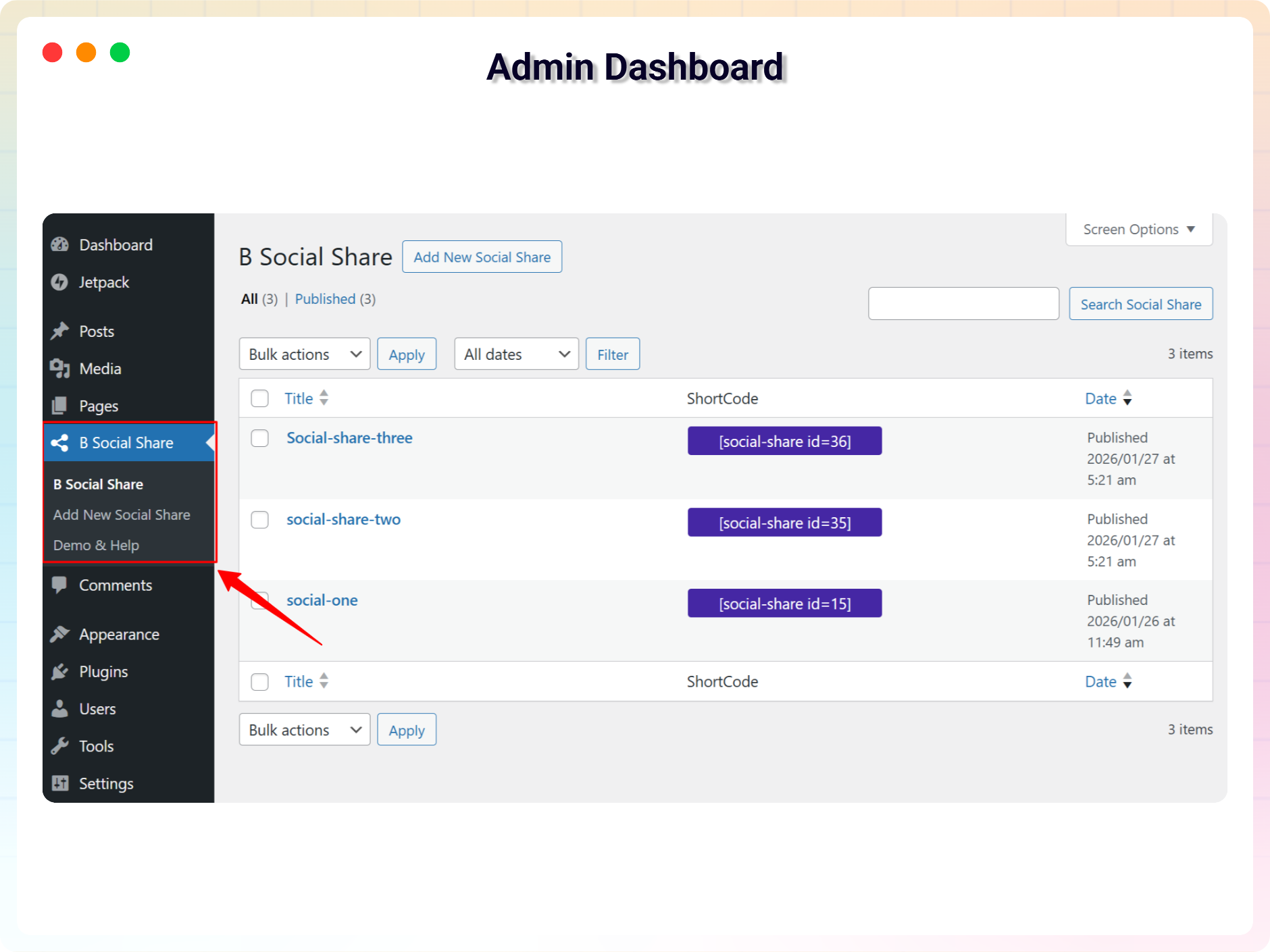
Social Share Admin Dashboard 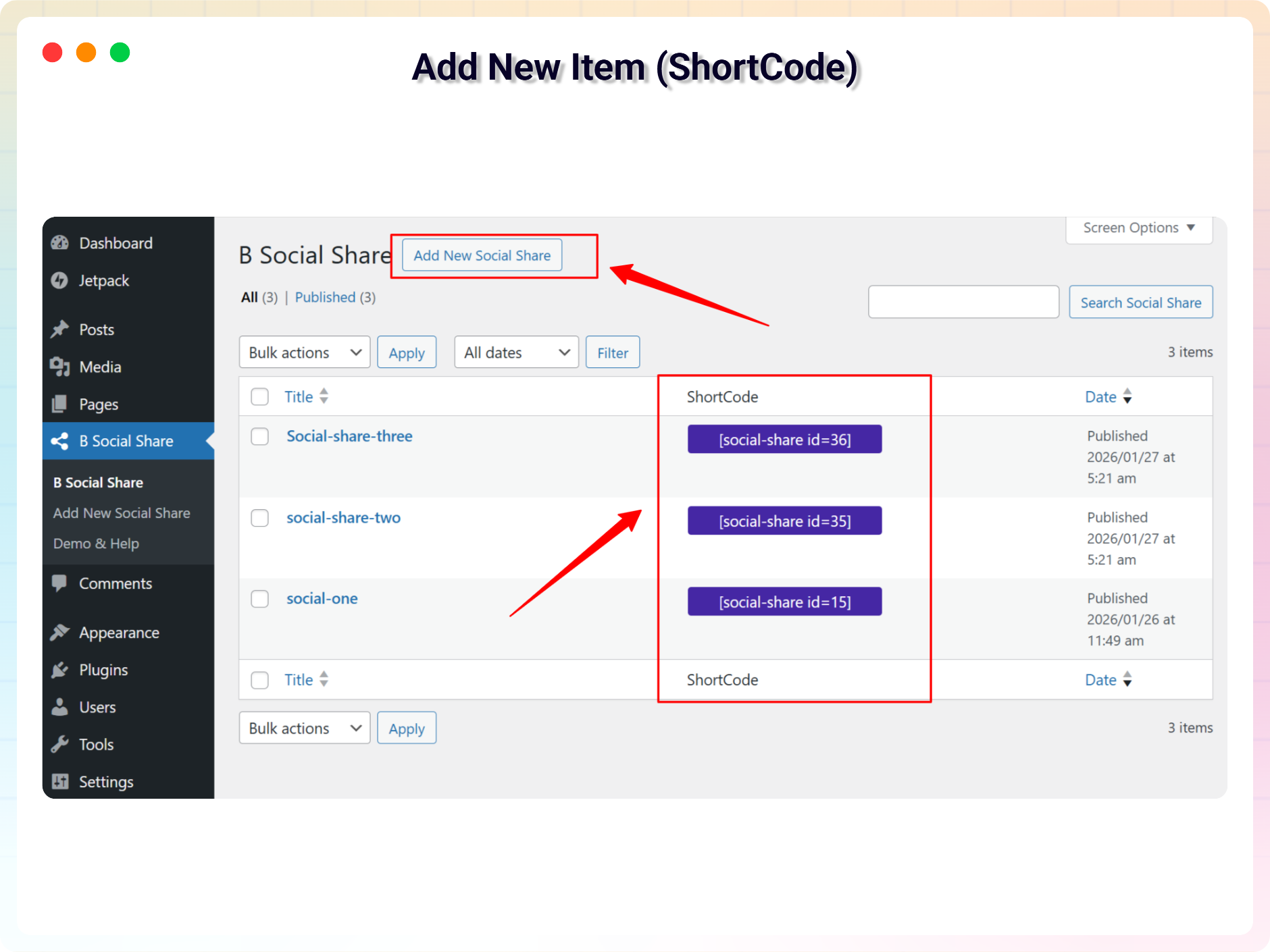
Add New FAQ (ShortCode) 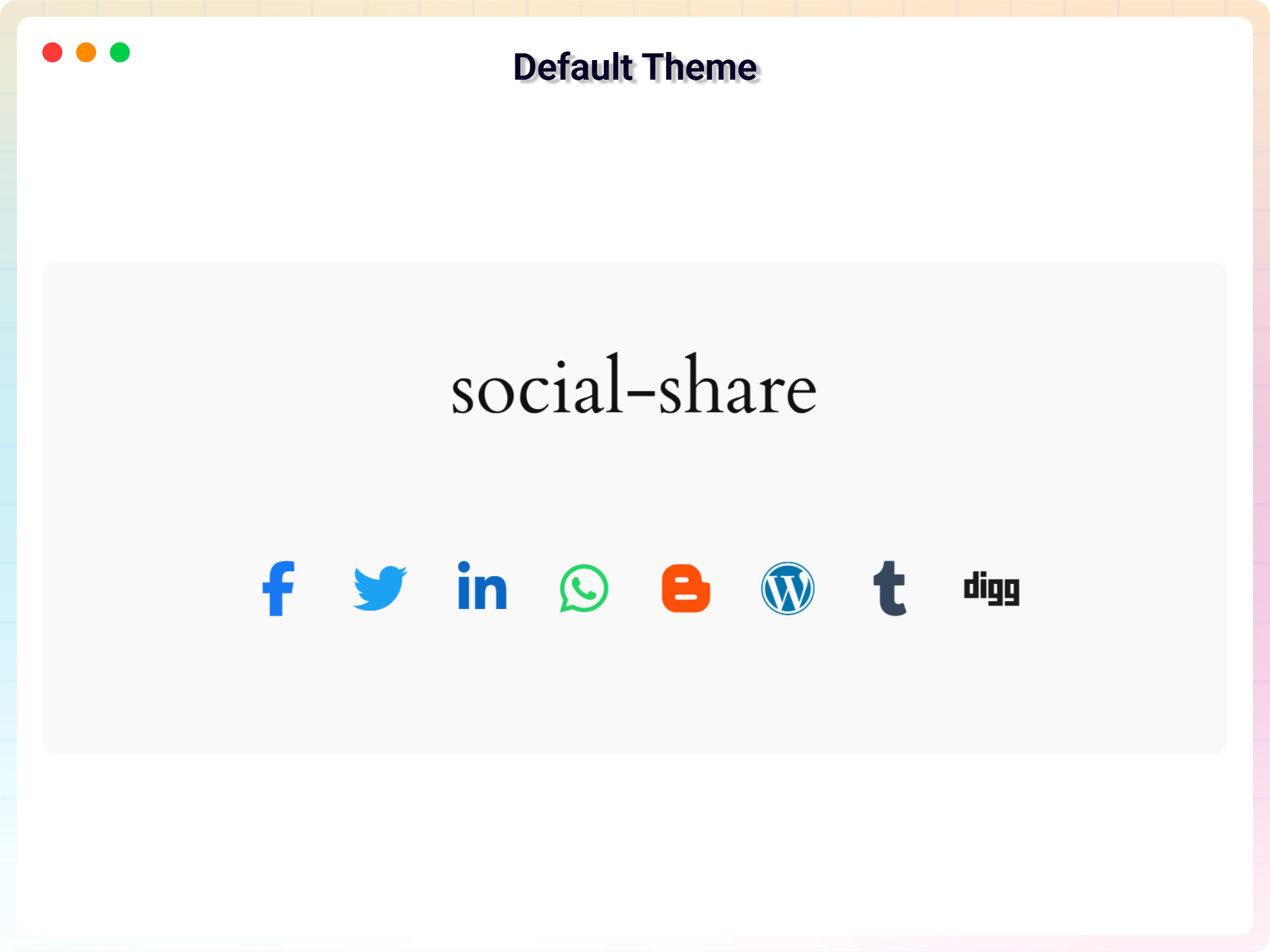
Default 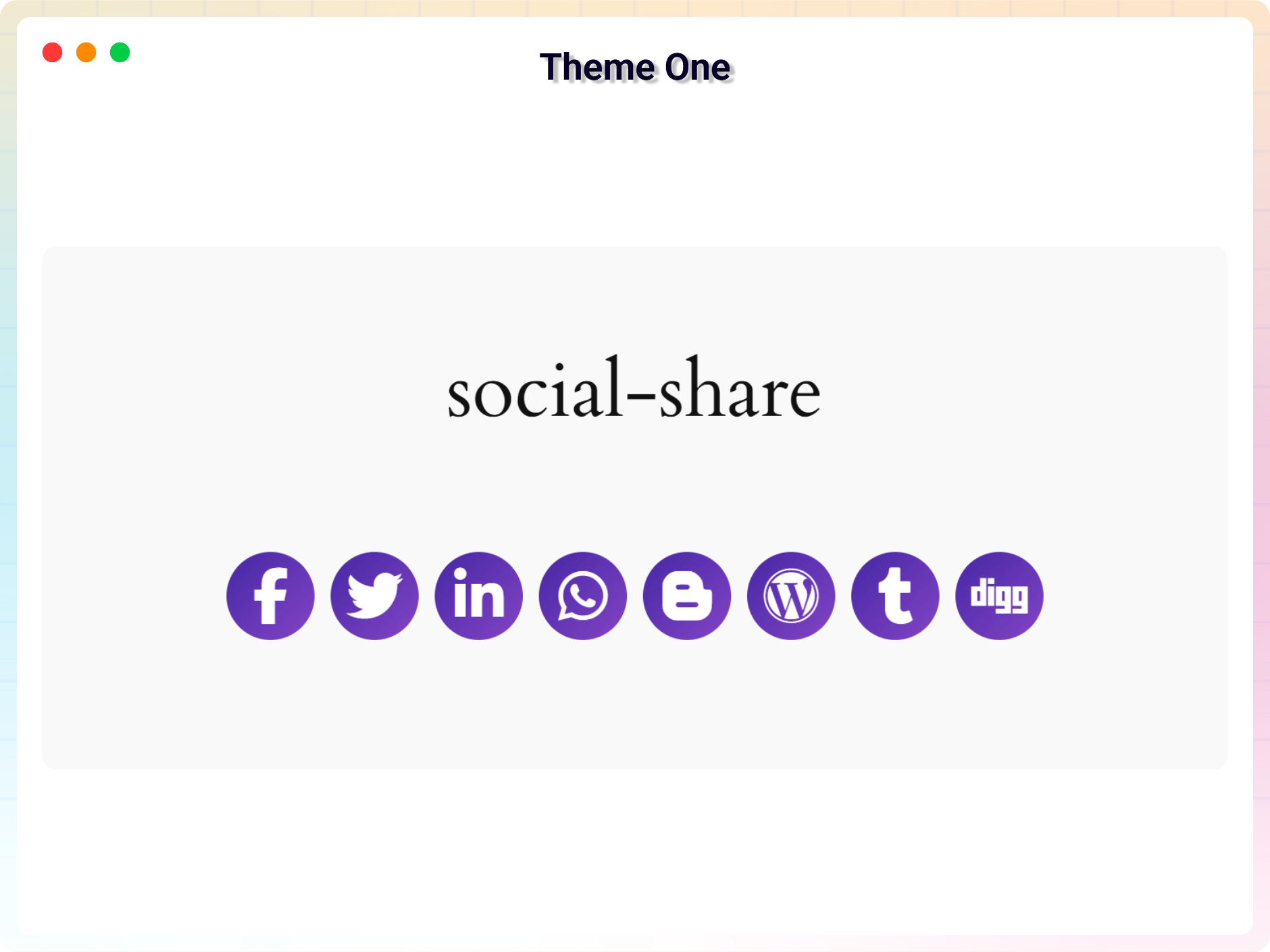
Theme One 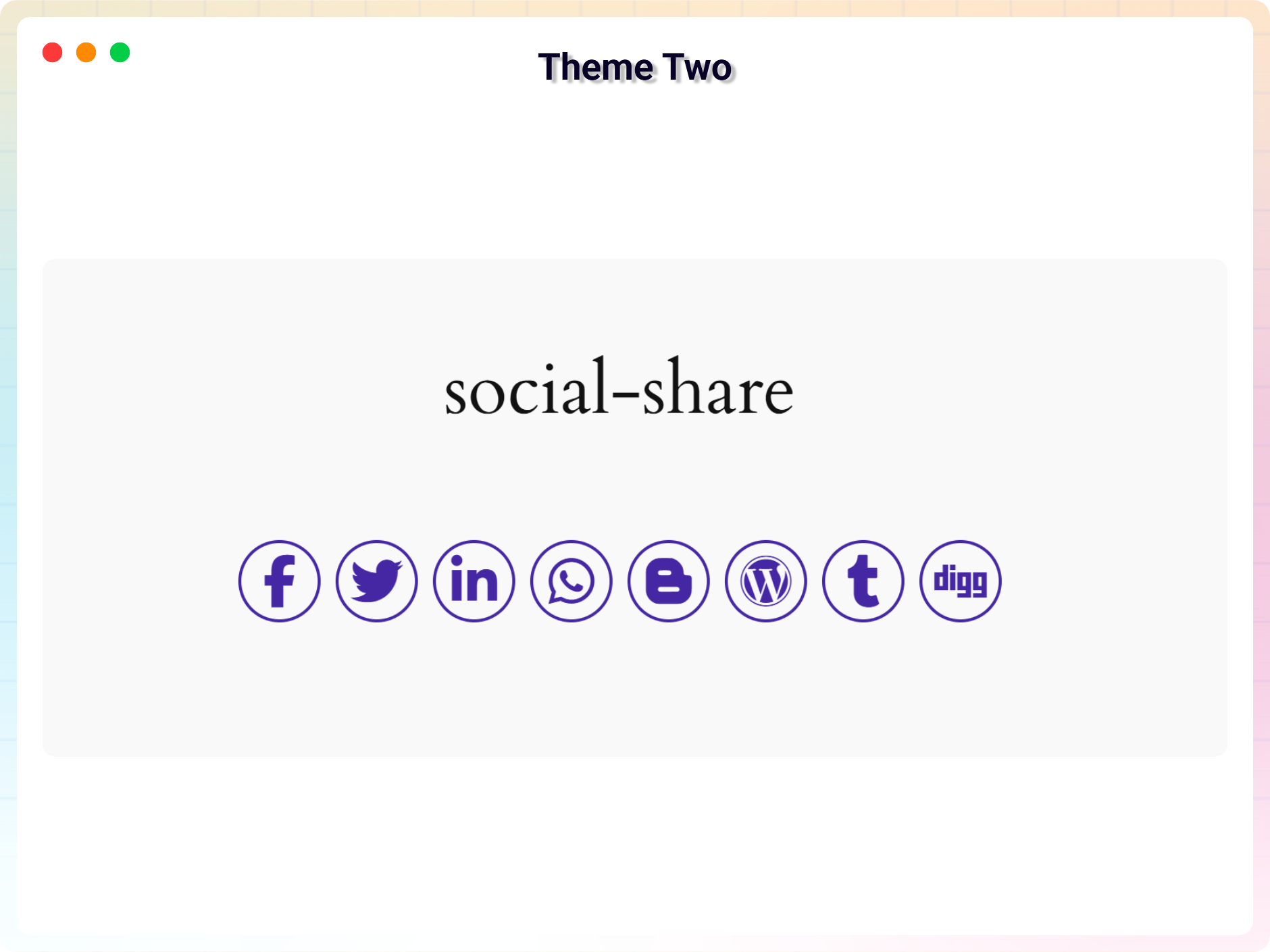
Theme Two 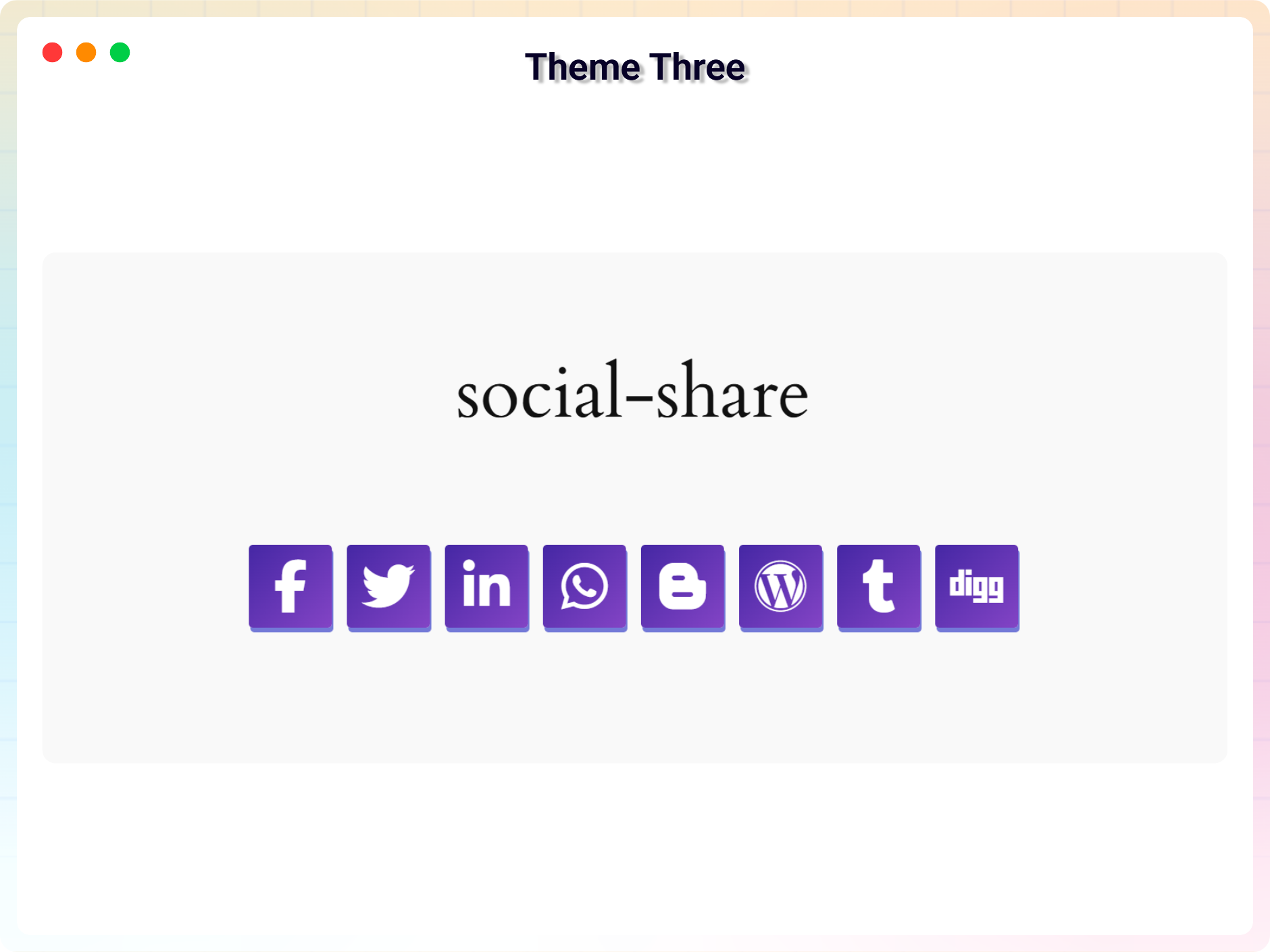
Theme Three 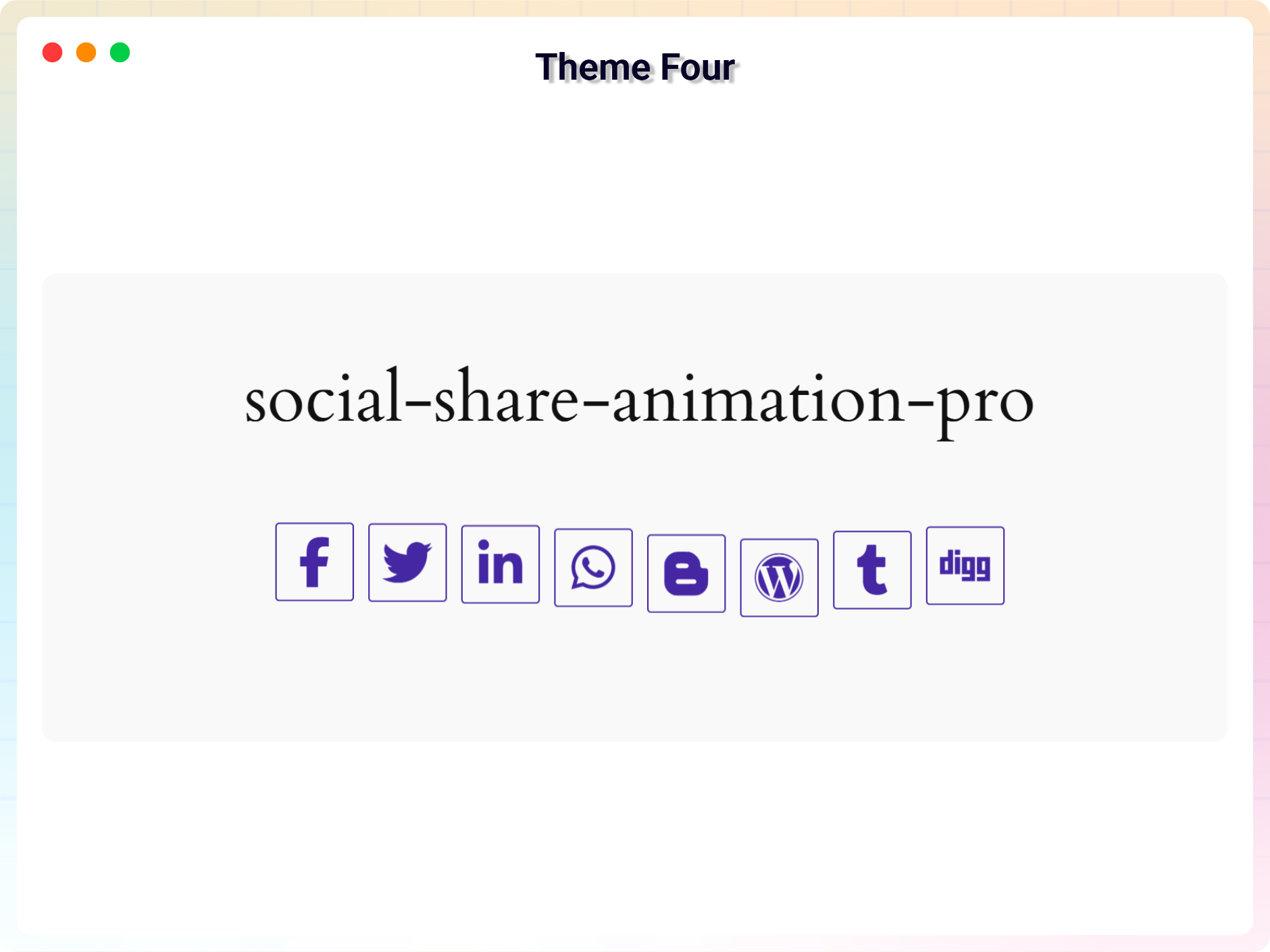
Theme Four 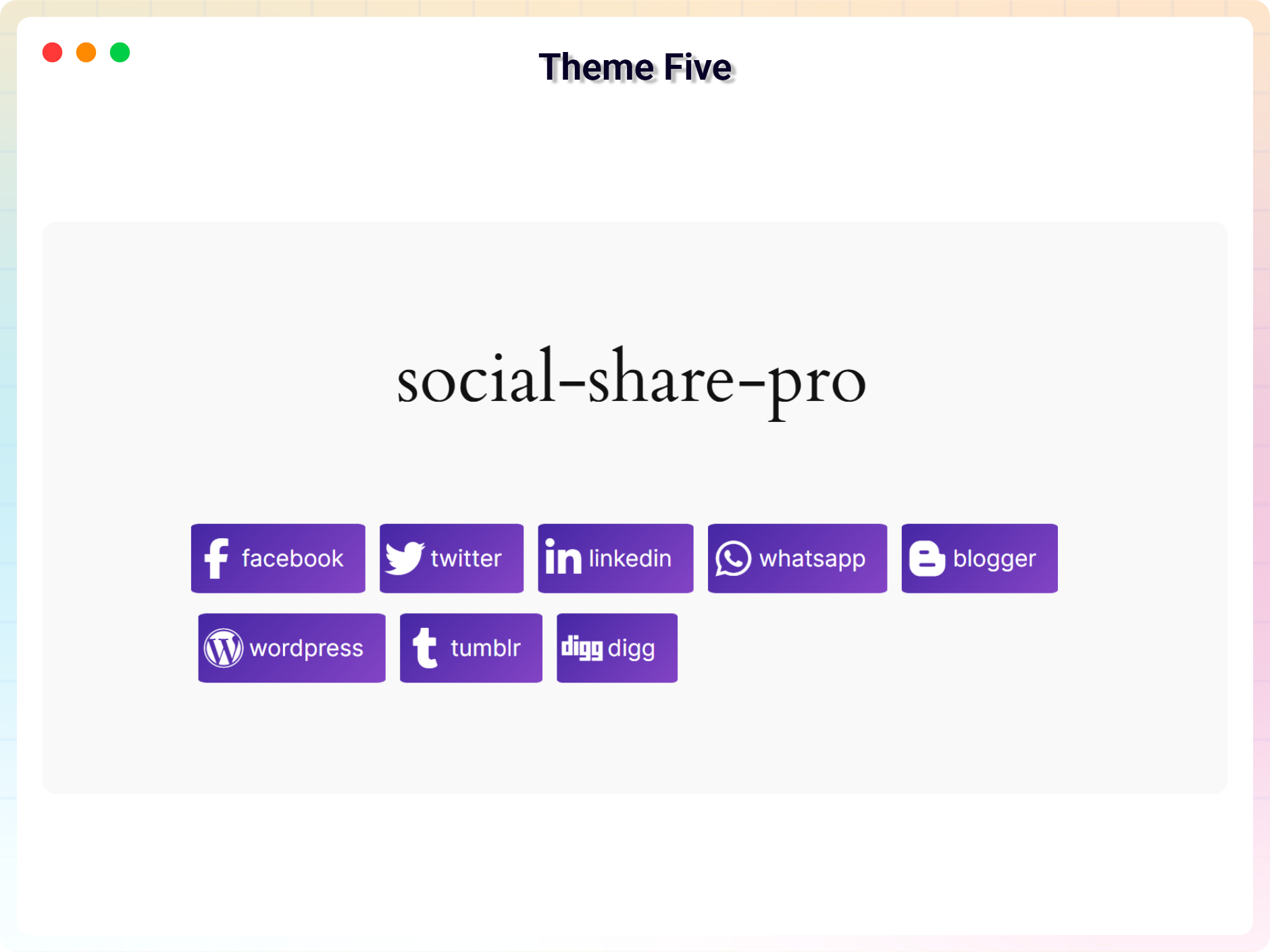
Theme Five 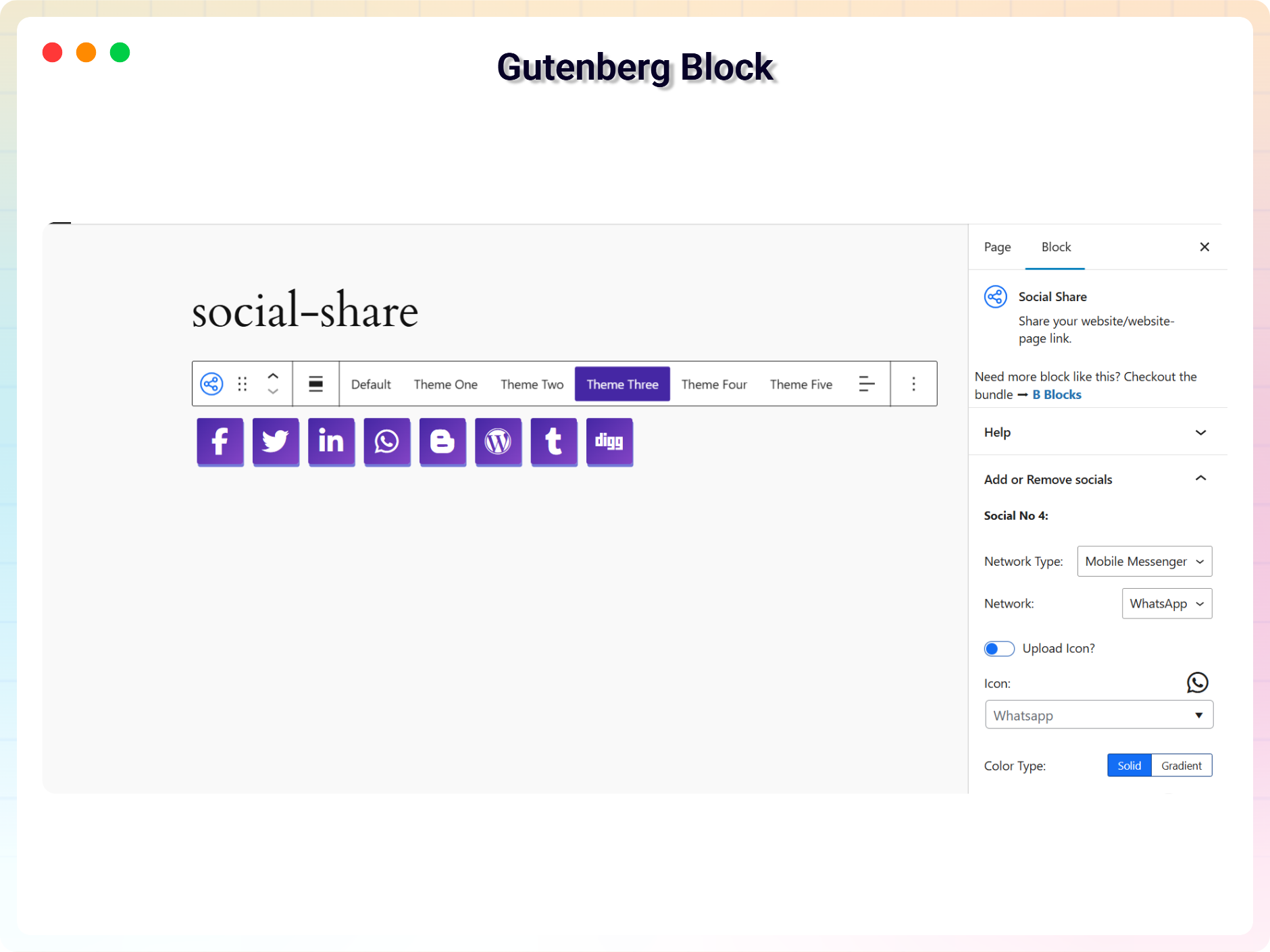
Gutenberg Block Support 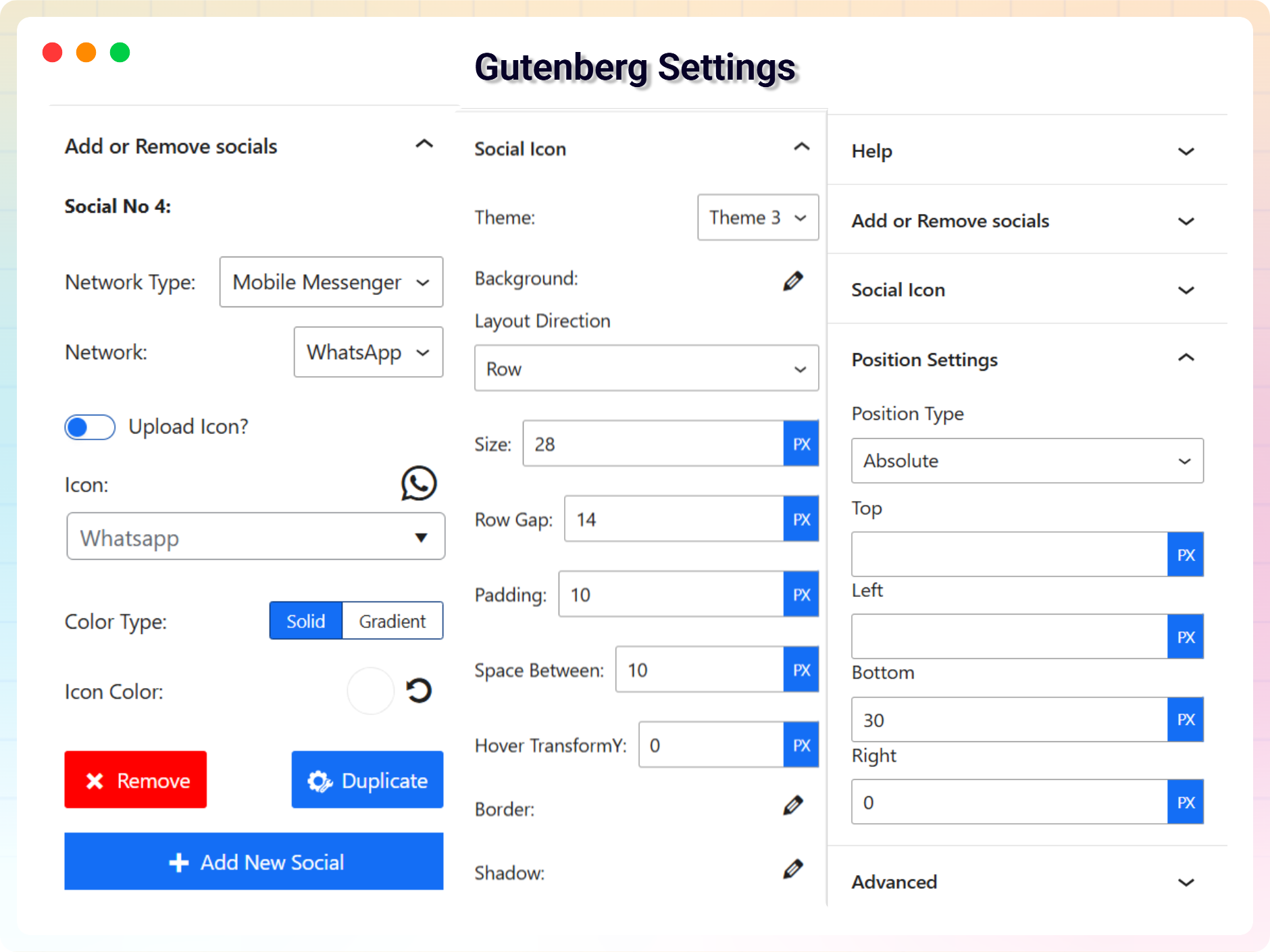
Gutenberg Block Settings
Блоки
Этот плагин предоставляет 1 блок.
- Social Share Share your website/website-page link.
Установка
From Gutenberg Editor:
- Go to the WordPress Block/Gutenberg Editor.
- Search For B Social Share.
- Click on the Social Share to add the block.
Download & Upload:
- Download the B Social Share plugin (.zip file).
- In your admin area, go to the Plugins menu and click on Add New.
- Click on Upload Plugin and choose the
b-social-share.zipfile and click on Install Now. - Activate the plugin and Enjoy!
Manually:
- Download and upload the B Social Share plugin to the
/wp-content/plugins/directory - Activate the plugin through the Plugins menu in WordPress
Часто задаваемые вопросы
-
Yes, B Social Share Block is a free Gutenberg block plugin.
-
Does it work with any WordPress theme?
-
Yes, it will work with any standard WordPress theme.
-
Can I change block settings?
-
Yes, you can change block settings from the Gutenberg block editor’s right sidebar.
-
How many times can I reuse a block?
-
You can use unlimited times as you want.
-
Where can I get support?
-
You can post your questions on the support forum here
Отзывы


Участники и разработчики
«Social Share Block – Social Sharing Buttons for Posts and Pages» — проект с открытым исходным кодом. В развитие плагина внесли свой вклад следующие участники:
Участники


Перевести «Social Share Block – Social Sharing Buttons for Posts and Pages» на ваш язык.
Заинтересованы в разработке?
Посмотрите код, проверьте SVN репозиторий, или подпишитесь на журнал разработки по RSS.
Журнал изменений
2.2.0 — 2026-03-29
- Update: Improved block sidebar user interface for better usability
- Update: Added new style customization options
- Update: Minor UI improvements and code optimization
2.0.1
- Add New Dashboard
2.0.0 — 2026-02-05
- Updated with new a lot features and major updates of the plugin
1.0.6 — 4 Aug 24
- Add translate feature
1.0.5
- Add translate feature
1.0.4
- Social Item Overflow fix
1.0.3
- Reduce PHP Code
- Performance improvement
1.0.2
- Reduce PHP Code.
1.0.1
- Performance improvement.
1.0.0
- Initial Release.