

Описание
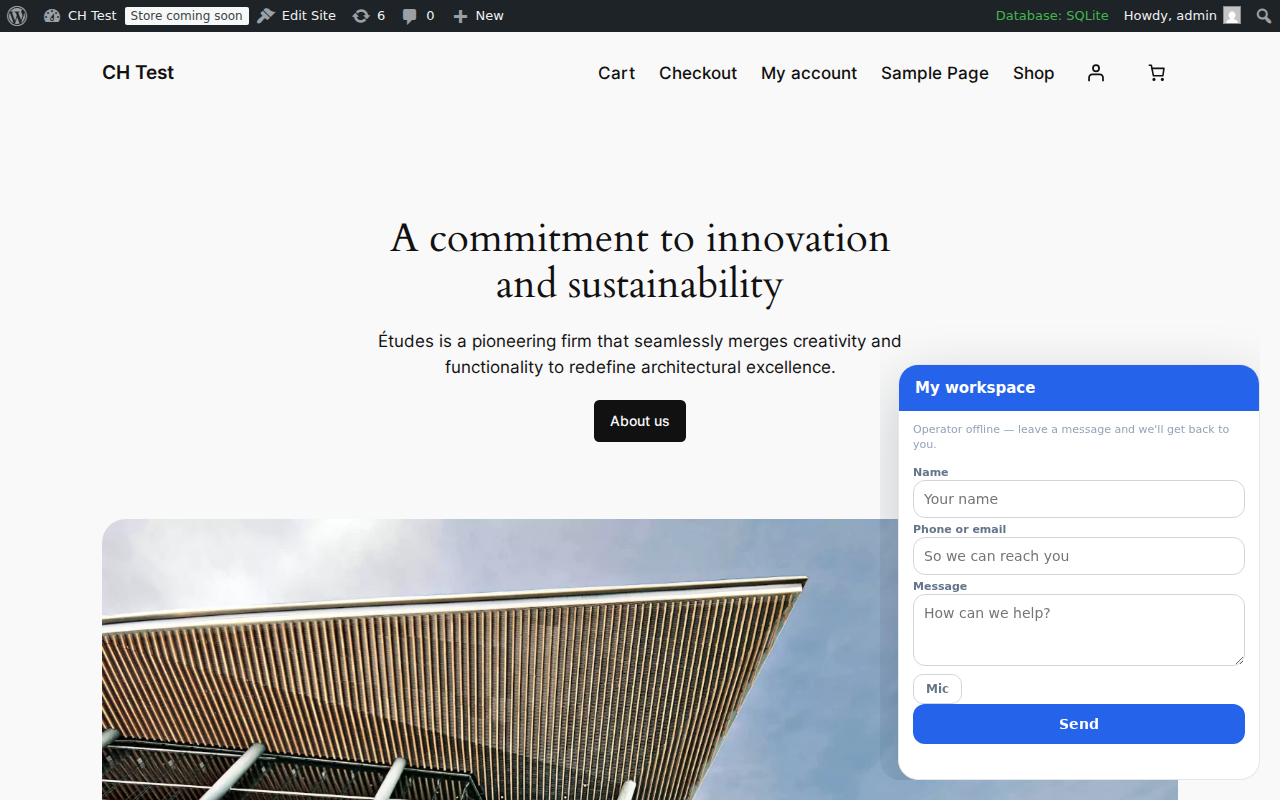
Clients.Help turns your WordPress site into a full intake point for chats, voice messages, and booking requests. This plugin connects your site to a Clients.Help workspace and adds:
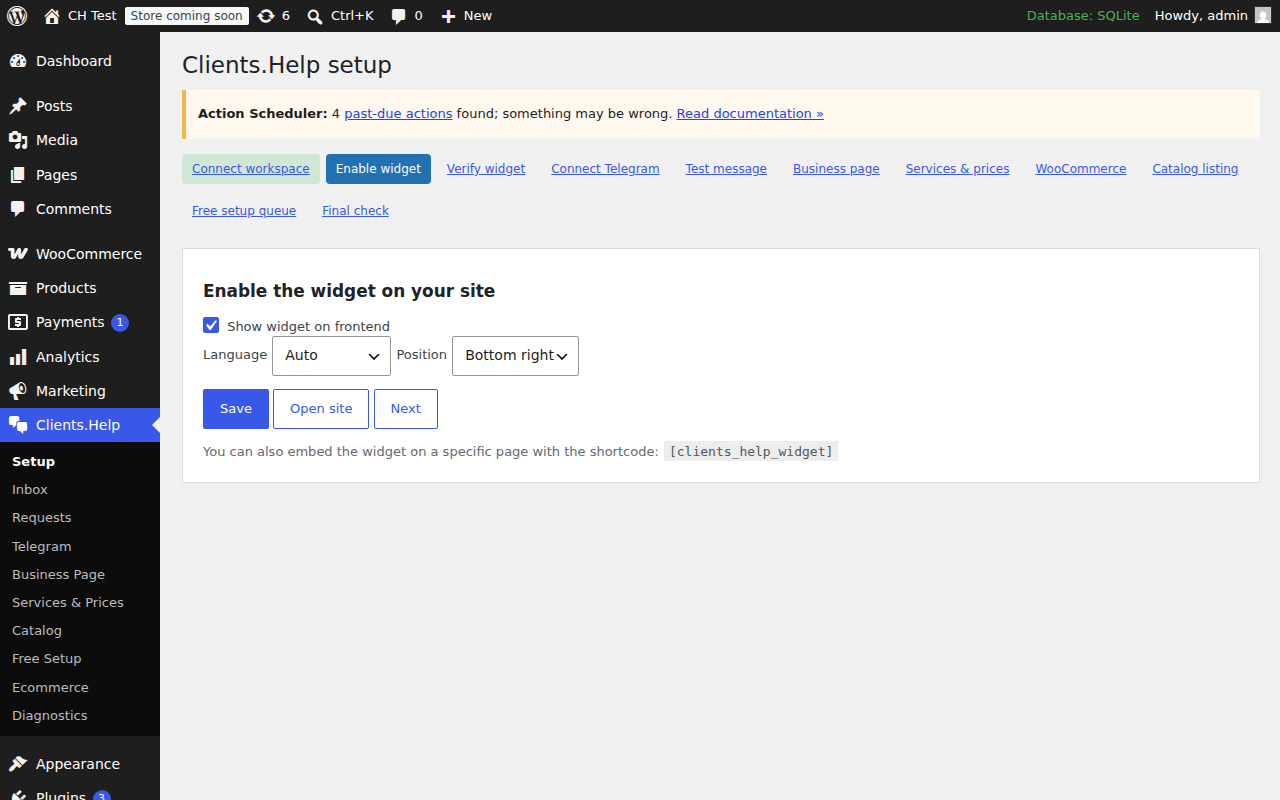
- The Clients.Help widget on your frontend (with shortcode and Gutenberg block).
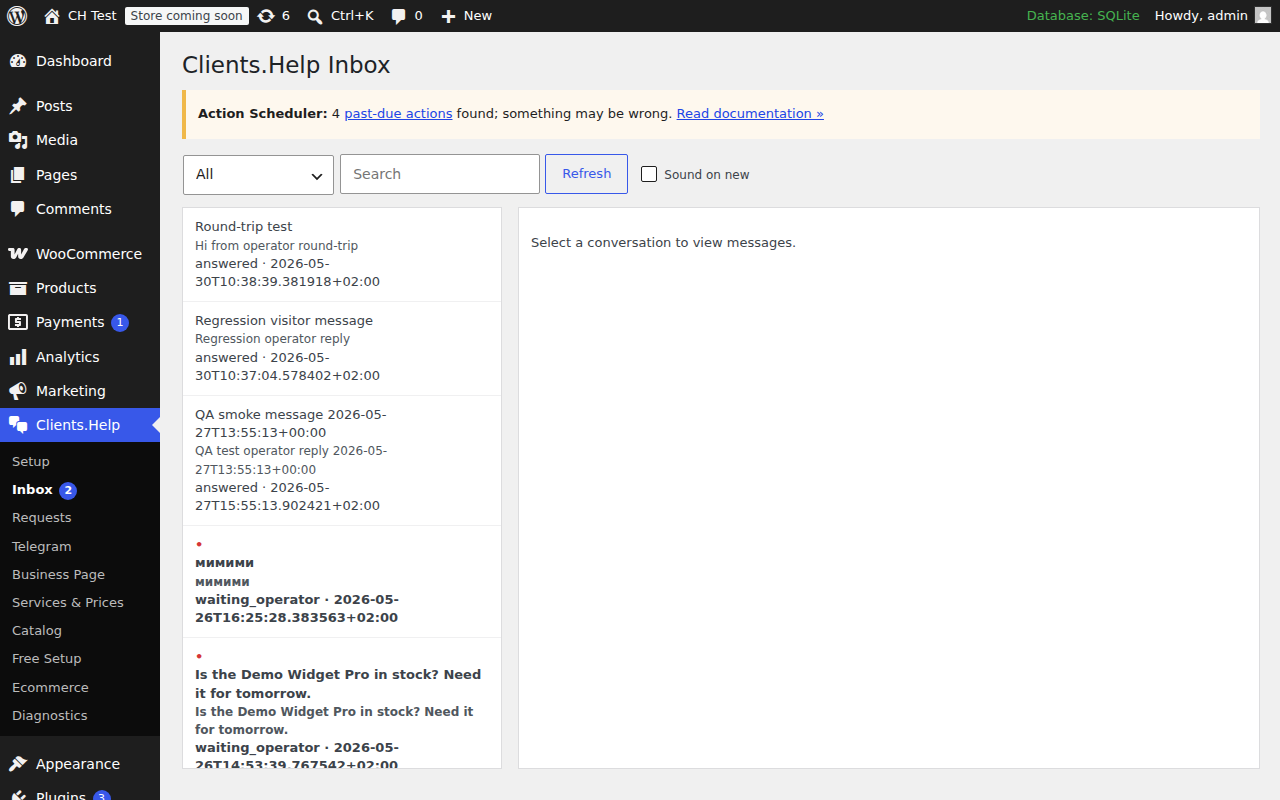
- An Admin Inbox so operators can answer visitors without leaving WordPress.
- Voice-message playback and transcript display.
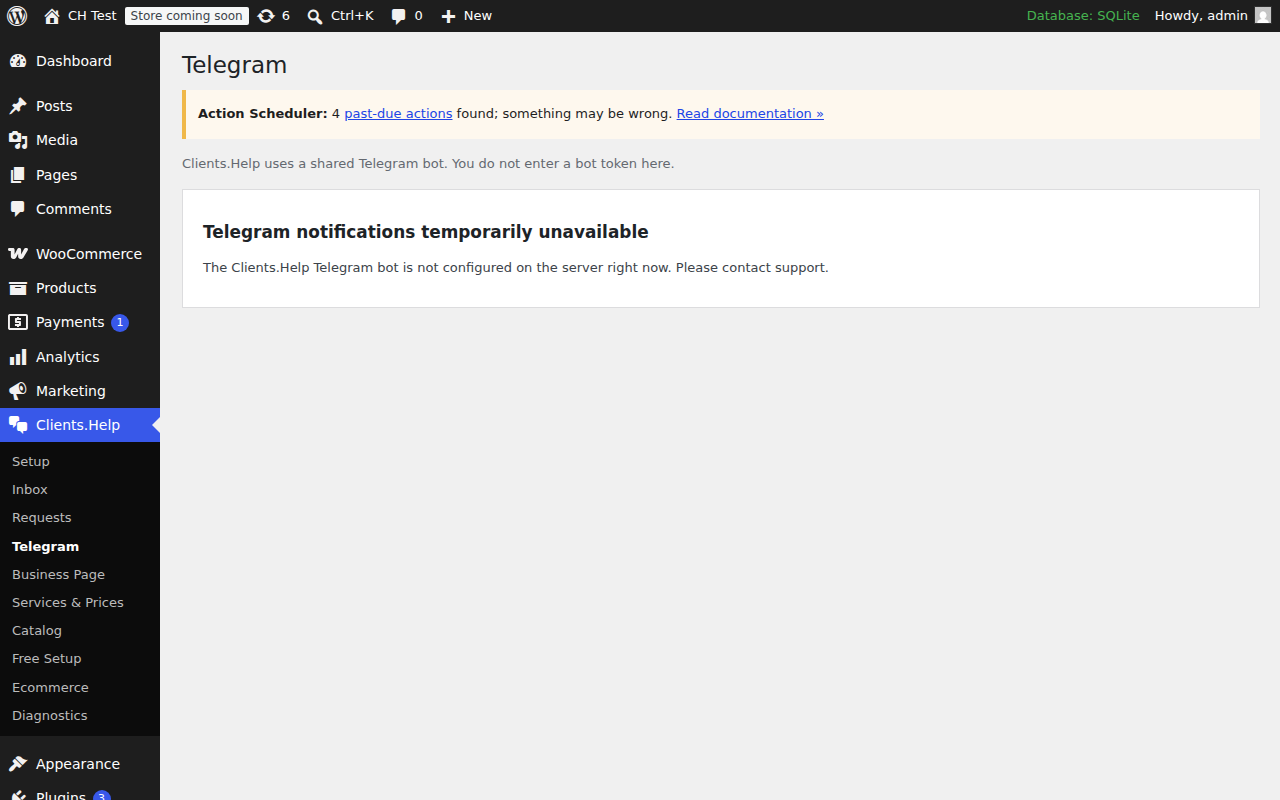
- Shared-bot Telegram connection (no bot token entry required).
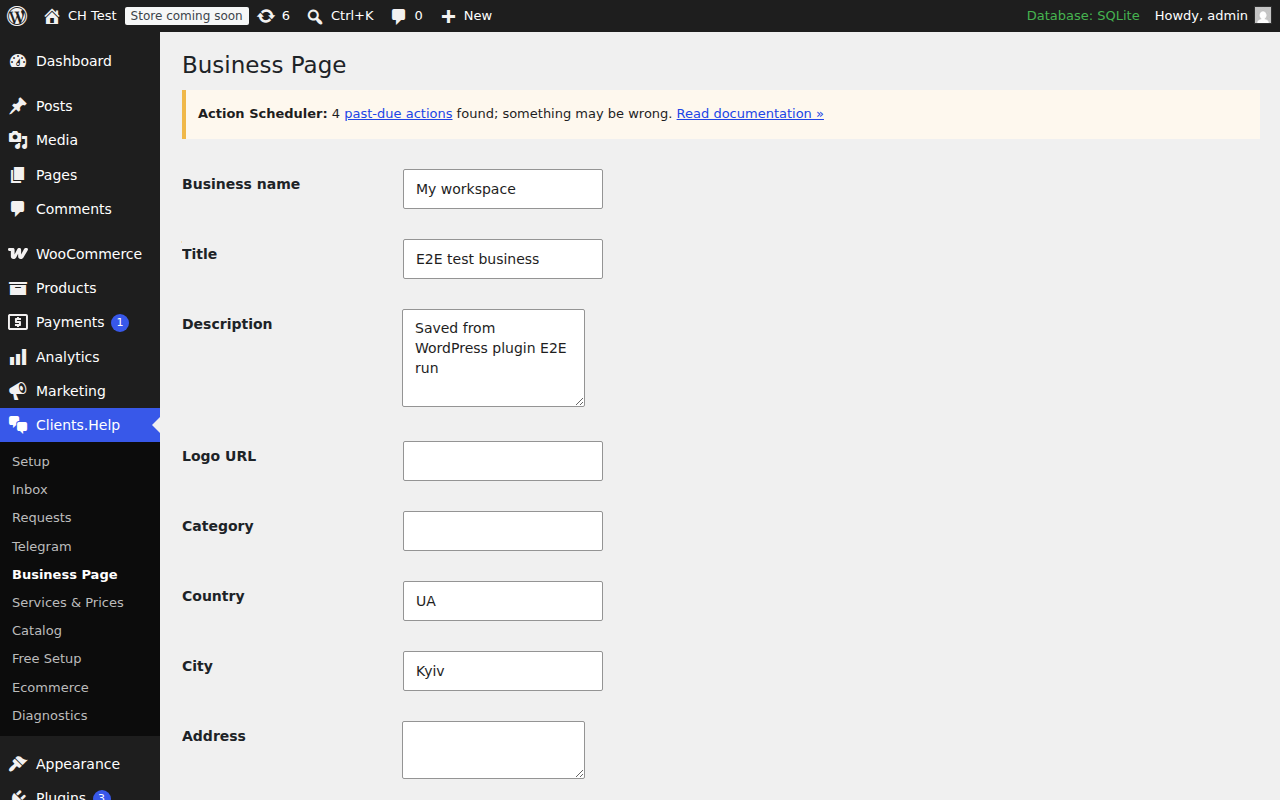
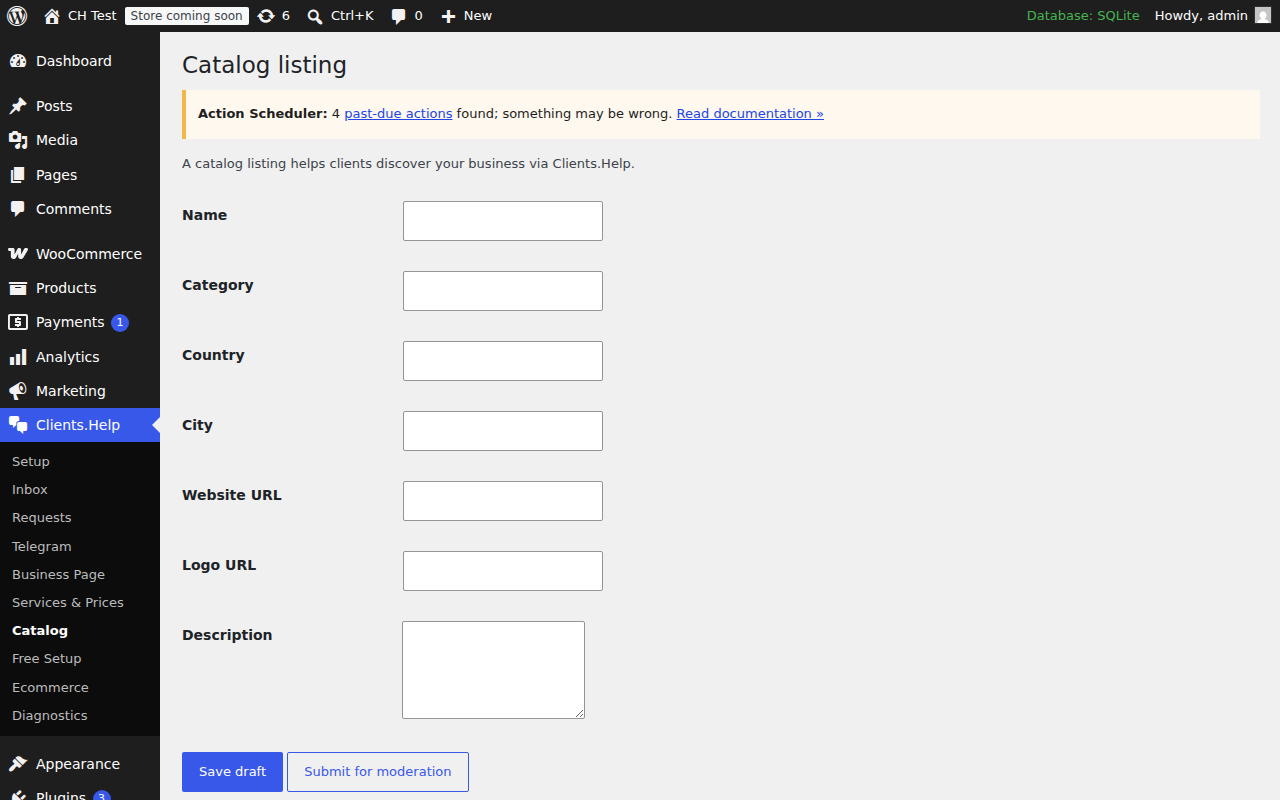
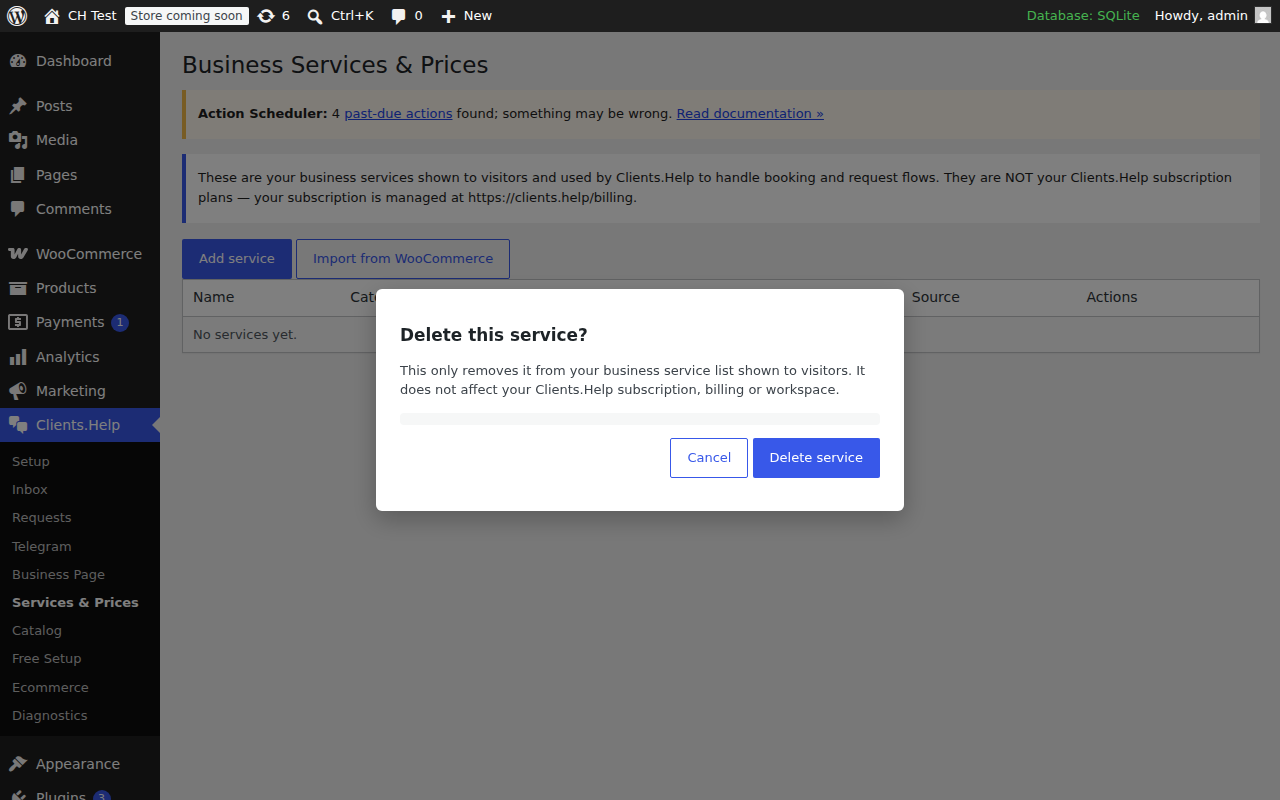
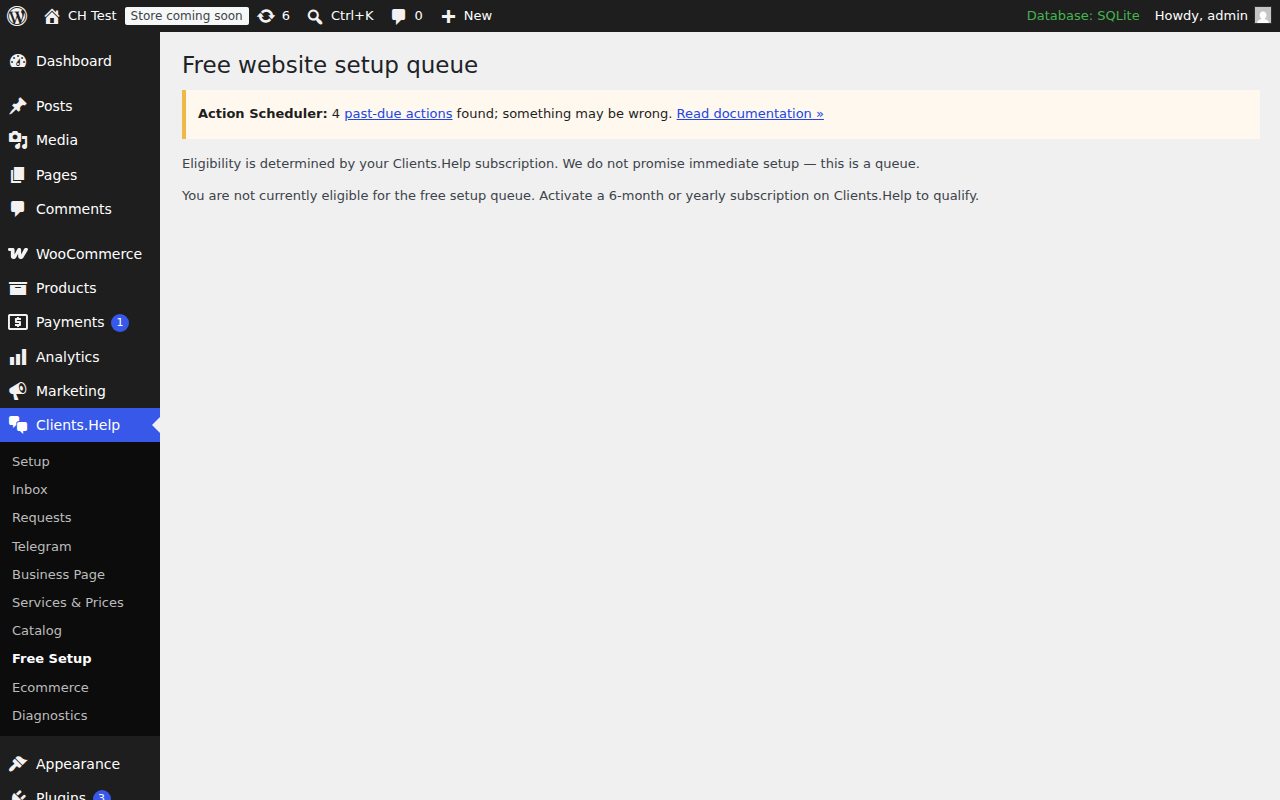
- Business page, services & prices, requests, catalog and free setup queue screens.
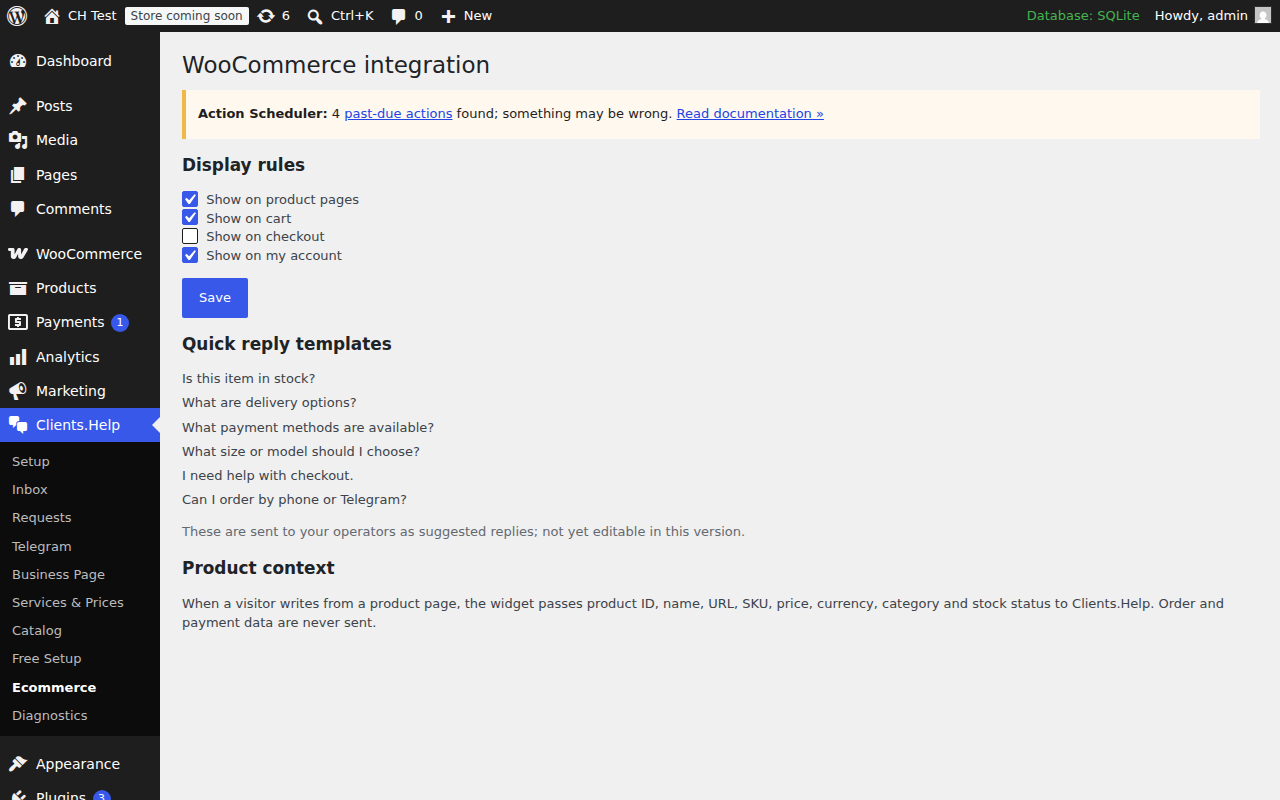
- WooCommerce integration: widget display rules per page type and product context (product id, name, URL, SKU, price, currency, category, stock status) sent with each conversation.
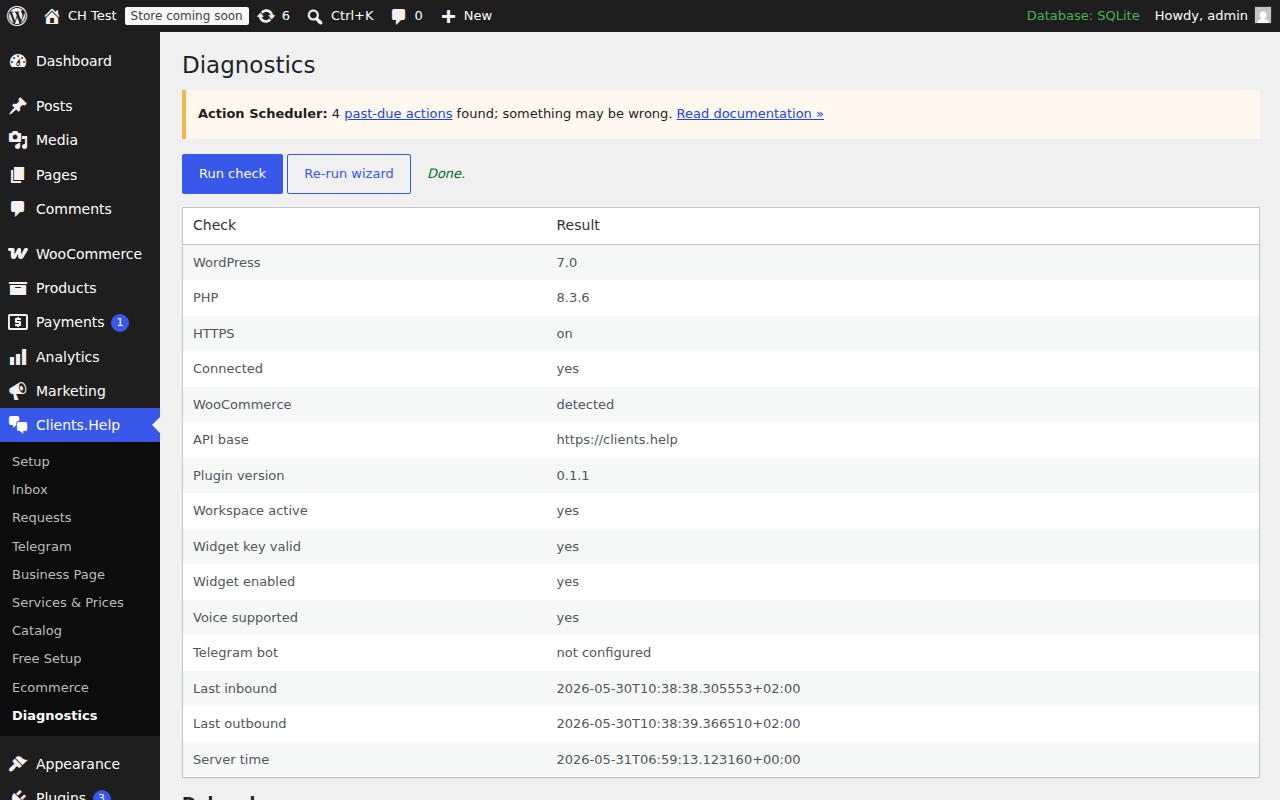
- Diagnostics page with a downloadable debug log.
All conversation, request and voice data is stored in Clients.Help — WordPress is the operator surface, not the source of truth.
External services
This plugin loads the Clients.Help widget script from https://clients.help/widget.js and exchanges data with https://clients.help/api/plugin/....
Data sent to Clients.Help includes:
- visitor messages, optional name/phone/email;
- source URL and referrer;
- WooCommerce product/page context when present;
- voice recordings (if the visitor records one) and transcripts generated by Clients.Help;
- operator replies you compose in WordPress.
See https://clients.help/privacy and https://clients.help/terms.
Скриншоты
Блоки
Этот плагин предоставляет 1 блок.
- Widget
Установка
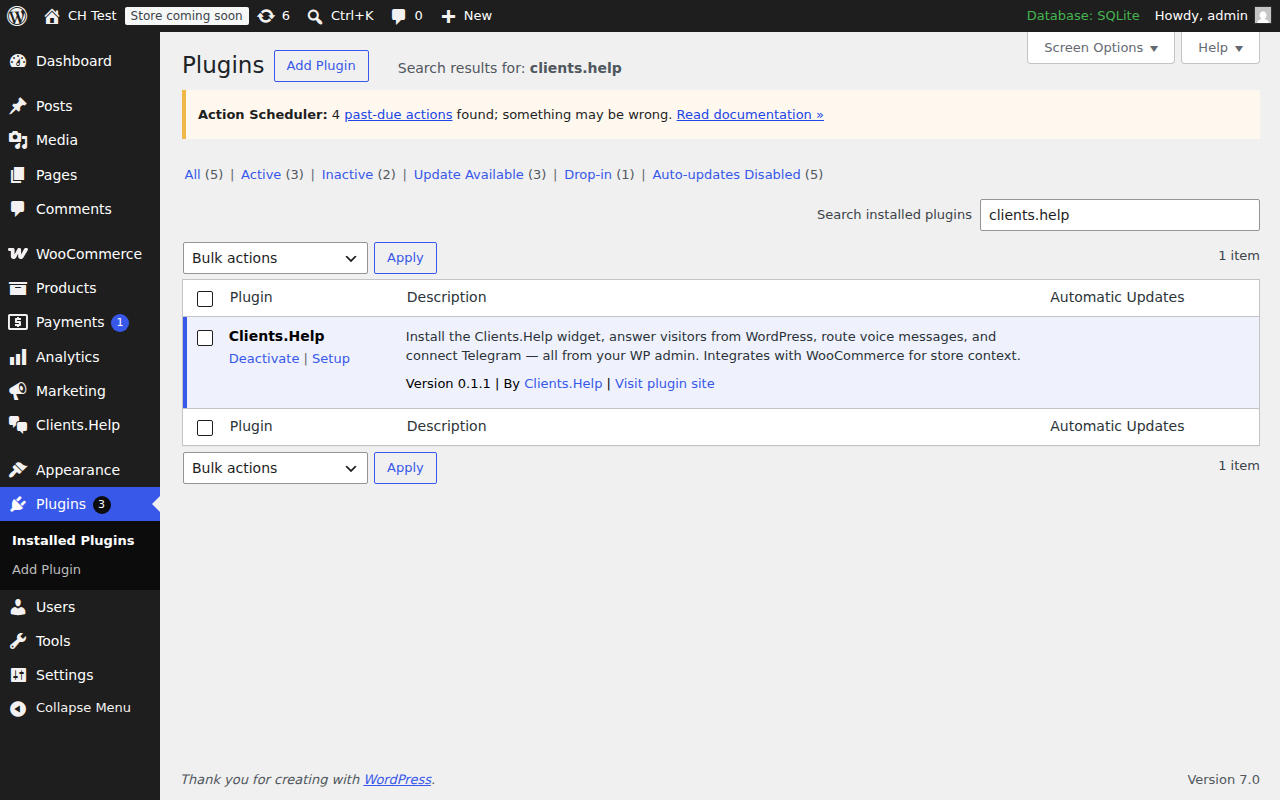
- Upload the plugin folder to
/wp-content/plugins/or install via the WordPress admin. - Activate it.
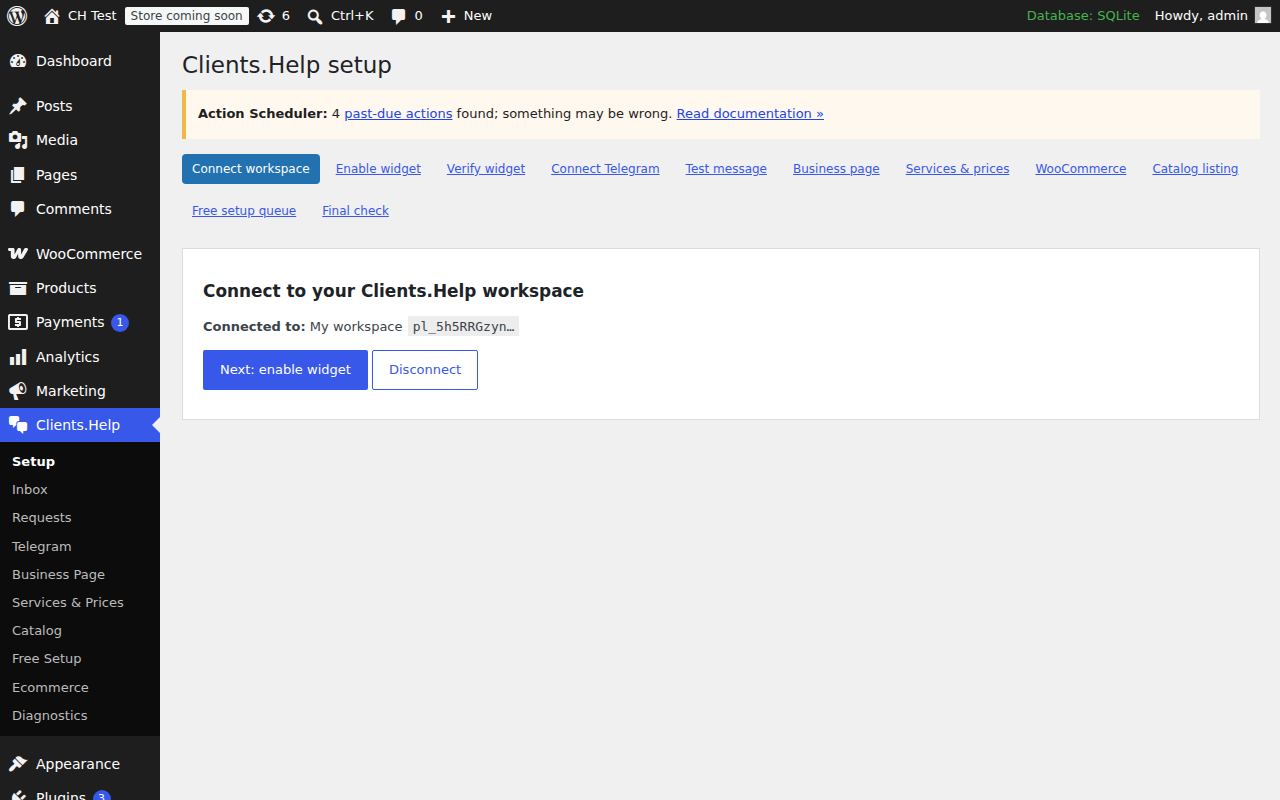
- Open the Clients.Help menu in WordPress admin and follow the setup wizard.
- Paste the connect code from your Clients.Help dashboard.
Часто задаваемые вопросы
-
Where do the messages live?
-
On Clients.Help servers. WordPress only stores plugin settings.
-
Do I have to enter a Telegram bot token?
-
No. Clients.Help operates a shared Telegram bot. You connect by clicking a link.
-
Does this break WooCommerce checkout?
-
No. The plugin never modifies cart, checkout, payment, or order data.
Отзывы
Нет отзывов об этом плагине.
Участники и разработчики
«Clients.Help» — проект с открытым исходным кодом. В развитие плагина внесли свой вклад следующие участники:
Участники
«Clients.Help» переведён на 2 языка. Благодарим переводчиков за их работу.
Перевести «Clients.Help» на ваш язык.
Заинтересованы в разработке?
Посмотрите код, проверьте SVN репозиторий, или подпишитесь на журнал разработки по RSS.
Журнал изменений
1.0.0
- First public release.
- Translated into 36 languages (UI strings plus JavaScript admin via JSON translations).
- Setup wizard step labels are now fully translatable.
- Tested up to WordPress 7.0.
0.1.1
- Inbox polls every 7 s, highlights new conversations, shows unread badge in admin menu, optional sound toggle.
- Telegram screen and wizard «Send test» step hide the test button when the shared bot is not configured and show a customer-friendly notice instead of raw error codes.
- «Services & Prices» screen renamed to «Business Services & Prices» with a clarifying note that these are visitor-facing services, not Clients.Help subscription plans. Delete now opens a confirmation modal. Imported services (e.g. WooCommerce) cannot be deleted from this screen.
- Verified WooCommerce product context end-to-end: product id, name, URL, SKU, price, currency, category and stock status are forwarded with each conversation.
- No backend changes.
0.1.0
- Initial release: widget injection, admin inbox, voice playback, Telegram screen, business page, services, requests, catalog, free setup queue, WooCommerce integration, diagnostics, EN/RU/UK translations.