

Описание
Lordicon предлагает уникальную библиотеку современных анимированных значков, которые оживят ваш сайт на WordPress и сделают его интерактивным. С помощью этого плагина вы сможете легко просматривать, настраивать и вставлять значки Lordicon прямо в редактор Gutenberg.
Плагин Lordicon — быстрый, легкий и простой в использовании — поможет вам дополнить контент анимированной графикой без ущерба для производительности. Независимо от того, нужны ли вам едва заметные интерактивные элементы или привлекательная анимация, Lordicon обеспечит гибкость, соответствующую вашему бренду и стилю оформления.
Функции
- Обширный бесплатный набор значков (с указанием авторства)
- Полная библиотека значков доступна в PRO-версии (без указания авторства)
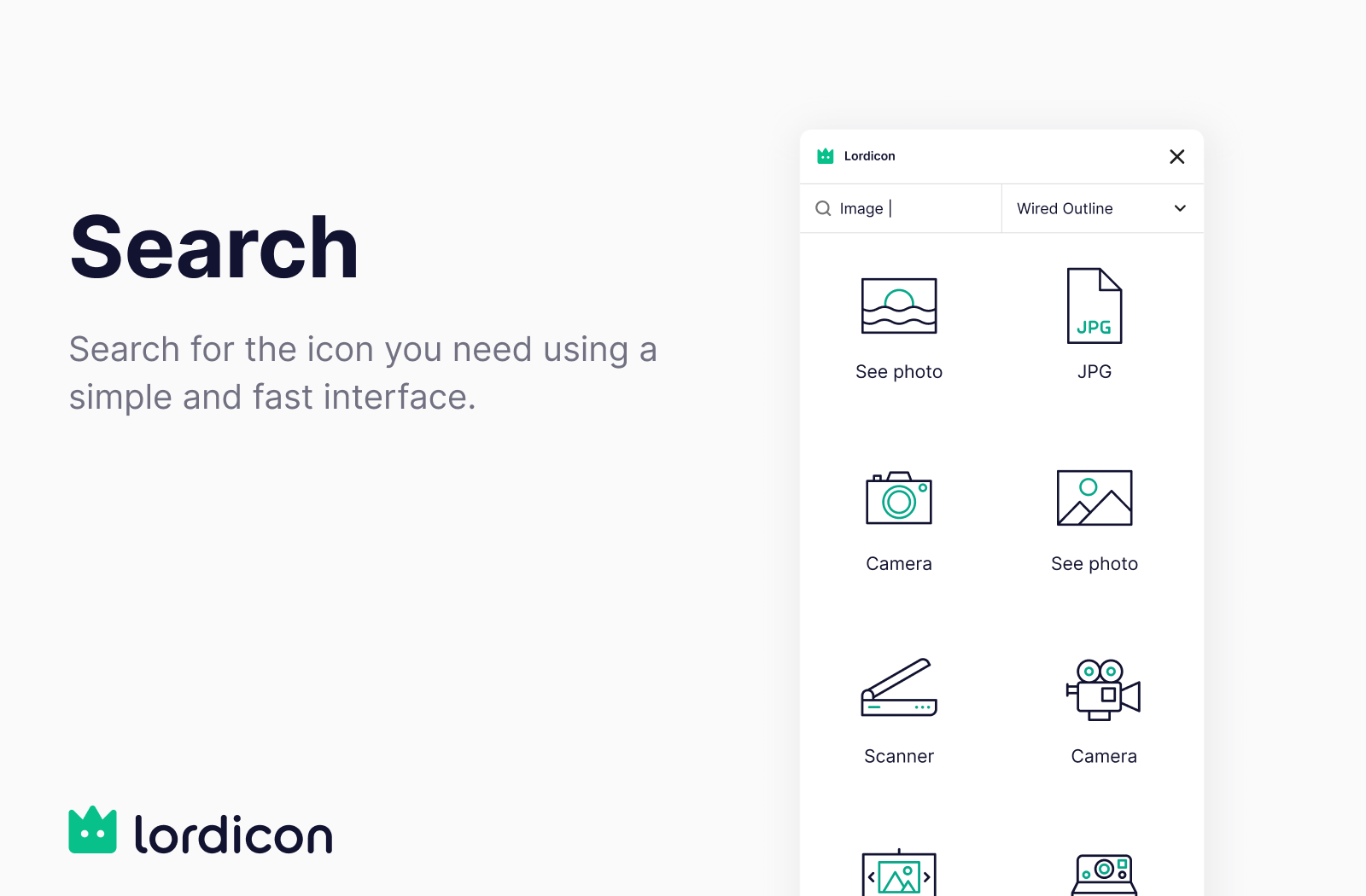
- Insert icons directly into Gutenberg blocks
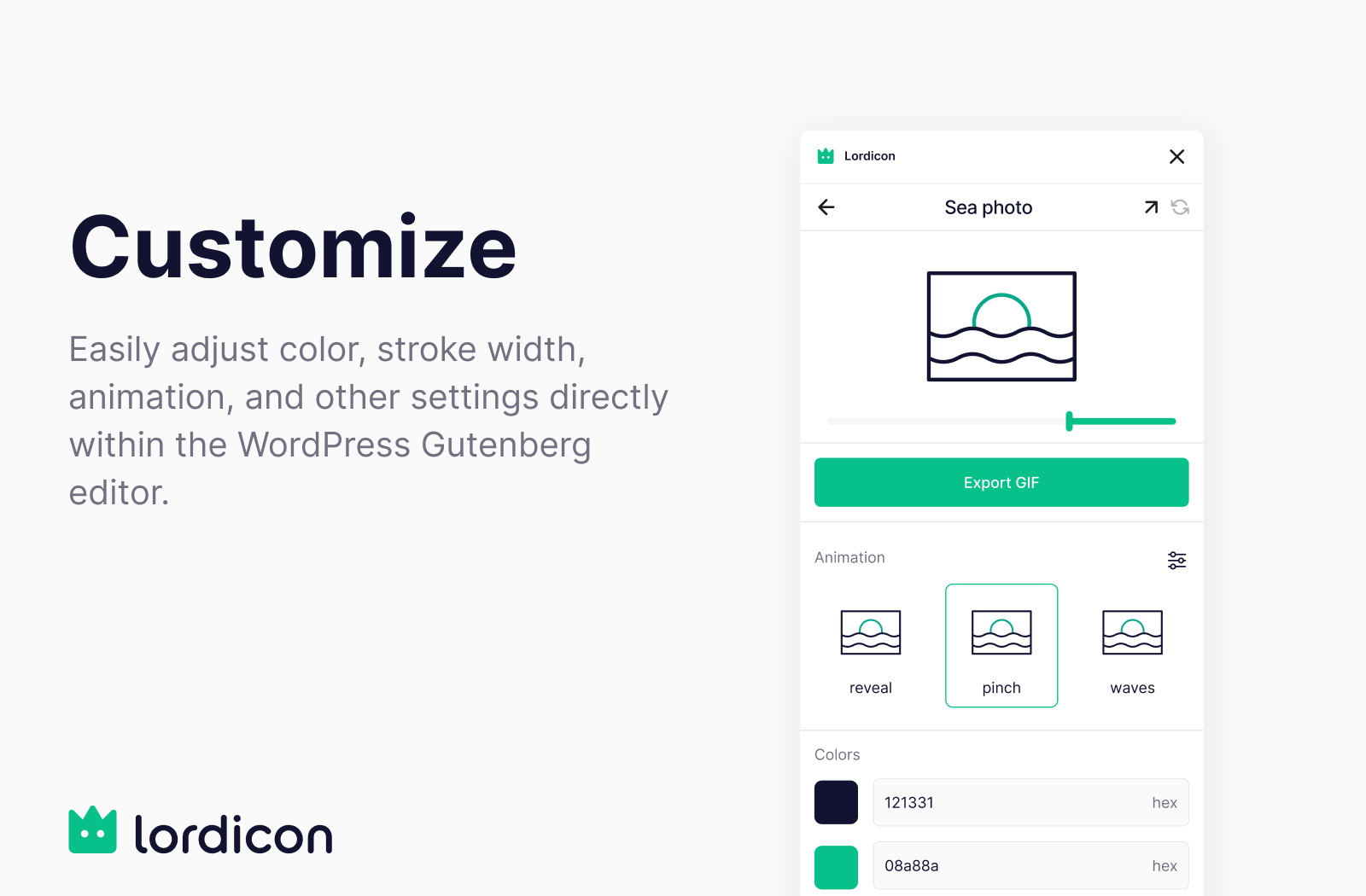
- Customize color, stroke, animation type, and trigger
- Оптимизированный рендеринг с резервными изображениями и отложенной загрузкой для повышения производительности
Почему стоит выбрать Lordicon?
Полностью настраиваемый
Изменяйте значки прямо в WordPress: выбирайте цвета, триггеры анимации (при наведении, клике, циклически) и многое другое.
Максимальная производительность
Icons are rendered using image fallbacks on initial load and transition to animated formats only when users interact with them — keeping your pages fast and smooth. Icon assets load only on pages that actually contain a Lordicon block.
Дружелюбные лицензии
Соблюдайте требования законодательства при бесплатном использовании в личных или коммерческих целях с помощью чётко определенных лицензионных планов.
External services
The icons are not bundled with the plugin, so it connects to the Lordicon service (lordicon.com) to browse the library and to fetch the icons you choose. Without that connection the plugin cannot work.
What is sent, and when:
- While you browse the library — what you are looking for: your search text and the icon family and style you have selected.
- When you insert an icon — which icon it is, so the download can be counted against your plan.
- If you connect a Lordicon account — your email address, to sign you in. You can use the free icons without an account, and then nothing personal is sent.
All of this happens in your WordPress admin, on your server. Nothing is sent while a visitor views your site: once inserted, an icon is served from your own media library.
Service provided by Lordicon: terms and conditions, privacy policy.
Лицензия
The plugin code is licensed under GPLv2 or later.
However, the Lordicon icons themselves are licensed separately under the Lordicon License Terms and Conditions.
Разработка
Source code is available on GitHub:
https://github.com/lordicondev/plugin-wordpress
The plugin ships with its Gutenberg block UI already built. The unminified sources for
dist/block.js, dist/element.js and dist/settings.js live in the ui/ directory of the
repository, and are built with Vite:
cd ui && npm install && npm run build
Скриншоты
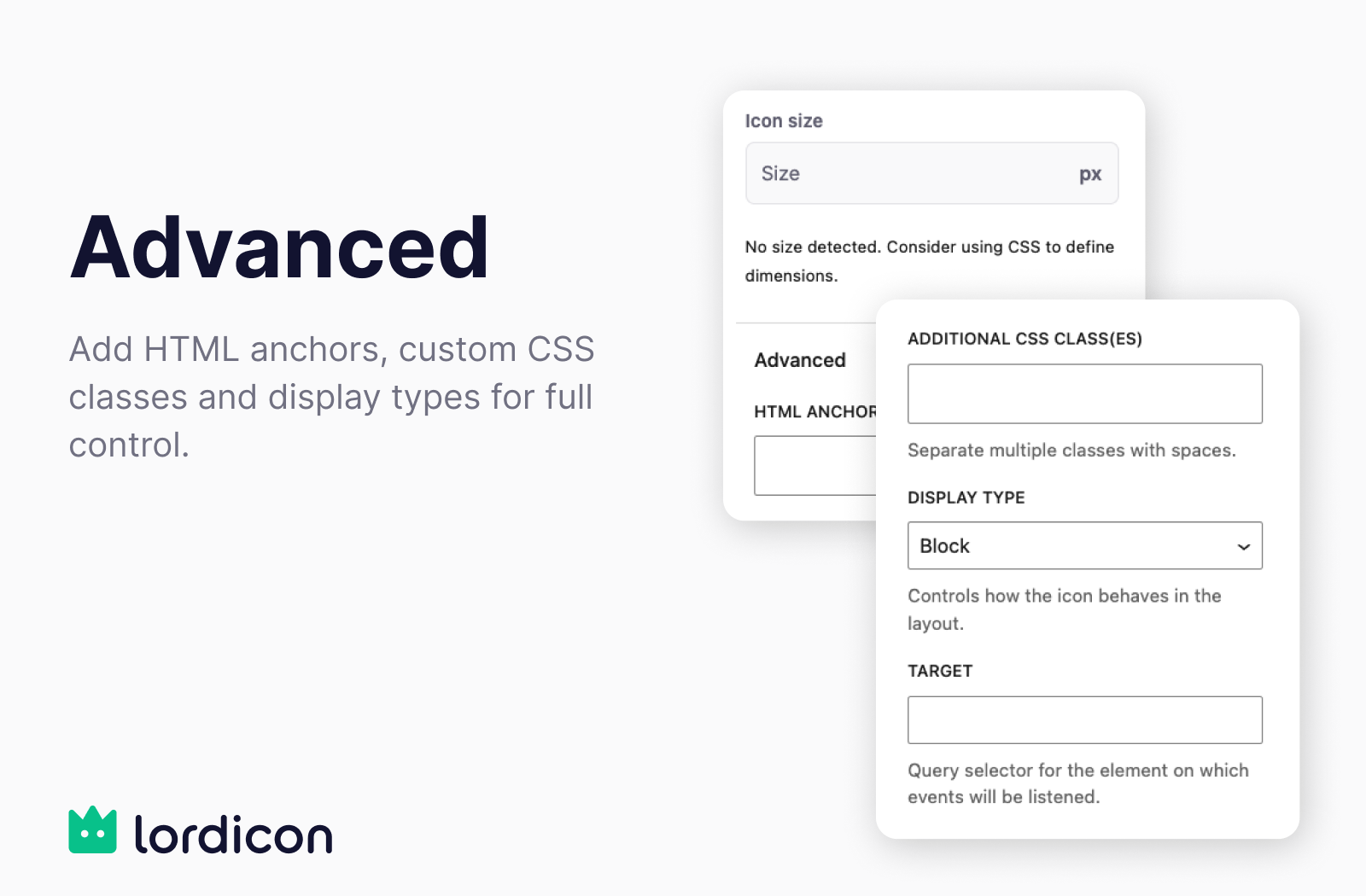
Блоки
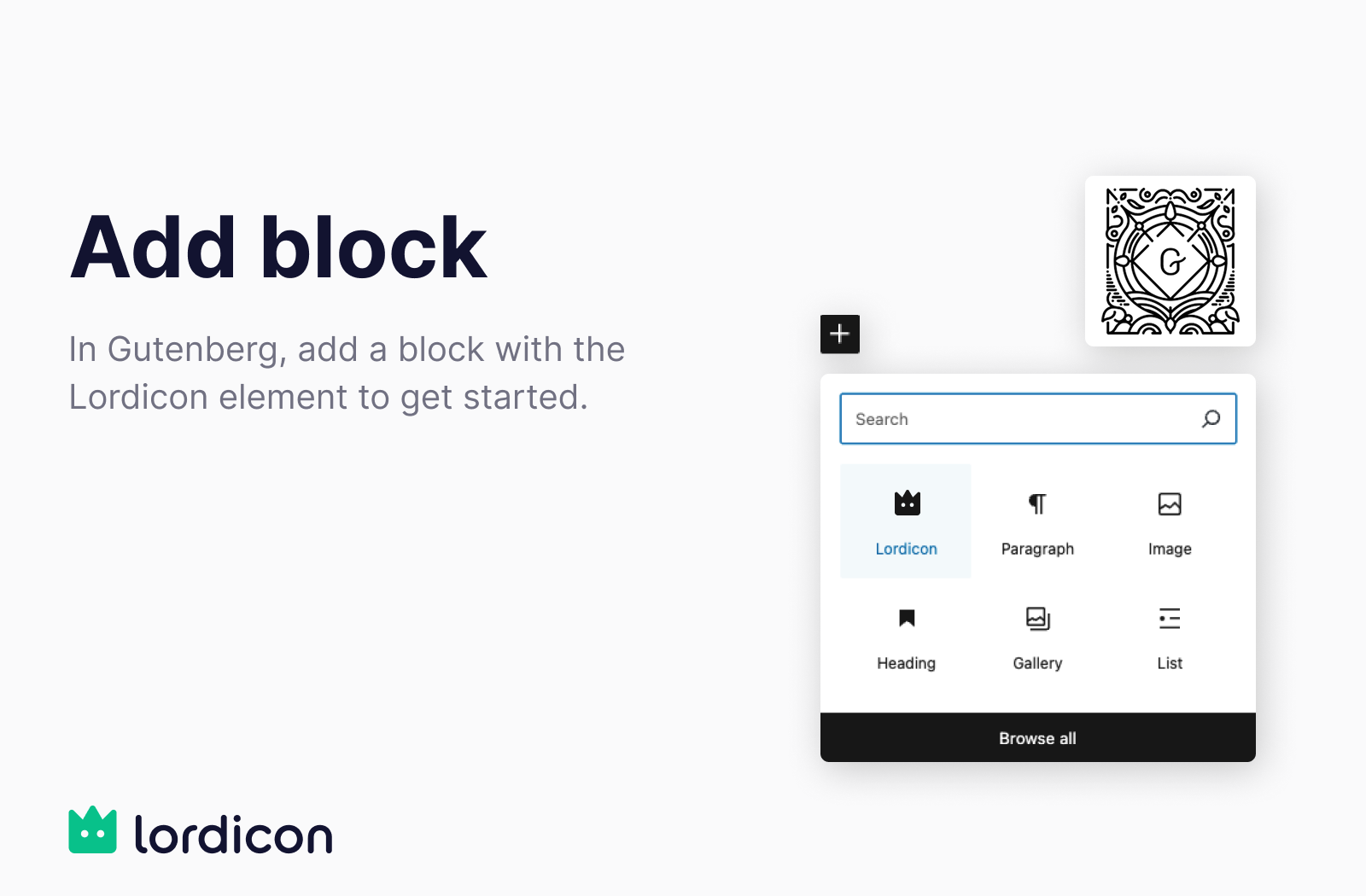
Этот плагин предоставляет 1 блок.
- Lordicon Animated Icon Block.
Установка
Автоматическая установка
- Navigate to Plugins > Add New in your WordPress dashboard.
- Search for Lordicon.
- Click Install Now, then Activate the plugin.
- Перейдите на любую страницу или запись в Gutenberg и вставьте блок Lordicon, чтобы начать работу.
Ручная установка
- Download the plugin from the WordPress plugin repository.
- Upload the contents to the
/wp-content/plugins/lordicon/directory. - Activate the plugin via the Plugins menu.
- При необходимости вставляйте блоки Lordicon в свой контент в Gutenberg.
Часто задаваемые вопросы
-
Можно ли использовать Lordicon бесплатно?
-
Да, плагин и набор значков доступны бесплатно для личного некоммерческого использования с обязательной ссылкой на источник.
Чтобы получить доступ ко всей библиотеке значков, убрать указание авторства и получить коммерческие права, вам нужно оформить подписку на тарифный план PRO.
-
Нужно ли регистрировать учётную запись Lordicon для использования этого плагина?
-
Нет, вы можете использовать бесплатные значки, не создавая учётную запись на Lordicon.
Учётная запись Lordicon нужна только для доступа к библиотеке иконок PRO. Можете войти в систему через «Настройки» > «Lordicon» в панели администратора WordPress.
Управление подпиской (переход на PRO-версию, оплата или настройка профиля) осуществляется на сайте Lordicon.
-
Who on my team can use the icons?
-
Anyone who can write and publish content. Connecting or disconnecting the Lordicon account stays with administrators.
-
I place Lordicon icons outside the block, from my theme. Will they still work?
-
The plugin now loads its icon files only on pages that actually use a Lordicon block, which keeps the rest of your site lighter. If you place icons yourself — from a template, a shortcode or a page builder — add this line to your theme so they keep working everywhere:
add_filter( 'lordicon_define_element', '__return_true' ); -
Требуется ли тарифный план PRO?
-
Тариф PRO нужен только в следующих случаях:
- You’re using icons for commercial purposes
- You need attribution-free use
- You want access to the entire icon library
- You require advanced customization and multiple downloads
Отзывы

Участники и разработчики
«Lordicon» — проект с открытым исходным кодом. В развитие плагина внесли свой вклад следующие участники:
Участники
«Lordicon» переведён на 2 языка. Благодарим переводчиков за их работу.
Перевести «Lordicon» на ваш язык.
Заинтересованы в разработке?
Посмотрите код, проверьте SVN репозиторий, или подпишитесь на журнал разработки по RSS.
Журнал изменений
1.1.0
- Full support for WordPress 7.1. Icons show up properly in the editor again.
- More of your team can work with icons — you no longer need to be an administrator.
- Lighter pages: icon files load only where they are actually used, and static previews are about half the size they were.
- The animation settings you choose in the editor now match what visitors see.
- Fixed a few settings that could be lost when an icon was edited again.
- If you place icons outside the block, from a theme or a shortcode, see the FAQ — one line keeps them working everywhere.
1.0
- Первоначальный выпуск.