

Описание
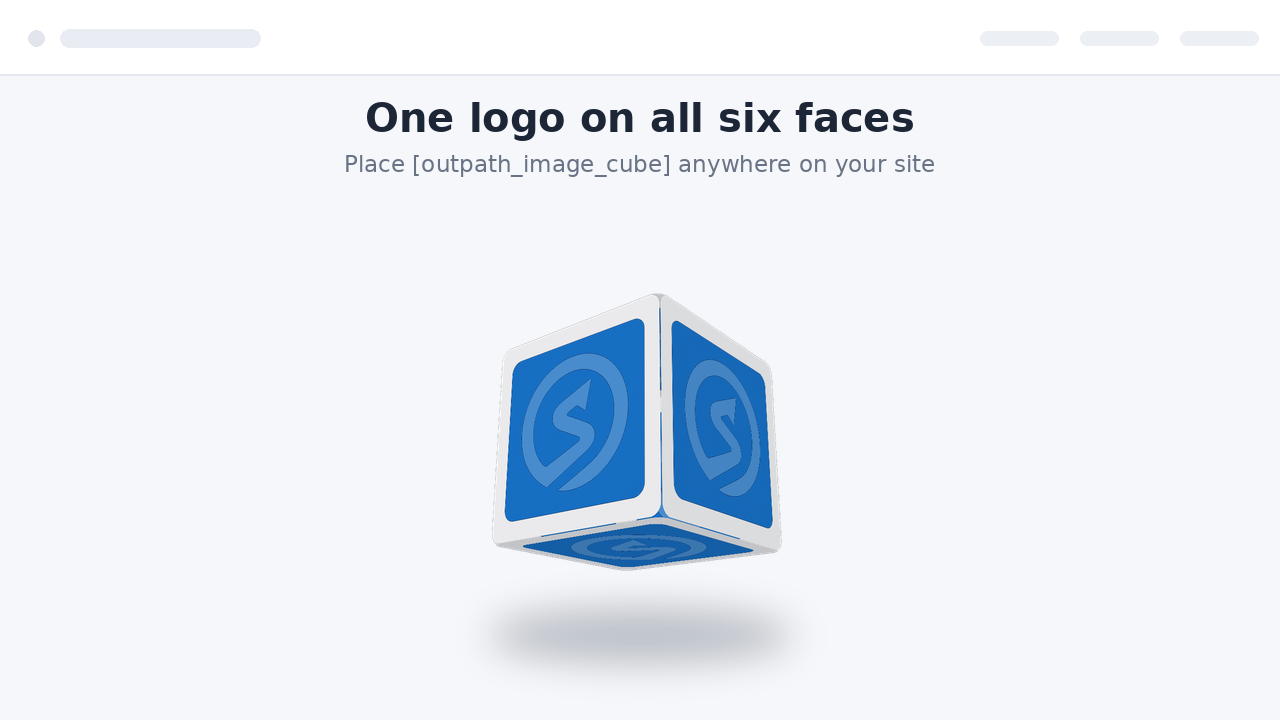
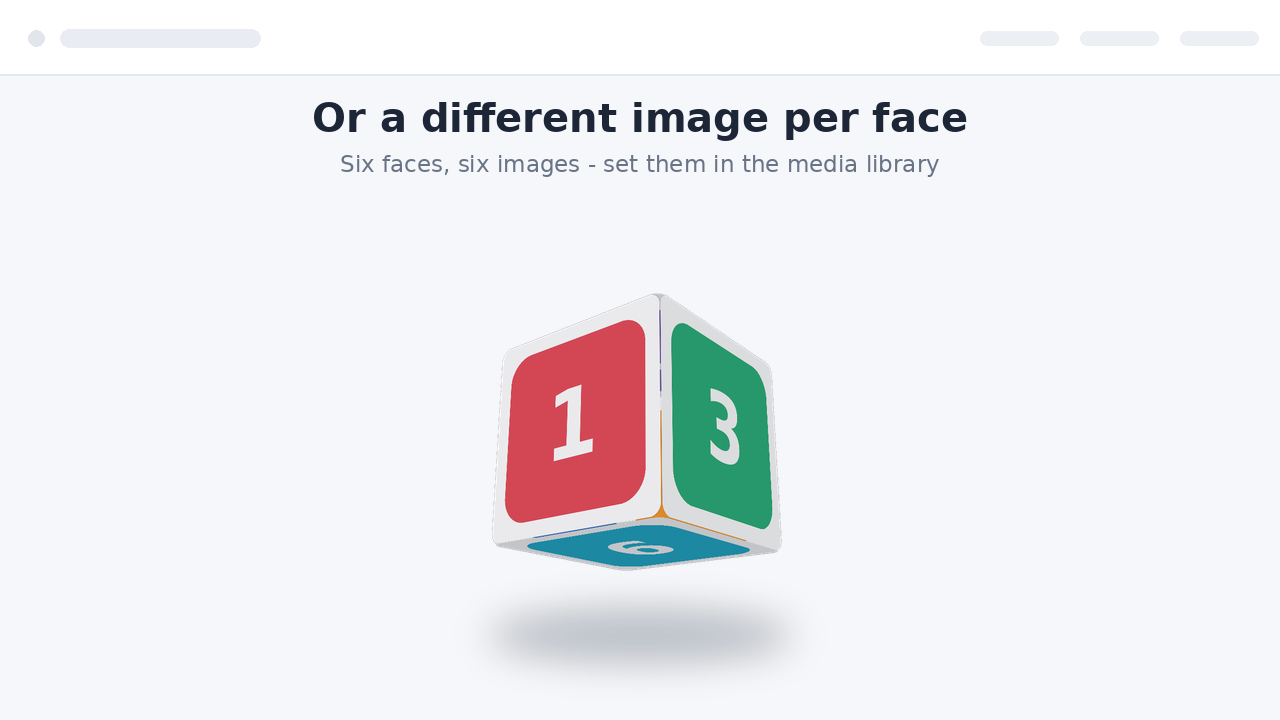
Outpath Solutions Image Cube displays a smooth, rotating 3D cube on your site. Use a single logo on all six faces, or set a different image per face. The animation uses pure CSS 3D transforms, so no JavaScript library is loaded on the front end and the cube stays fast and lightweight.
Features
- Rotating 3D cube built from one logo or six different images.
- Shortcode [outpath_image_cube] and a matching block with a live preview in the editor.
- Independent horizontal and vertical rotation speeds for a tumbling effect.
- Choose images straight from the WordPress media library.
- Responsive images with automatic srcset (uses attachment IDs).
- Live preview on the settings page.
- Extra options: pause on hover, reverse direction, adjustable perspective, ground shadow and rounded corners.
- Adjustable size and speed, globally or per shortcode.
- Respects the visitor’s «reduce motion» preference.
- Accessible: add a description for screen readers, or leave the cube decorative.
Скриншоты


Установка
- Upload the plugin folder to
/wp-content/plugins/, or install the ZIP via Plugins Add New Upload Plugin. - Activate the plugin through the «Plugins» screen in WordPress.
- Go to Settings Outpath Image Cube, choose your default image and, optionally, a different image per face.
- Place the shortcode
[outpath_image_cube]in any page, post or widget, or add the Outpath Image Cube block.
Часто задаваемые вопросы
-
How do I change the cube on a single page only?
-
Pass attributes to the shortcode, for example:
[outpath_image_cube size="300" speed="8" vspeed="12"]. -
Can I use different images per face in the shortcode?
-
Yes. Use attachment IDs:
[outpath_image_cube img1="42" img2="43" img="10"], whereimgis the fallback used for any face you leave empty. -
Which extra options are available?
-
pause=»true» pauses rotation on hover,
direction="reverse"reverses it,perspective="4"controls the depth effect (1-12, lower is stronger),shadow="true"adds a soft ground shadow andradius="12"rounds the corners. -
Is there a block, or only a shortcode?
-
Both. Search for «Outpath Image Cube» in the block inserter, or use the shortcode.
-
Does it load JavaScript on my site?
-
No. The front-end animation is pure CSS. JavaScript is only used in the admin and the block editor.
-
Does it respect reduced-motion settings?
-
Yes. Visitors who enable «reduce motion» in their system see a static, tilted cube instead of the animation.
Отзывы
Нет отзывов об этом плагине.
Участники и разработчики
«Outpath Solutions Image Cube» — проект с открытым исходным кодом. В развитие плагина внесли свой вклад следующие участники:
Участники
Перевести «Outpath Solutions Image Cube» на ваш язык.
Заинтересованы в разработке?
Посмотрите код, проверьте SVN репозиторий, или подпишитесь на журнал разработки по RSS.
Журнал изменений
2.3.0
- Renamed all functions, options, constants, handles and CSS classes to a single consistent plugin prefix.
- Removed the generic legacy shortcodes; use [outpath_image_cube].
2.2.0
- Renamed to Outpath Solutions Image Cube with unique prefixes throughout.
- Primary shortcode is now [outpath_image_cube].
- Translations are handled through translate.wordpress.org; bundled translation files removed.
2.1.0
- Added a block with a live preview in the editor.
- New options: pause on hover, direction, perspective, ground shadow and rounded corners.
- Added uninstall cleanup that removes all plugin options on deletion.
2.0.0
- Store attachment IDs instead of URLs; responsive images with srcset.
- Optional different image per face.
- Live preview on the settings page.
- Accessibility: optional screen-reader description, decorative by default.
- Shortcode values are clamped to safe ranges.
1.0.0
- Initial release: rotating cube from a single logo via shortcode.