

Описание
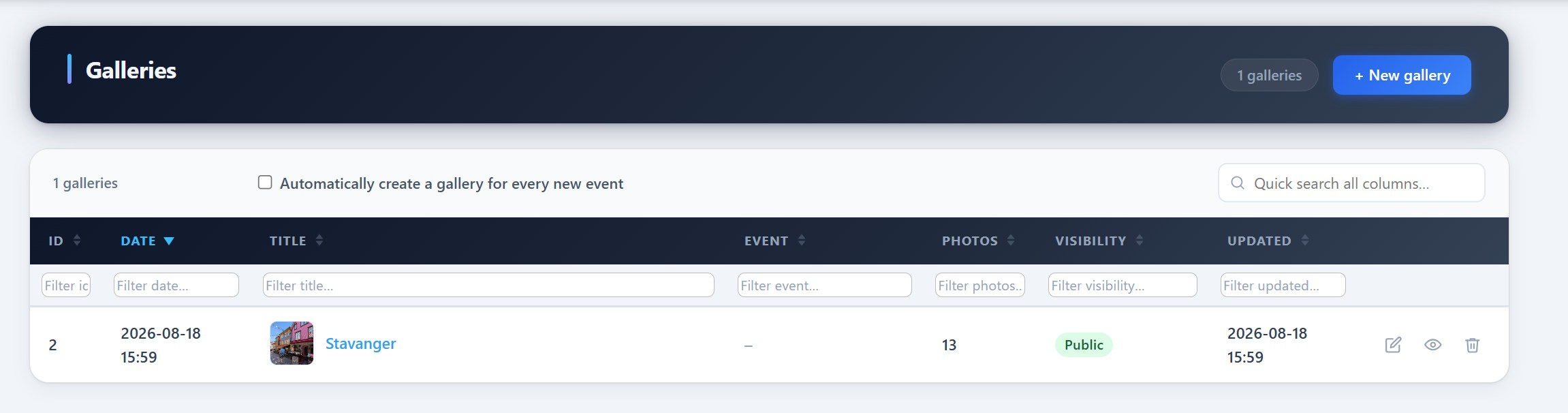
PCIO VIS Gallery is an extension for the PCIO VIS Member Event plugin. It adds event-linked photo galleries. Galleries store images as standard WordPress Media Library attachments and can be embedded with the [pcio_me_gallery id="N"] shortcode or browsed at /vis/galleries/.
This plugin requires the PCIO VIS Member Event core plugin to be installed and active.
Скриншоты
Установка
- Install and activate the PCIO VIS Member Event core plugin first.
- Upload the
pcio-vis-gallerydirectory to/wp-content/plugins/. - Activate the plugin in Plugins in the WordPress admin.
- Create galleries under the Vis admin menu and embed them with
[pcio_me_gallery id="N"].
Часто задаваемые вопросы
-
Where are the images stored?
-
As standard WordPress Media Library attachments.
-
How do I show a gallery on a page?
-
Use the
[pcio_me_gallery id="N"]shortcode, or browse all galleries at/vis/galleries/.
Отзывы
Нет отзывов об этом плагине.
Участники и разработчики
«PCIO VIS Gallery» — проект с открытым исходным кодом. В развитие плагина внесли свой вклад следующие участники:
Участники
«PCIO VIS Gallery» переведён на 1 язык. Благодарим переводчиков за их работу.
Перевести «PCIO VIS Gallery» на ваш язык.
Заинтересованы в разработке?
Посмотрите код, проверьте SVN репозиторий, или подпишитесь на журнал разработки по RSS.
Журнал изменений
1.0.0
- Initial release.