

Описание
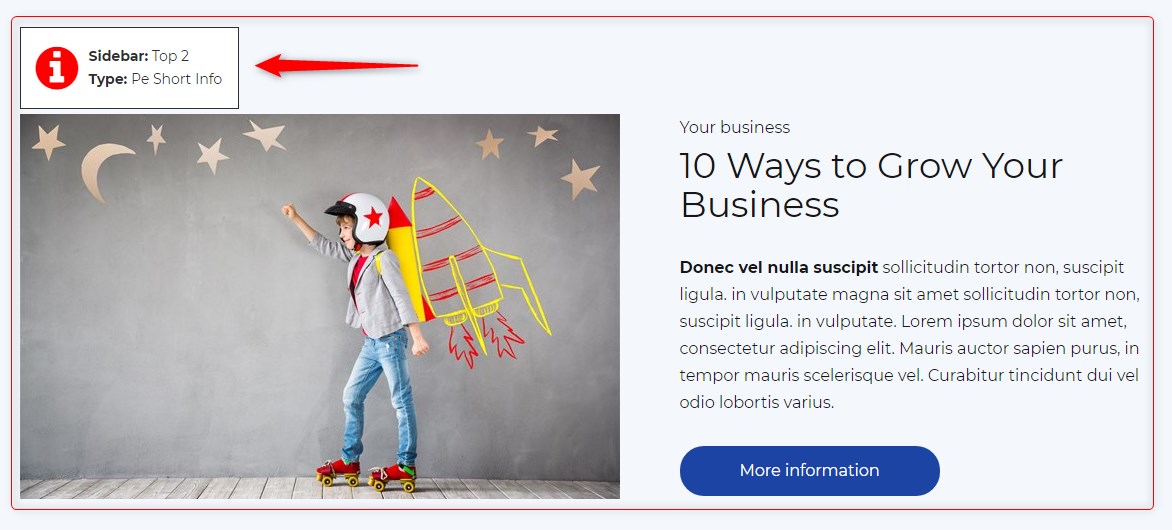
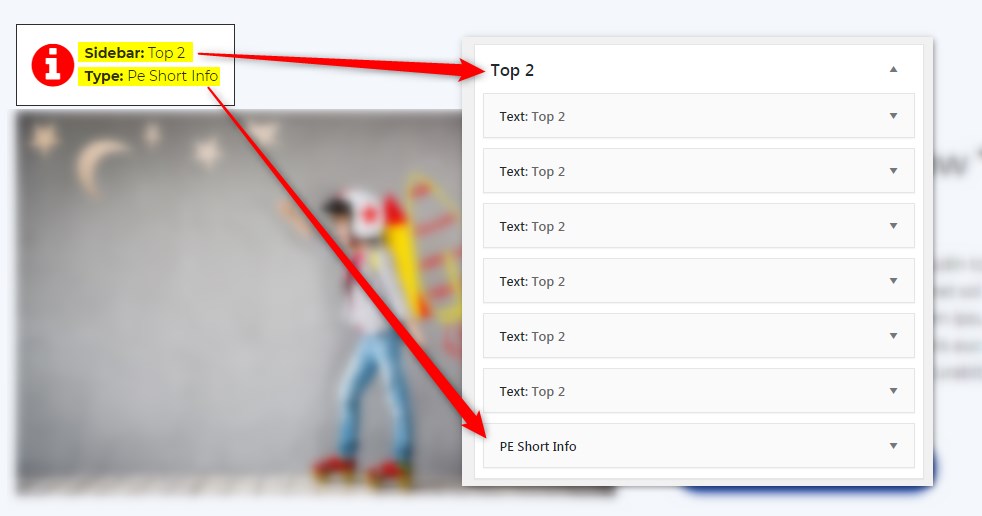
Get info about visible sidebars and widgets types and easily find them in the dashboard in Appearance -> Widgets
Скриншоты
Установка
- In your admin panel, go to Plugins -> Add New and click the Upload Plugin button.
- Click Choose File, then select the plugin ZIP file. Click Install Now.
- Click Activate to activate the plugin.
Отзывы
Нет отзывов об этом плагине.
Участники и разработчики
«PE Theme Elements Info — get info about sidebars and widgets types» — проект с открытым исходным кодом. В развитие плагина внесли свой вклад следующие участники:
Участники
Перевести «PE Theme Elements Info — get info about sidebars and widgets types» на ваш язык.
Заинтересованы в разработке?
Посмотрите код, проверьте SVN репозиторий, или подпишитесь на журнал разработки по RSS.
Журнал изменений
1.10
- Added information about menus
- Fixed possible incorrect widget names in sidebars
- By default information about widgets or menus on the page will be displayed only for logged-in administrators